QUANTUM
™
LX EVAPORATOR CONTROL PANEL
COMMUNICATIONS SETUP
090.610-CS (MAY 2016)
Page 39
dress eld) is received, each device de-
codes it to nd out if it is the addressed
device.
Following the last transmitted character,
a similar interval of at least 3.5 character
times marks the end of the message. A
new message can begin after this inter-
val. The entire message frame must be
transmitted as a continuous stream. If a
silent interval of more than 1.5 character
times occurs before completion of the
frame, the receiving device ushes the
incomplete message and assumes that
the next byte will be the address eld of
a new message.
Similarly, if a new message begins ear-
lier than 3.5 character times following a
previous message, the receiving device
will consider it a continuation of the pre-
vious message. This will set an error, as
the value in the nal CRC eld will not be
valid for the combined messages. A typi-
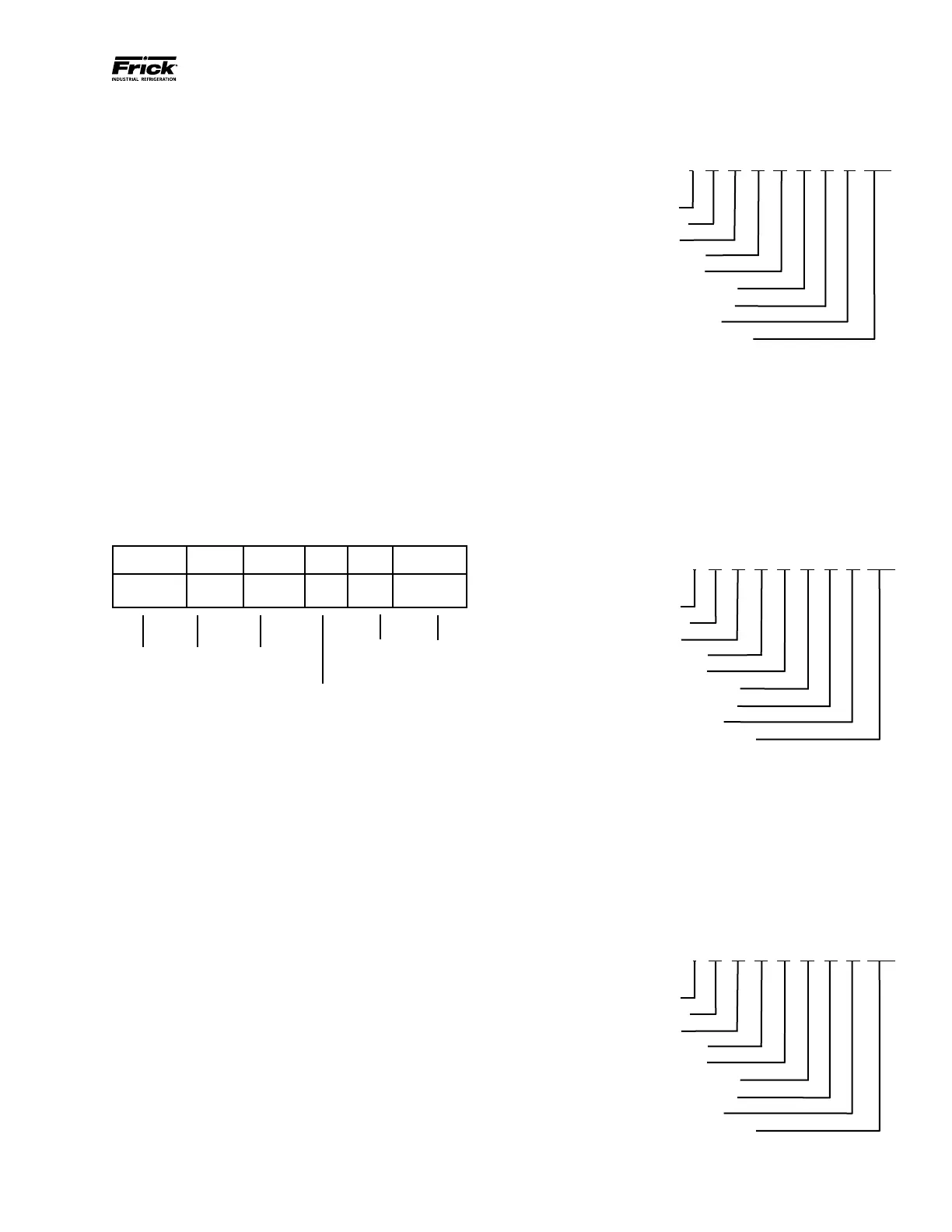
cal message frame is shown below:
START ADDRESS FUNCTION DATA
LRC
CHECK
END
T1-T2-T3-T4 8 Bits 8 Bits
N x 8
Bits
16 Bits T1-T2-T3-T4
ASCII Query (Read) Example
The examples that follow are based on compres-
sor addresses, but may be modied using the
Evaporator addresses that are shown in the Data
Tables that appear later in this manual. To demon-
strate how an address within the Quantum™ may
be read, the following test can be performed us-
ing Windows HyperTerminal (NOTE: Hyperterminal
cannot be used to test RTU or TCP/IP):
As an example, a MODBUS® command will be
created and sent to obtain the actual Discharge
Pressure value of a compressor. Using the ad-
dress tables found later in this manual, locate the
address for Discharge Pressure. In this case, it is
Frick® Address 2003 (decimal). Since this is the
only address we are interested in obtaining the
value of, send the following message:
: 01 03 07 D3 00 01 21 CRLF
Where:
Message Start:
Quantum™ ID #:
Read Function:
H. O. address (hex):
L. O. address (hex):
H. O. # of Data Registers:
L. O. # of Data Registers:
Error Correction Code:
Carriage Return - Line Feed:
Look at this message on a more basic level, to
understand how the address that we are re-
questing is arrived at. We want to know the ac-
tual value of the Discharge Pressure, Frick® Ad-
dress 2003 (decimal).
The rst part of the message will be a Colon
(:). This represents a heads up alert that data is
coming:
: 01 06 1B EE 03 E8 05 CRLF
Where:
Message Start:
Quantum™ ID #:
Write Function:
H. O. address (hex):
L. O. address (hex):
H. O. # of Data Value:
L. O. # of Data Value:
Error Correction Code:
Carriage Return - Line Feed:
}
Any time that a message is sent, all of the Quan-
tum™ panels on the MODBUS® network will
become active, communications-wise, once the
Colon appears. Next, the panels will look at the
rst byte following the Colon ( : ). If this byte
equals the Panel ID # of the particular Quantum™
being queried, it will immediately nish reading
the remainder of the message. If the byte does
not equal its ID #, the message will be ignored.
: 01 06 1B EE 03 E8 05 CRLF
Where:
Message Start:
Quantum™ ID #:
Write Function:
H. O. address (hex):
L. O. address (hex):
H. O. # of Data Value:
L. O. # of Data Value:
Error Correction Code:
Carriage Return - Line Feed:
}
00 = H. O. Address
87 = L. O. Address
00 = H. O. # of data registers
01 = L. O. # of data registers
End of
message
CRC Error
Correction
Code
Start of
message
Quantum™
ID
Function





 To Next Page