3000 CONTROLLER USER GUIDE
15
6. End Temp Changes or Repeat Step 5 if needed
0:00 OR
PREVIOUSLY
ENTERED TIME
6-1. Leave at zero if no more segments are needed and press
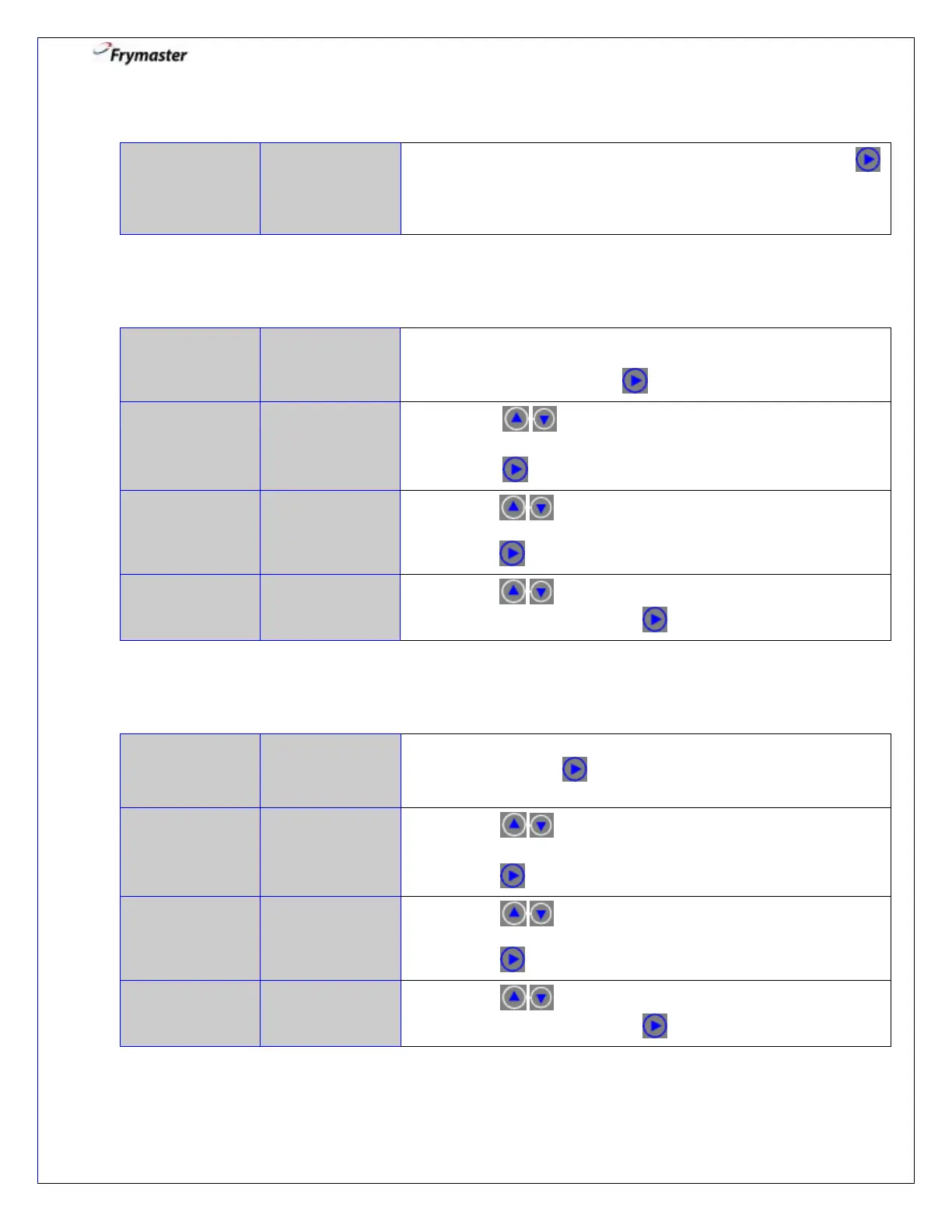
to select and advance. If more segments are needed,
continue programming as shown in Step 5 for a
maximum of 10.
7. Create 1
st
Shake Alarm
0:00 OR
PREVIOUSLY
ENTERED TIME
7-1. Enter time in cook cycle for audible alarm for shaking or
stirring (e.g. 30 second SHAKE into a 3-minute COOK would
be entered 0:30). Press to advance.
7-2. Press to scroll to choice of alarm names.
(Default is SHAKE).
7-3. Press to advance.
7-4. Press to scroll to confirm Auto or Manual
shake alarm mode. (Default is AUTO).
Press to advance.
7-5. Press to scroll to choice of shake alarm tones.
(Default is SHORT). Press to advance.
8. Create 2
nd
Shake Alarm
0:00 OR
PREVIOUSLY
ENTERED TIME
8-1. Enter time in cook cycle for a second audible alarm for
shaking. Press to advance. If time left at 0:00, menu will
advance to Step 10.
8-2. Press to scroll to choice of alarm names.
(Default is SHAKE).
8-3. Press to advance.
8-4. Press to scroll to confirm Auto or Manual
shake alarm mode. (Default is AUTO).
Press to advance.
8-5. Press to scroll to choice of shake alarm tones.
(Default is SHORT). Press to advance.



 To Next Page