3000 CONTROLLER USER GUIDE
37
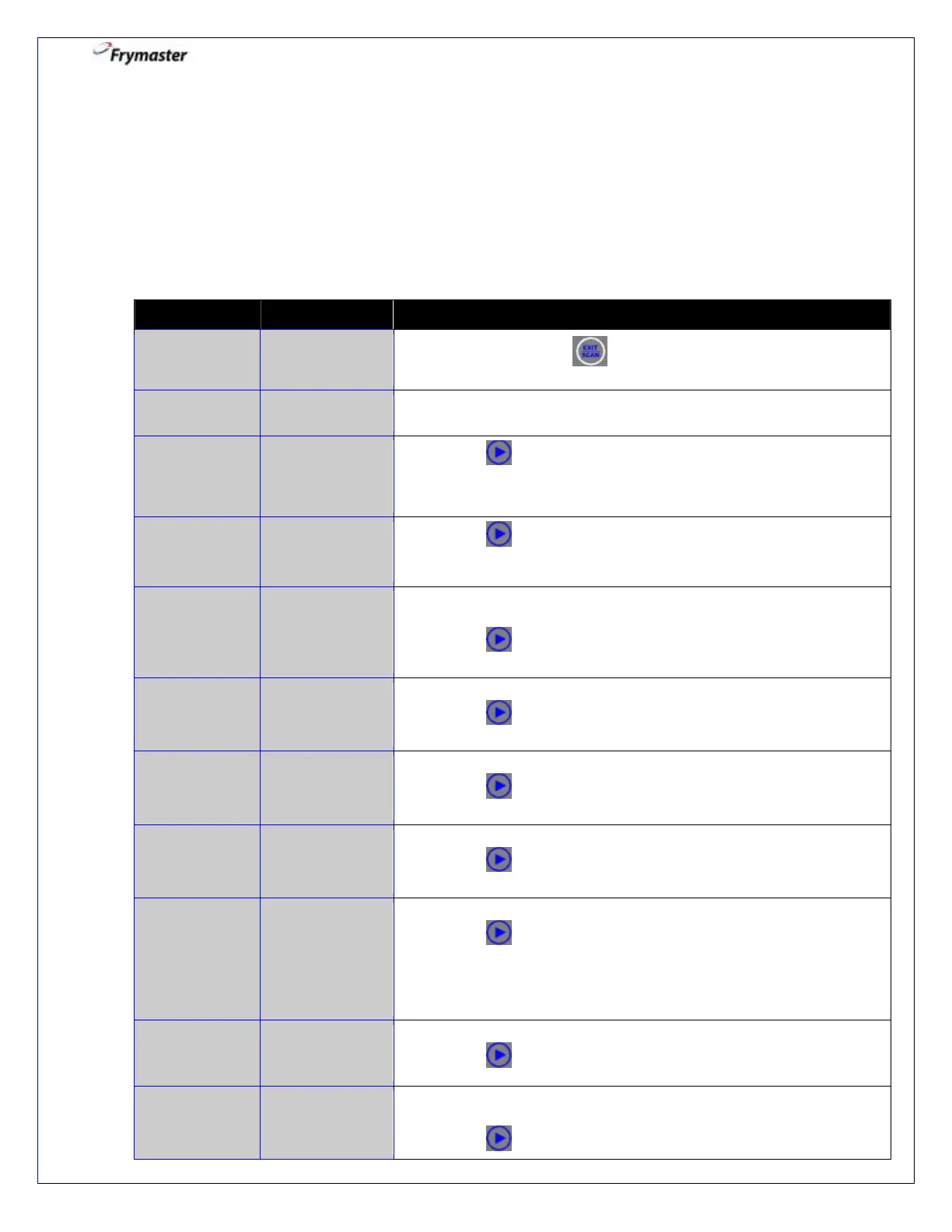
Scan Mode: Viewing Daily Stats
The SCAN mode can be used to see current setup of any product quickly throughout
the day. To enter the SCAN mode, the controller must be on. Follow the steps below to
view stats.
NOTE: Only those setup parameters programmed in PRODUCT SETUP will display.
2. Press a product button to check daily stats.
3. Press to advance to next product stat.
4 CHARACTER
ABBREVIATED
PRODUCT
4. Press to advance to next product stat.
5. Number of cooks remaining until filter prompt. If filter prompt is
Disabled, right window will say “0”.
Press to advance to next product stat.
6. Number of cooks completed today.
Press to advance to next product stat.
7. Numbers of cooks since last dispose.
Press to advance to next product stat.
8. Time that product is programmed to cook.
Press to advance to next product stat.
9. Temperature that product is programmed to cook.
Press to advance to next product stat.
NOTE: Display will go to 2 COOK TIME, etc. if multiple setpoints
are being used until all are reviewed.
10. The level of sensitivity the product is programmed to cook at.
Press to advance to next product stat.
11. The number of cook cycles before a filter prompt occurs. If
Filter Prompt is Disabled, the right window will say “0”.
Press to advance to next product stat.



 To Next Page