3000 CONTROLLER USER GUIDE
27
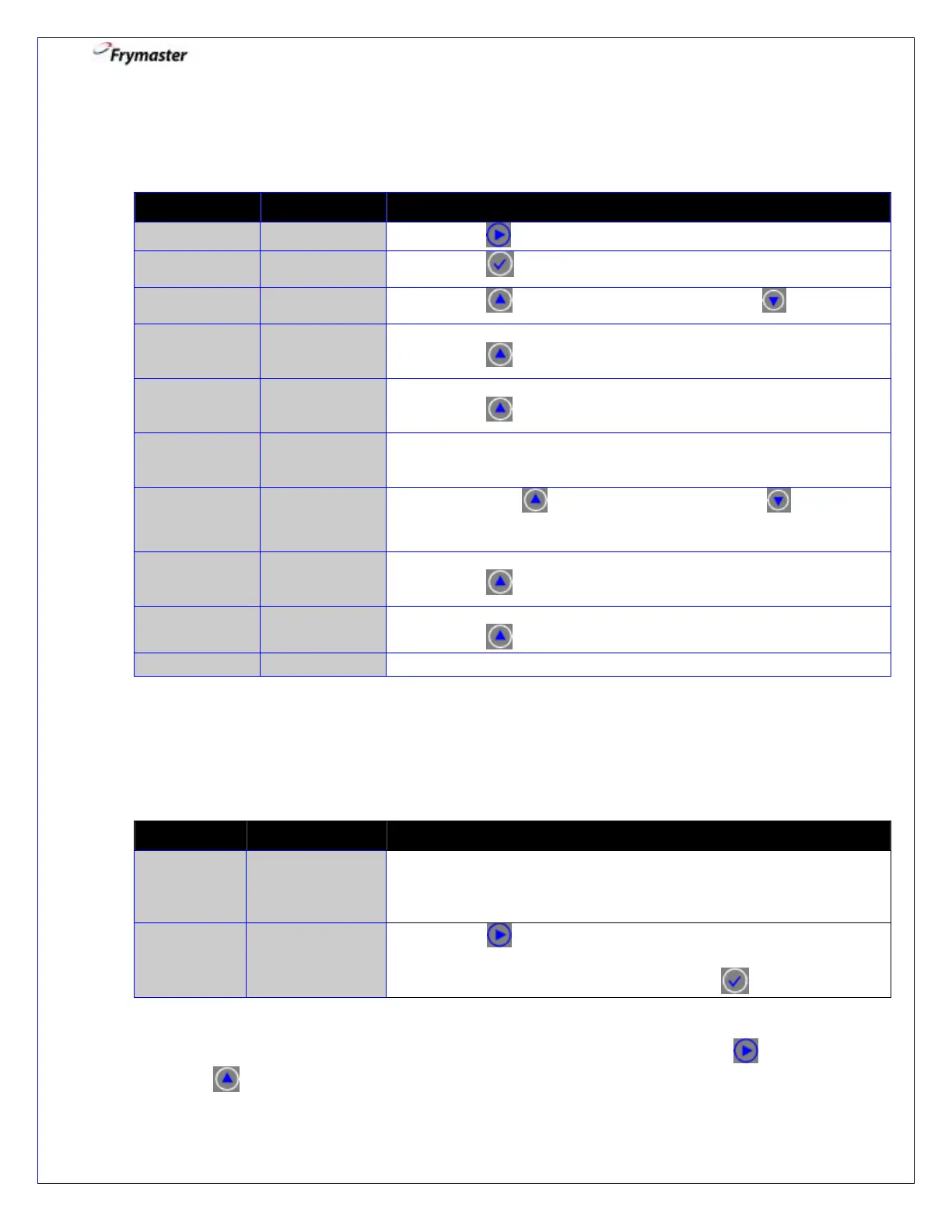
5. Filter Menu: Bulk Setting - Fill Vat from BULK
Controller ON
5-1. Press to advance to DISPOSE.
5-3. Press to select YES. Otherwise press NO .
5-4. Using the mode switch, switch to BULK OIL MODE.
Press to CONFIRM.
5-5. Open the return valve.
Press to CONFIRM.
PRESS AND
HOLD FILL
POT BUTTON
5-6. Press and hold the fill pot button to fill the vat.
5-7. Press YES when full, otherwise press NO and follow
the prompt.
5-8. Close the oil return valve.
Press to CONFIRM.
5-9. Using the mode switch, switch to FRYER MODE.
Press to CONFIRM.
Filter Menu: Controller OFF
1. Enter Filter Menu – Controller OFF
1-1. Press and hold the FILTER button about 4-5 seconds until
FILTER is displayed.
If button is not held, COOKS REMAINING will display.
1-2. Press to scroll to FILL VAT FROM BULK (Bulk Setting
Only), DISPOSE, BOIL OUT, or EXIT.
1-3. With the desired choice displayed press to select.
NOTE: Split pots will display the following information alternately in either the left or right
window, depending on which pot is selected. When the left pot is selected, use button
instead of for selections and to confirm actions when requested.



 To Next Page