3000 CONTROLLER USER GUIDE
31
4. Filter Menu: Boil Out
Controller OFF
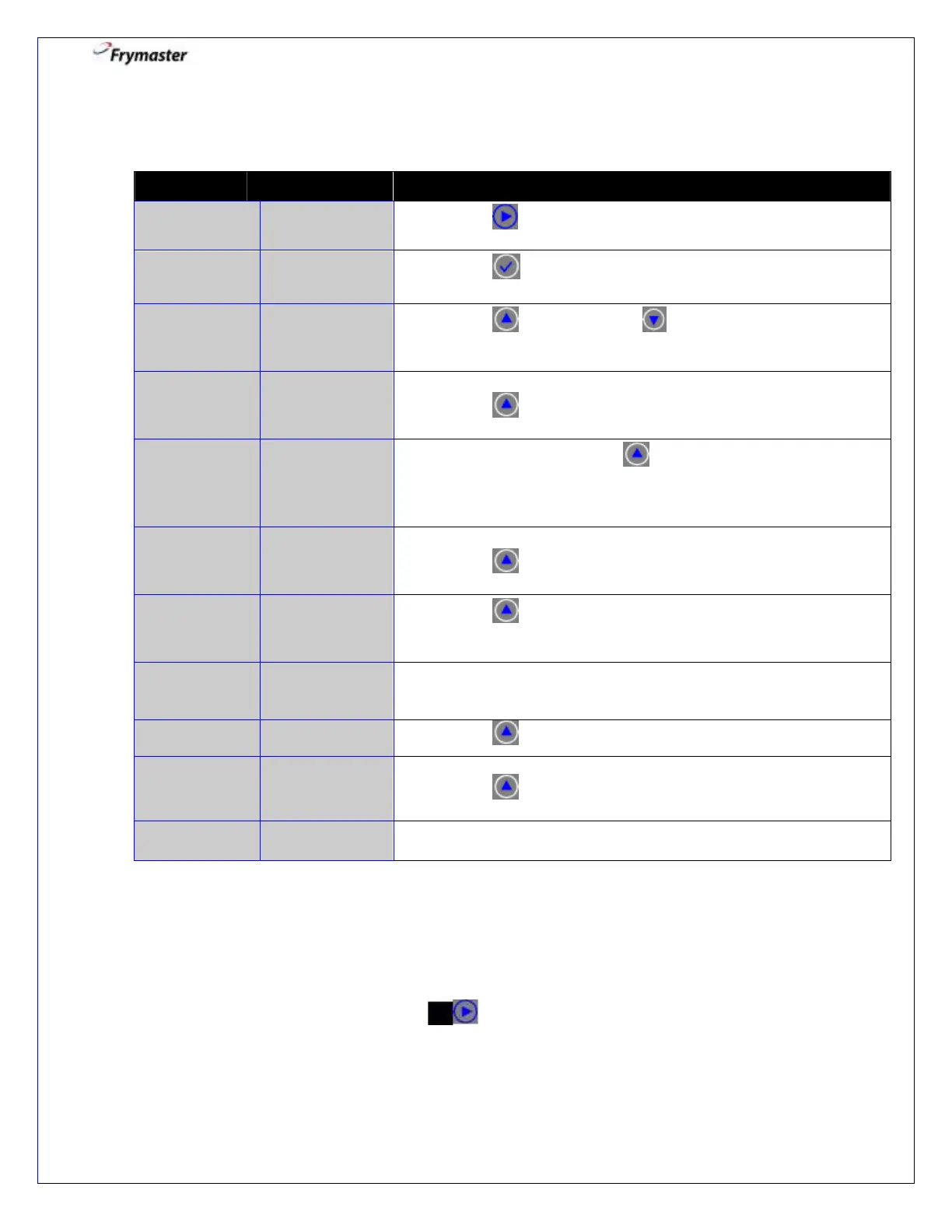
4-1. Press to scroll to BOIL OUT.
4-3. Press YES to advance. selects NO and bypasses
BOlL OUT. Controller returns to OFF.
4-4. Ensure oil has been removed from the frypot.
Press to CONFIRM.
4-5. Remove filter pan. Press to CONFIRM.
(Never run boil out solution through the filter pan or
pump.)
4-6. Ensure solution is in the vat.
Press to CONFIRM.
4-7. Press to CONFIRM.
Turns on heater and heats to 195ºF (91ºC).
COUNTDOWN
TIMER – 30
MINS
4-8. None required. 30:00 minute timed event.
Time counts down.
4-9. Press to CONFIRM. Cancels the alarm.
4-10. Remove boil out solution.
Press to CONFIRM.
4-11. Controller returns to OFF automatically after last confirmation.
Polish Menu: Fryer ON
Enter Polish: Fryer ON
The 3000 controller displays a series of prompts when a polish filter cycle is initiated. To
initiate a polish, press and hold the arrows simultaneously for about 3 seconds until
POLISH NOW appears. The steps are detailed below. A “waiting to polish” message may
display until the signal is received that the vat is ready for polish cycle to begin. The oil
must be a minimum of 300°F (149°C) to polish.



 To Next Page