3000 CONTROLLER USER GUIDE
28
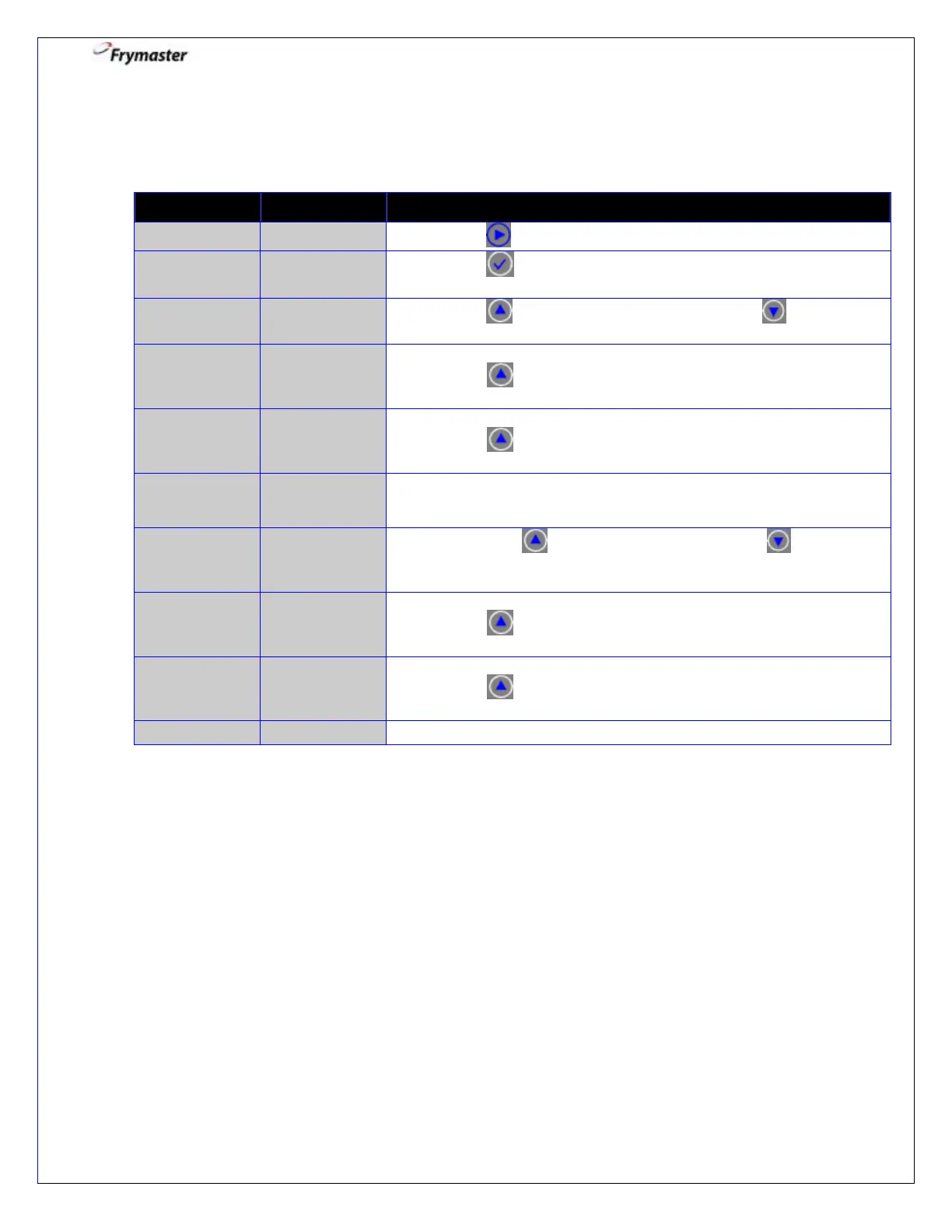
2. Filter Menu: Bulk Setting – Fill Vat from Bulk
Controller OFF
2-1. Press to advance to DISPOSE.
2-3. Press to select YES. Otherwise press NO .
2-4. Using the mode switch, switch to BULK OIL MODE.
Press to CONFIRM.
2-5. Open the return valve.
Press to CONFIRM.
PRESS AND
HOLD FILL
POT BUTTON
2-6. Press and hold the fill pot button to fill the vat.
2-7. Press YES when full, otherwise press NO and follow
the prompt.
2-8. Close the oil return valve.
Press to CONFIRM.
2-9. Using the mode switch, switch to FRYER MODE.
Press to CONFIRM.



 To Next Page