3000 CONTROLLER USER GUIDE
29
3. Filter Menu: JIB and None Settings
Controller OFF
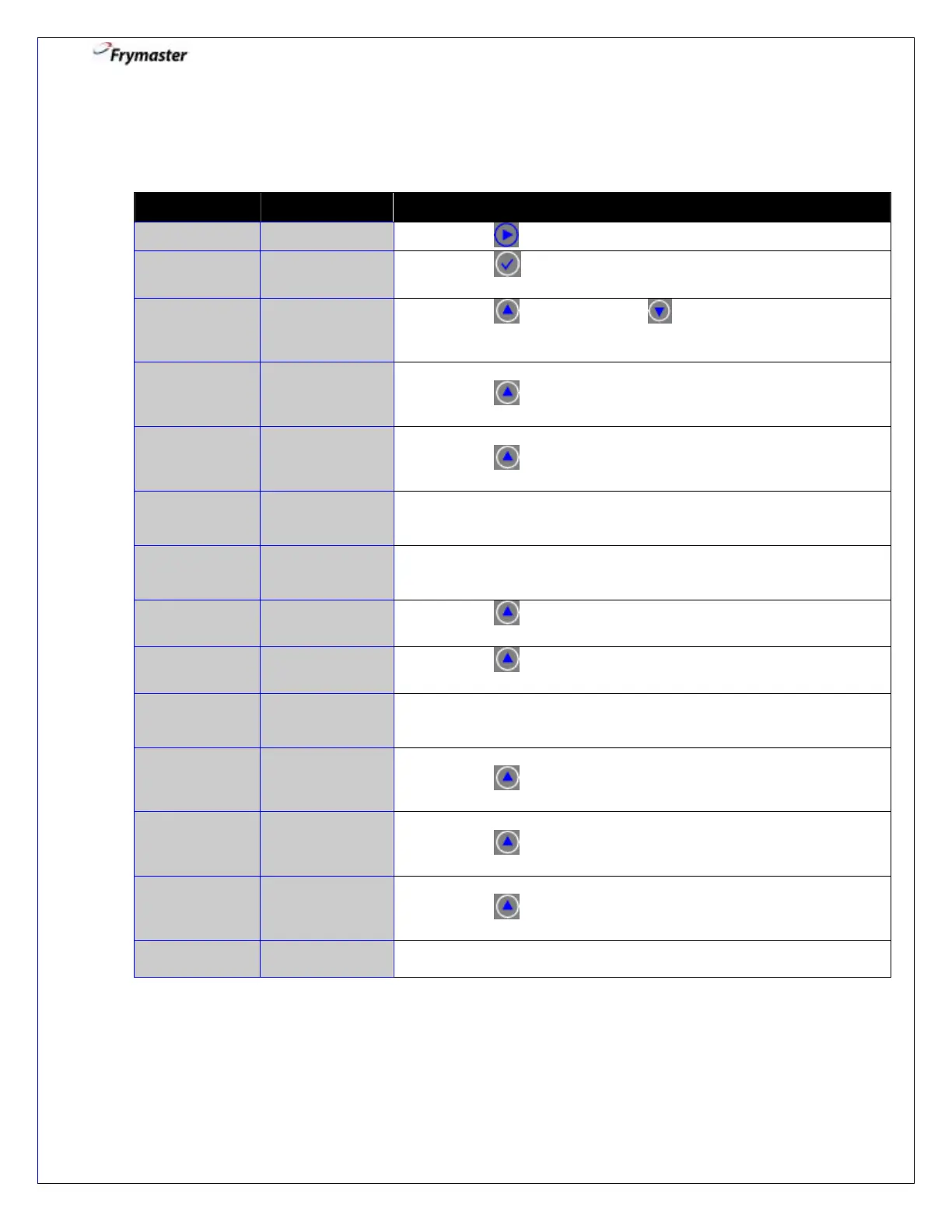
3-1. Press to advance to DISPOSE.
3-3. Press YES to advance. selects NO and bypasses
dispose. Controller returns to OFF.
3-4. Remove filter pan.
Press to CONFIRM.
3-5. Insert disposal unit under the drain.
Press to CONFIRM.
3-6. Open the drain valve.
Beeps until drain valve opened.
COUNTDOWN
TIMER – 60
SECS
3-7. None required. 60 second timed event.
Time counts down.
3-8. Press to CONFIRM when empty.
3-9. Press to CONFIRM when clean.
3-10. Close the drain valve.
Beeps until drain valve closed.
3-11. Remove disposal unit.
Press to CONFIRM.
3-12. Insert the pan.
Press to CONFIRM.
3-13. Fill vat with fresh oil.
Press to CONFIRM.
3-14. Controller returns to OFF automatically after last confirmation.



 To Next Page