3000 CONTROLLER USER GUIDE
36
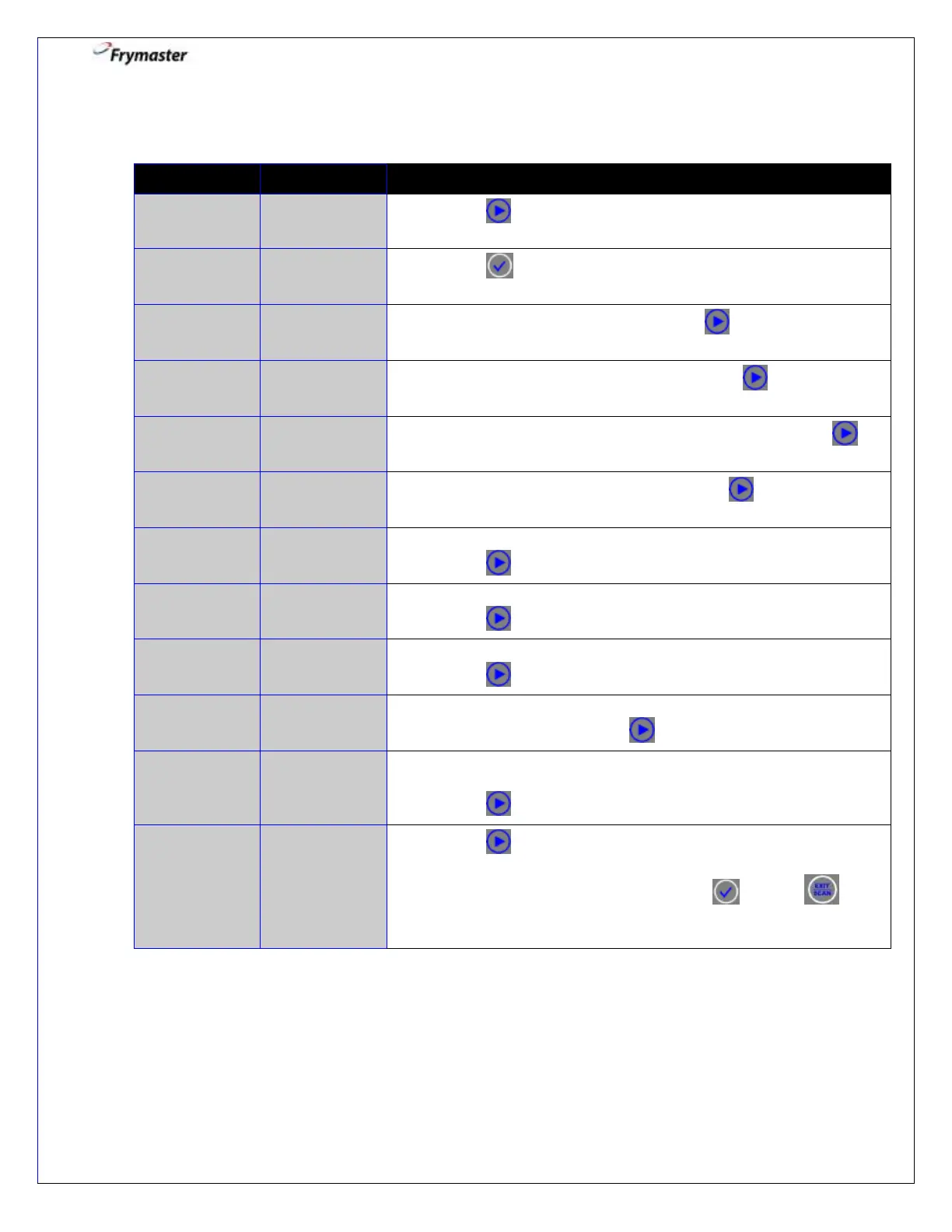
5. Info Mode: Last Load Stats – Information about last cook
5-1. Press to scroll to LAST LOAD STATS.
5-3. This is the last product cooked. Press to advance.
5-4. This is the time the last cook started. Press to advance.
5-5. This is the actual cook time including stretch time. Press to
advance.
5-6. This is the programmed cook time. Press to advance.
5-7. This is the maximum temperature of the oil during the last cook.
Press to advance.
5-8. This is the minimum temperature of the oil during the last cook.
Press to advance.
5-9. This is the average temperature of the oil during the last cook.
Press to advance.
5-10. This is the percentage of the cook time the heat source was on
during the last cook. Press to advance.
5-11. Displays YES if the fryer was back to set temperature before
the cook cycle was started; NO if it was not.
Press . Returns to EXIT.
5-12. Press to scroll to EXIT, LAST DISPOSE STATS, DAILY
STATS, SELECTED PERIOD STATS, or LAST LOAD STATS.
With the desired stats displayed, press or press 2
times to return the controller to OFF.



 To Next Page