3000 CONTROLLER USER GUIDE
34
2-13. Press . YES advances to ENTER CODE. Enter 0469.
COMPLETE displays in left window and changes to EXIT.
NO advances to EXIT.
2-14. Press button once and press to scroll to DAILY STATS,
SELECTED PERIOD STATS, LAST LOAD STATS, EXIT, or
LAST DISPOSE STATS. Press 2 times to return the
controller to OFF.
3. Info Mode: Daily Stats – Information by day of the week over
the past week
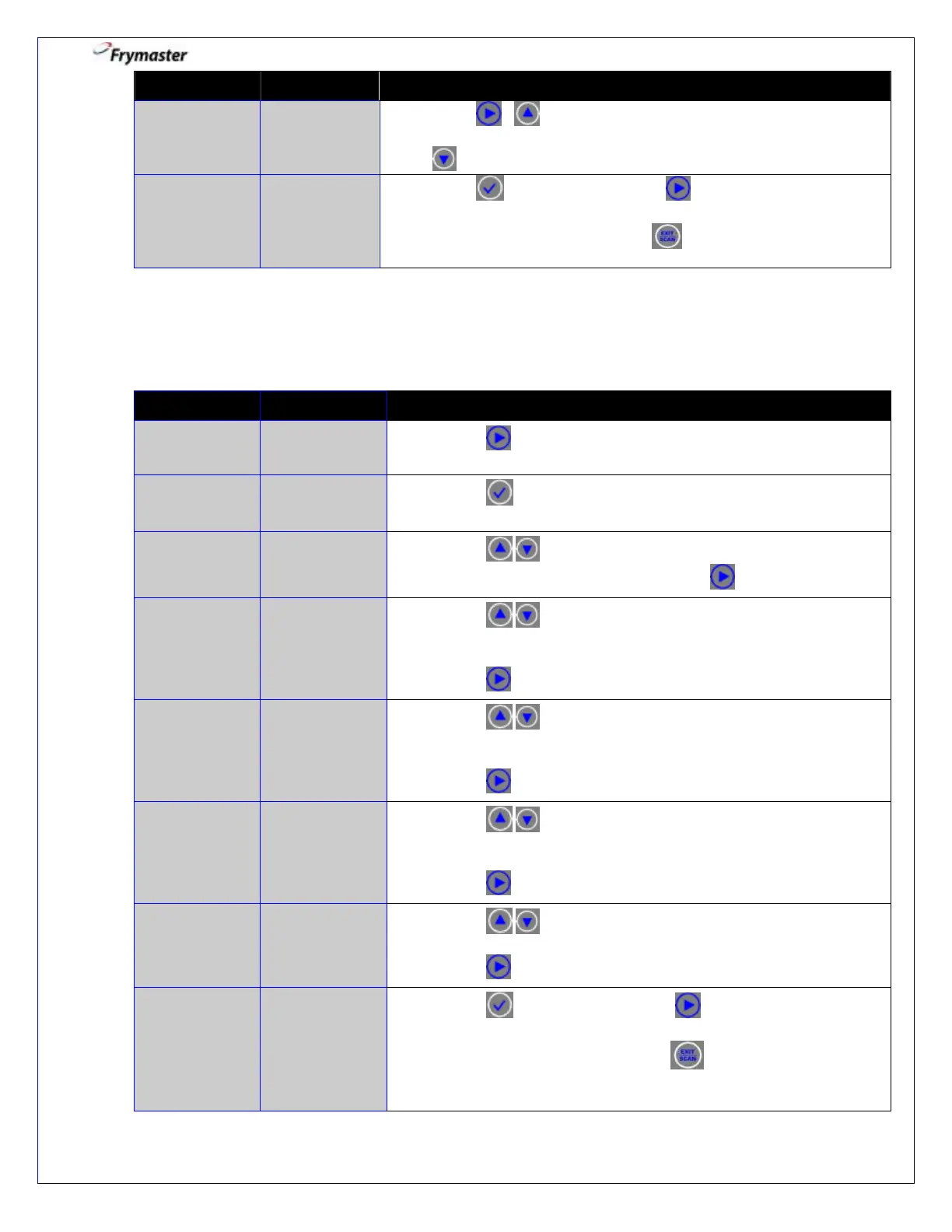
3-1. Press to scroll to DAILY STATS.
3-3. Press to scroll to the day that ends a past week.
With the desired date displayed, press to advance.
3-4. Press to scroll to the various days of the past week for
number of times the vat was filtered on those days of the prior
week.
Press to advance.
3-5. Press to scroll to the various days one week prior to
the past week for the number of times the vat was filtered on
those days of the prior week.
Press to advance.
3-6. Press to scroll to the various days of the past week for
the number of times the filter prompt was bypassed on those
days.
Press to advance.
3-7. Press to scroll to the various days of the past week for
the number of cook cycles on those days.
Press to advance.
3-8. Press button once and press to scroll to SELECTED
PERIOD STATS, LAST LOAD STATS, EXIT, LAST DISPOSE
STATS, or DAILY STATS. Press 2 times to return the
controller to OFF.



 To Next Page