3000 CONTROLLER USER GUIDE
20
NOTE: Daylight savings time ends each year at 2:00 a.m. on the first Sunday in November with clocks
moving back one hour. For the U.S. states and international locations that do not use DST,
this set-up feature can be disabled.
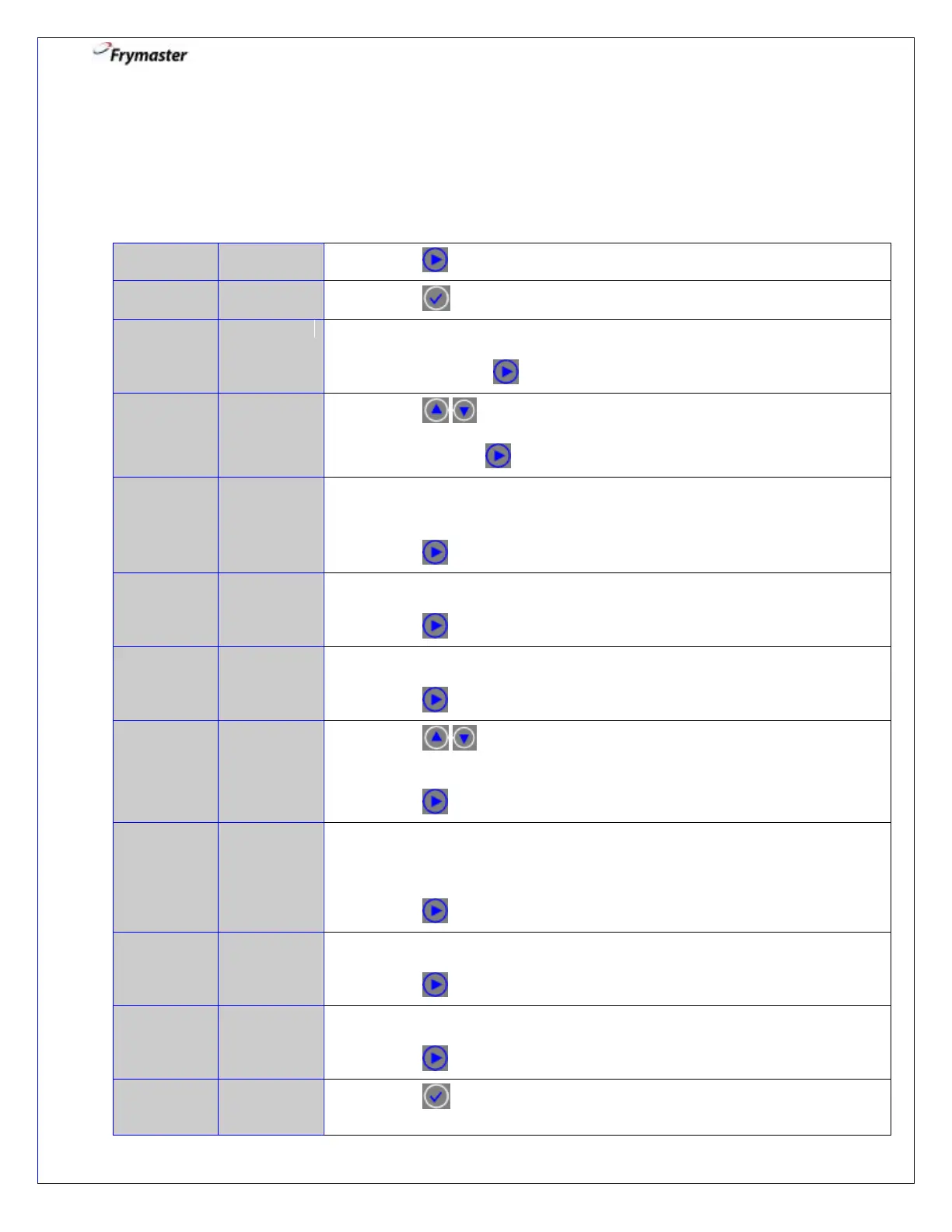
5. Vat Set Up: Filter
5-1. Press until you have scrolled to Filter.
5-3. Use numbered keys to select a number of cooks that occur before a filter
prompt. (Default is 0), so filter prompting is not associated with number
of cooks. Press to advance.
5-4. Press to scroll choices ENABLED and DISABLED. (Default is
DISABLED). There will be no automatic prompt for end of the day
filtering. Press to advance.
5-5. Use numbered keys to program end of day filter alert time. Enter time in
24-hour format (Default is 23:59) so filter prompting is not associated
with an end of day prompt.
Press to advance.
5-6. Use numbered keys to select the number of minutes oil will circulate
through the filter in Clean and Filter. (Default is 5 minutes).
Press to advance.
5-7. Use numbered keys to select the number of minutes for the boil out
soak. (Default is 30 minutes).
Press to advance.
5-8. Press to scroll choices ENABLED and DISABLED. (Default is
DISABLED). There will be no automatic prompt for polishing during the
day.
Press to advance.
5-9. Use numbered keys to program polish alert time. Enter time in 24-hour
format. This is the time the polish prompt will occur each day if polish
timer is ENABLED. (Default is 23:59) so polish prompting is not
associated with an end of day prompt.
Press to advance.
5-10. If polishing, use numbered keys to select number of minutes to polish
(Default is 15 minutes).
Press to advance.
5-11. Use numbered buttons to select a minimum temperature required for a
polish to begin. (Default is 300° F).
Press to advance.
5-12. Press button to lock-in the filter setup and return the controller to
OFF.



 To Next Page