3000 CONTROLLER USER GUIDE
33
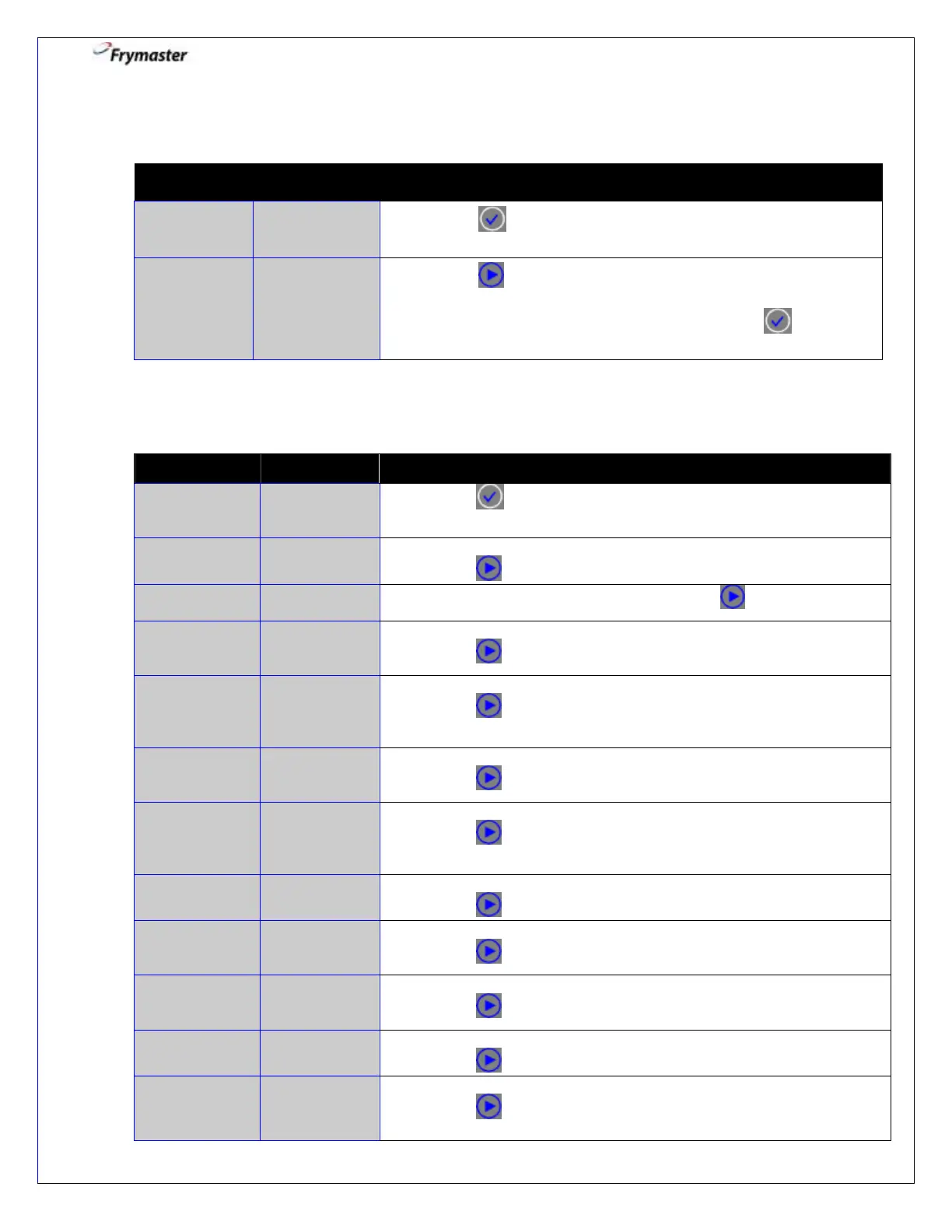
1. Enter Info Mode: Controller OFF
1-1. Press until INFO MODE is displayed. INFO MODE will
flash before displaying LAST DISPOSE STATS.
1-2. Press to scroll: DAILY STATS, SELECTED PERIOD
STATS, LAST LOAD STATS, EXIT, or LAST DISPOSE
STATS. With the desired stats displayed, press to
advance.
2. Info Mode: Dispose Stats – Information since last dispose
2-2. This is the number of cooks since the last dispose.
Press to advance.
2-3. This is the date of the last dispose. Press to advance.
2-4. This is the number of filters since the last dispose.
Press to advance.
FILTERS BY-
PASSED
SINCE
DISPOSE
2-5. This is the number of by-passed filters since the last dispose.
Press to advance.
POLISHES --
SINCE
DISPOSE
2-6. This is the number of polishes since the last dispose.
Press to advance.
POLISHES
BY-PASSED
SINCE
DISPOSE
2-7. This is the number of by-passed polishes since the last dispose.
Press to advance.
2-8. This is the number of days since the last dispose.
Press to advance.
OIL LIFE- 1
DISPOSE
PRIOR
2-9. This is the oil life in number of days 1 dispose prior.
Press to advance.
OIL LIFE – 2
DISPOSES
PRIOR
2-10. This is the oil life in number of days 2 disposes prior.
Press to advance.
2-11. This is the average oil life of past 3 disposes.
Press to advance.
2-12. This is the average number of cooks over past 3 disposes.
Press to advance.



 To Next Page