3000 CONTROLLER USER GUIDE
19
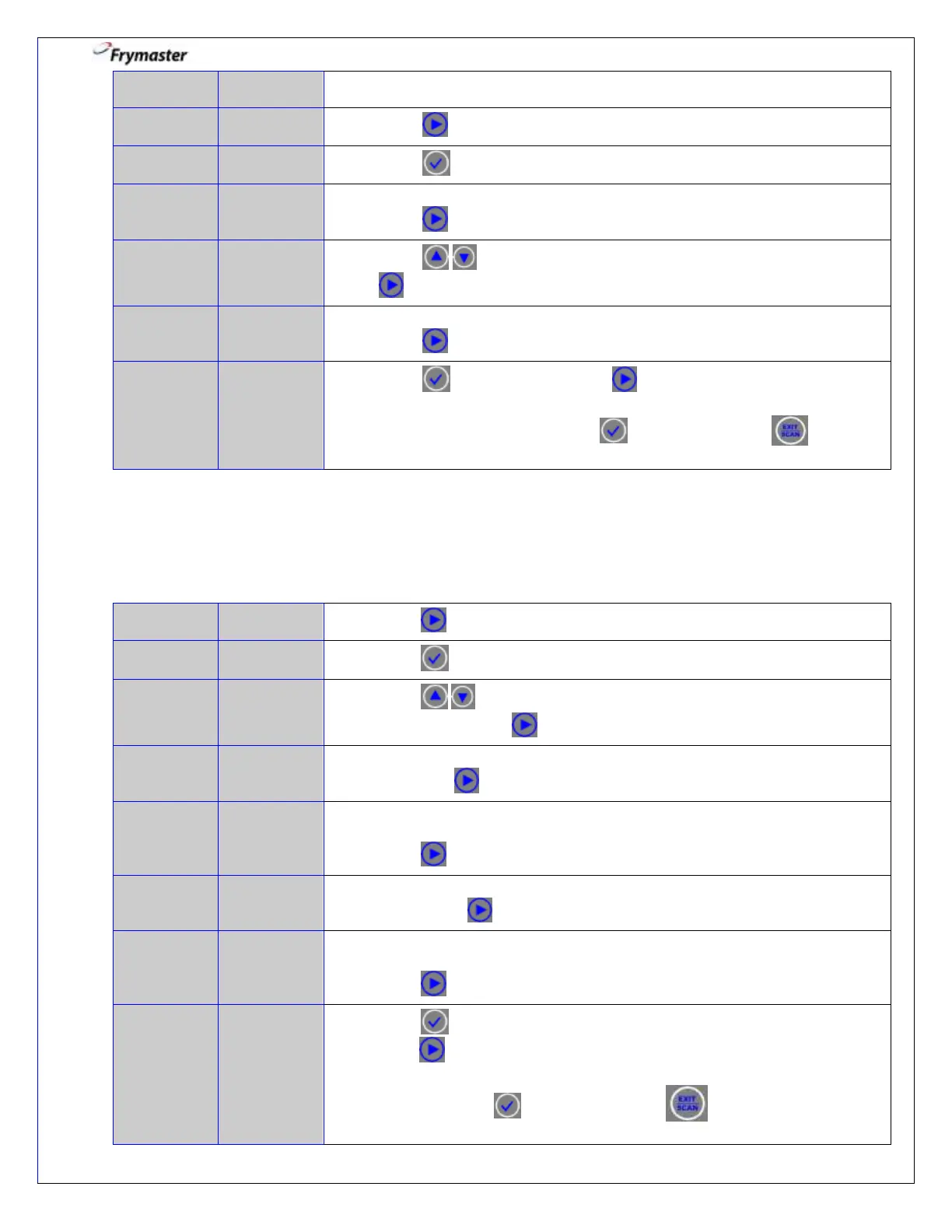
3-4. Press to scroll to TIME/DATE.
3-5. Press to advance. Far left controller only.
3-6. Use numbered keys to change time in 24 hour format.
Press to advance. Far left controller only.
3-7. Press to scroll choices. With the date format displayed, press
to advance. Far left controller only.
3-8. Use numbered keys to change date.
Press to advance. Far left controller only.
3-9. Press button once and press to scroll to DST SETUP *, FILTER,
E-LOG, CHANGE PASSWORD, EXIT, SYSTEM*, or TIME/DATE *. With
desired choice displayed, press to advance or press 3 times to
return the controller to OFF. *Global Far left controller only.
4. Vat Set Up: DST Set Up (Daylight Savings Time)
In the U.S., Daylight Savings Time begins each year at 2:00 a.m. on the second
Sunday in March, with clocks moving ahead one hour.
4-1. Press until you have scrolled to DST SETUP *.
4-3. Press to scroll to choices ENABLED and DISABLED. (Default is
ENABLED). Press to advance. Far left controller only.
4-4. Use numbered keys to program month. (Default is U.S. Standard: Month
“3”). Press to advance. Far left controller only.
DST START
SUNDAY
(Global)
4-5. Use numbered keys to program week of the month (1-5 weeks). (Default
is U.S. Standard: Sunday “2”).
Press to advance. Far left controller only.
4-6. Use numbered keys to program month. (Default is U.S. Standard: Month
“11”). Press to advance. Far left controller only.
4-7. Use numbered keys to program week of the month (1-5 weeks). (Default
is U.S. Standard: Sunday “1”).
Press to advance. Far left controller only.
4-8. Press button once to lock in the Daylight Savings Time setup and
press to scroll to FILTER, E-LOG, CHANGE PASSWORD, EXIT,
SYSTEM*, TIME/DATE *, or DST SETUP *. With desired choice
displayed, press to advance or press
3 times to return the
controller to OFF. Far left controller only.



 To Next Page