3000 CONTROLLER USER GUIDE
32
Polish: Controller ON
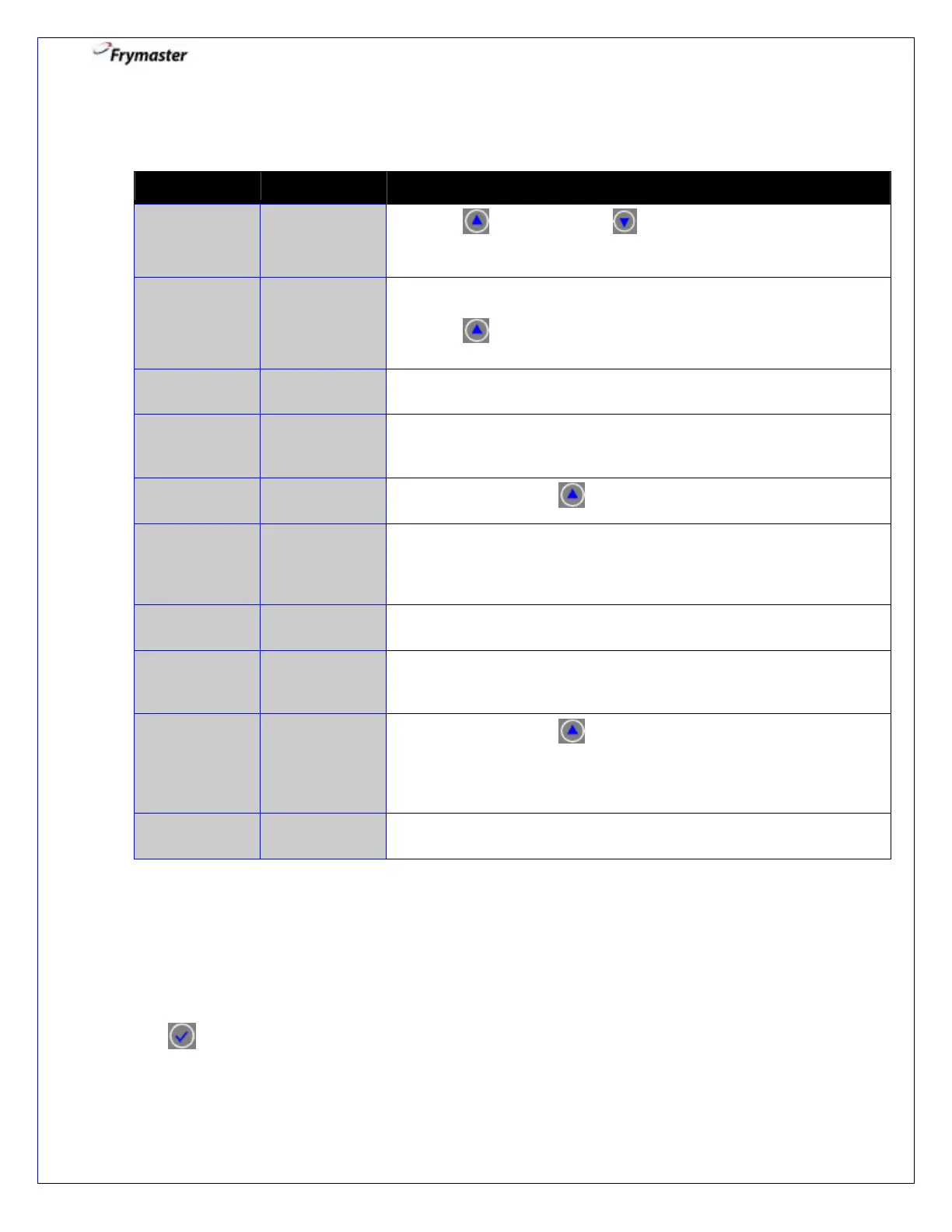
1. Press YES to advance. selects NO and bypasses POLISH.
Cooking continues.
2. Ensure the filter pan is in place and the filter media (paper/powder,
pad or screen) is ready.
Press to CONFIRM.
3. Open the drain valve. Beeps until drain valve is opened.
COUNTDOWN
TIMER – 40
SECS
4. None required. 40 second timed event. Time counts down.
5. Turn filter on. Press to CONFIRM.
6. None required. The oil flows from the filter pan to the frypot and
back to the filter pan for the time specified in vat set up.
(Fryer default is 00:00 disabling the polish function).
7. Close the drain valve. Beeps until drain valve is opened.
COUNTDOWN
TIMER – 45
SECS
8. None required. 45 second timed event. Time counts down.
TURN FILTER
OFF WHEN
FULL AND
PRESS
CONFIRM
9. Turn filter off. Press to CONFIRM.
10. Controller returns to OFF automatically after last confirmation.
Info Mode: Viewing Operational Stats
The 3000 controller collects and stores information on the cook cycles and filter cycles.
This data is accessed in the info mode, which is accessed by pressing the checkmark
key with the controller off until Info Mode displays. The steps to view the data are
detailed below.



 To Next Page