3000 CONTROLLER USER GUIDE
24
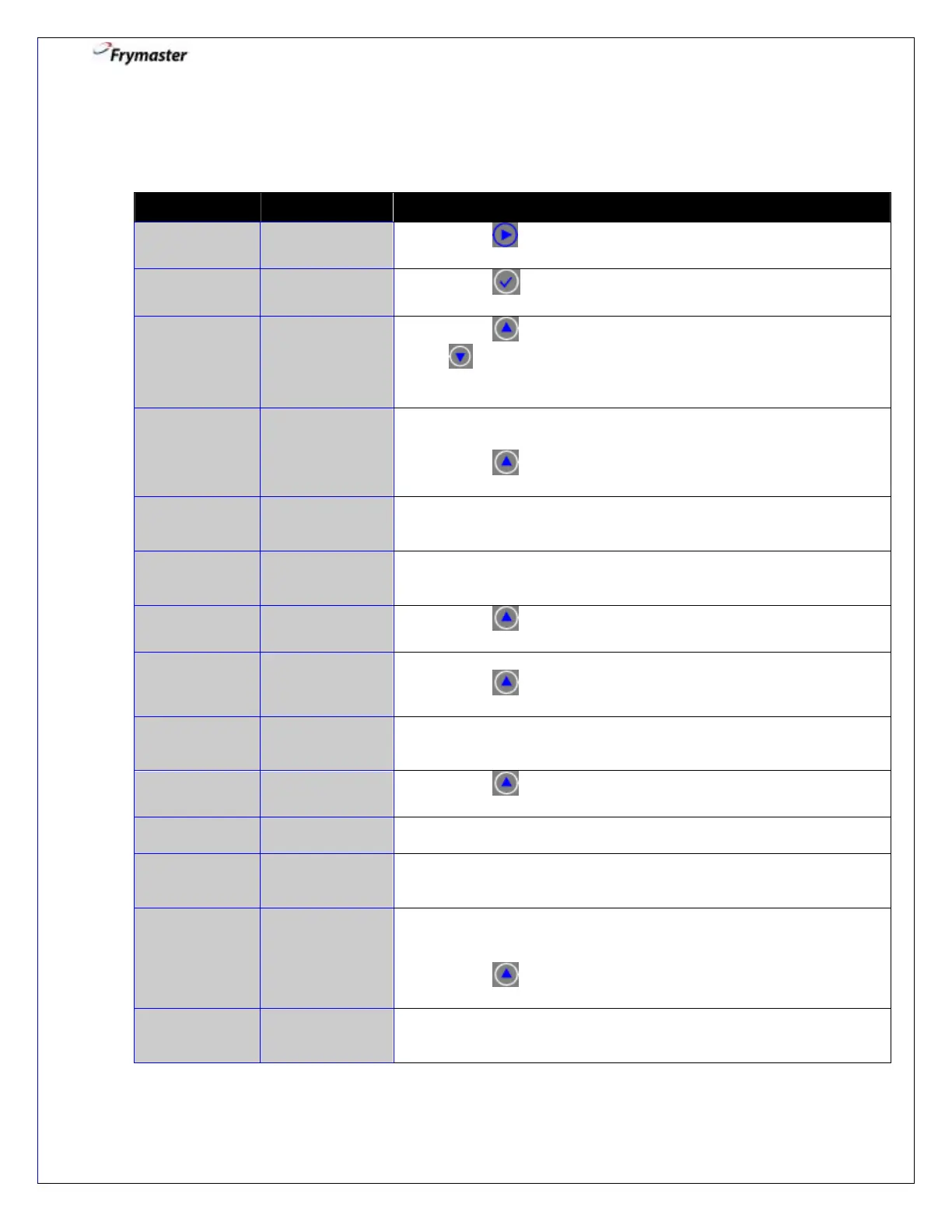
3. Filter Menu: Clean and Filter
Controller ON
3-1. Press to advance to CLEAN AND FILTER.
3-3. Press to select YES which turns heat off.
selects NO and bypasses CLEAN AND FILTER.
Cooking continues.
3-4. Ensure the filter pan is in place and the filter media
(paper/powder, pad or screen) is ready.
Press to CONFIRM.
3-5. Open drain valve.
Beeps until drain valve is opened.
COUNTDOWN
TIMER – 40
SECS
3-6. None required. 40 second timed event.
Time counts down.
3-7. Press YES when complete.
3-8. Turn filter on.
Press to CONFIRM.
3-9. None required. 5:00 minute timed event.
Time counts down.
3-11. Close drain valve. Beeps until drain valve closed.
COUNTDOWN
TIMER – 1.5
MINS
3-12. None required. 1:30 minute timed event.
Time counts down.
TURN FILTER
OFF WHEN
FULL
3-13. This ensures all the oil has returned to the frypot from the filter
pan. Usually complete when bubbling occurs at end of filling.
Turn filter off.
Press to CONFIRM.
3-14. Controller returns to OFF automatically when vat full is
confirmed.



 To Next Page