Installing Your SONAbeam Terminal
36
wireless at the speed of light …………….
NAbeam E-Series Installation Manual
3.
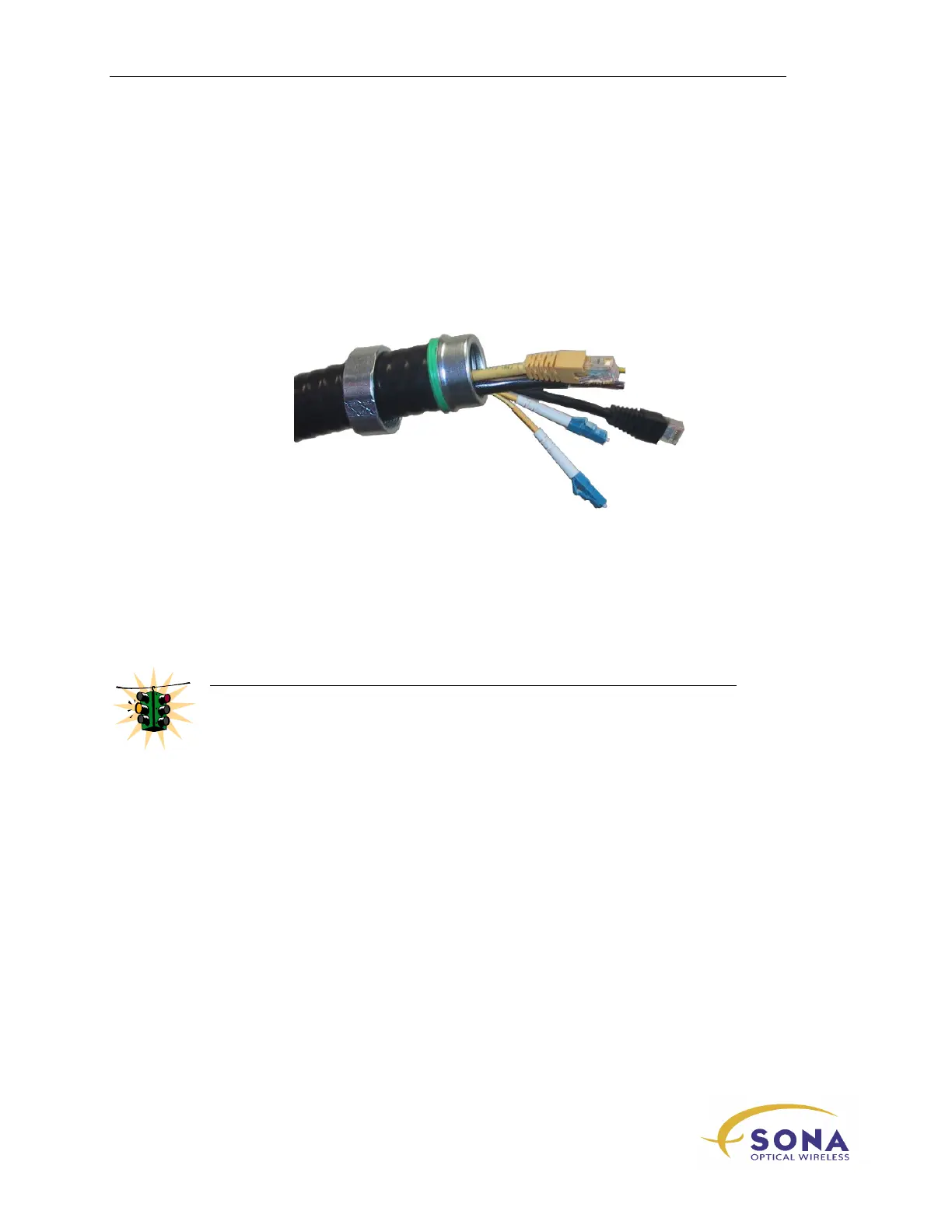
Slip the retaining nut and nylon seal over the end of the conduit and carefully
and firmly screw the ferrule into the conduit end until it is fully seated, as shown
in Figure 11…
4.
Carefully route the required fiber optic, power and management cable(s) through
the Interface Conduit.
Figure 11 – Conduit End ready for Installation
5.
Carefully thread the fiber optic, power and management cable(s) through the
terminal’s conduit entrance at the bottom of the optical head and engage the end
of the conduit into the conduit fitting, as shown in Figure 12…
6.
Slip the retaining nut up to the end of the conduit and carefully tighten it by
hand while holding the conduit vertically aligned…
WARNING!
Be careful not to cross thread the retaining nut!
Hand-tight is NOT sufficient!
7.
Using an appropriate wrench, tighten the retaining nut sufficiently to slightly
compress the nylon seal…



 To Next Page