Initial Power Up and Terminal Configuration
wireless at the speed of light …………….
49
-Series Installation Manual
NOTE…
Refer to the SONAbeam Terminal Controller Software User Guide for
information on installing and using the software on your computer…
Connecting a PC to your SONAbeam Terminal
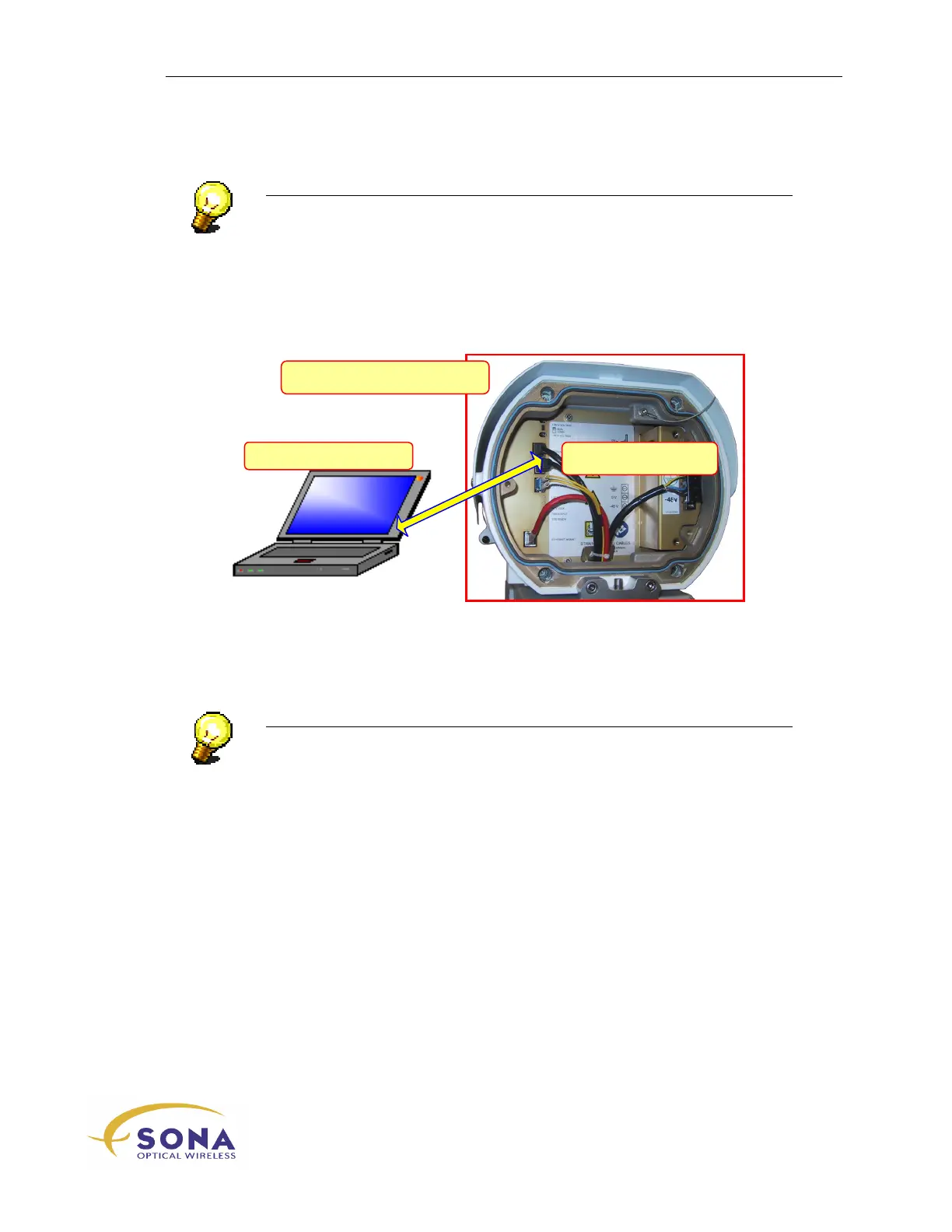
A temporary setup connection between your PC w/STC and the SONAbeam is made
through a simple serial or USB interface, as illustrated in Figure 18.
Figure 18 – Connecting your new SONAbeam to STC Software
Simply use a suitable cable to connect your Terminal Controller (PC) to the appropriate
RS232 MGMNT
or the USB
MGMNT
connector inside the terminal’s Customer Interface
Area.
NOTE…
If your installation includes a permanent serial interface to your SONAbeam,
temporarily disconnect it while performing the initial terminal setup…
USB Connection
A Universal Serial Bus (USB) connection is a simple plug n’ play affair using a standard
Type A to Type B USB cable. (One is supplied in the optional Basic Alignment Kit.)



 To Next Page