System Problems
wireless at the speed of light …………….
75
-Series Installation Manual
System Problems
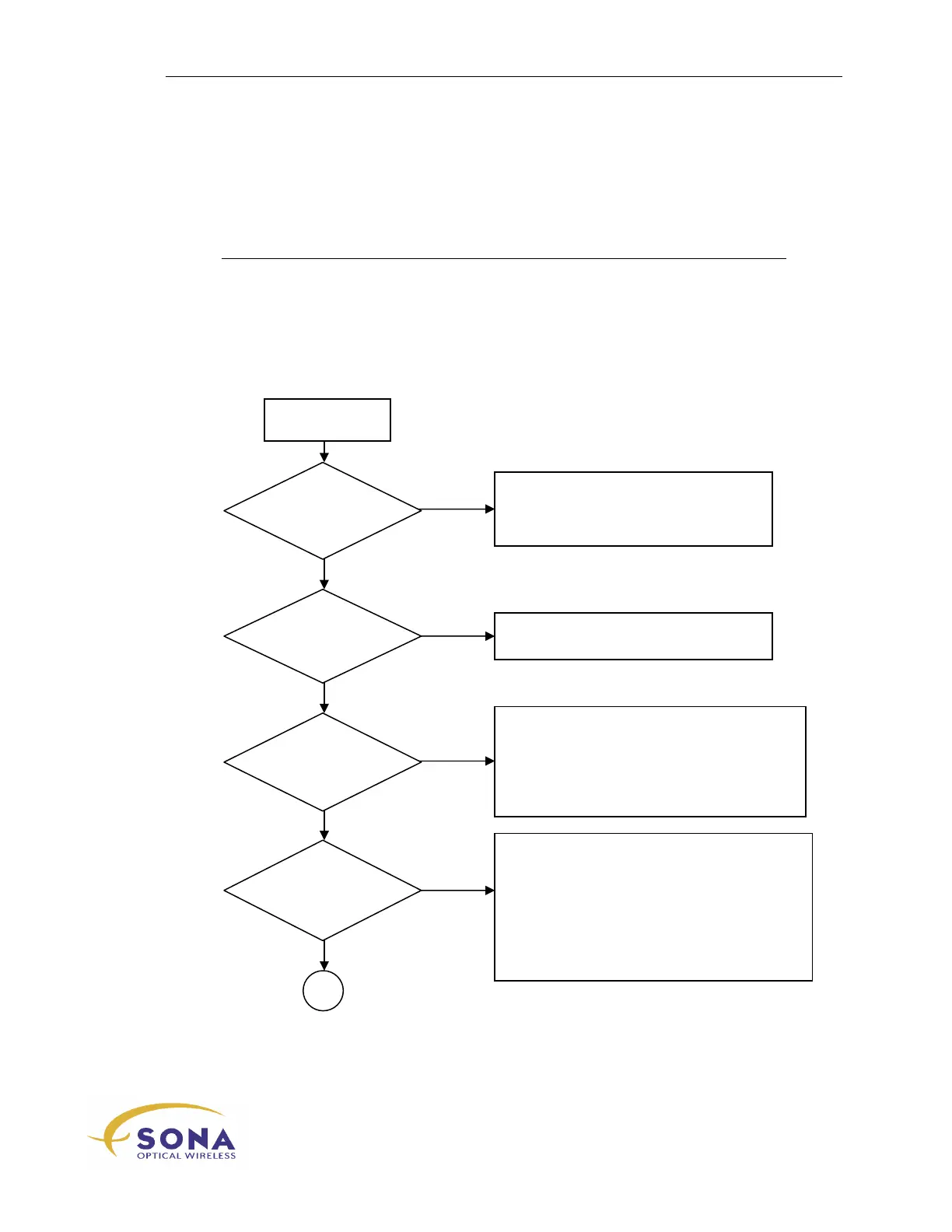
The following flowchart illustrates a basic problem-solving process for new SONAbeam
links.
LED flashes?
ON
connect?
Detect OK?
switched ON
Check your power wiring.
Call fSONA Customer Service
Check your serial/USB connection.
Restart your STC software.
Check your STC’s Select Terminal choice.
Check your F/O Tx power & source.
Check your terminal’s configured Data Rate.
Check your F/O source Data Rate.
Check for F/O Tx/Rx connections backwards.



 To Next Page