Installing Your SONAbeam Terminal
44
wireless at the speed of light …………….
NAbeam E-Series Installation Manual
Terminal Mgmt RS232 Interface
Your SONAbeam terminal supports a simple (RS232) serial interface to a PC’s COM
port for terminal monitoring and management. The connection between the SONAbeam
terminal and your PC is a standard, 3-wire (
TX – RX – GND
) RS232-serial interface
running at 19,200 bits per second, formatted: 8 bits, 1 stop bit and no parity.
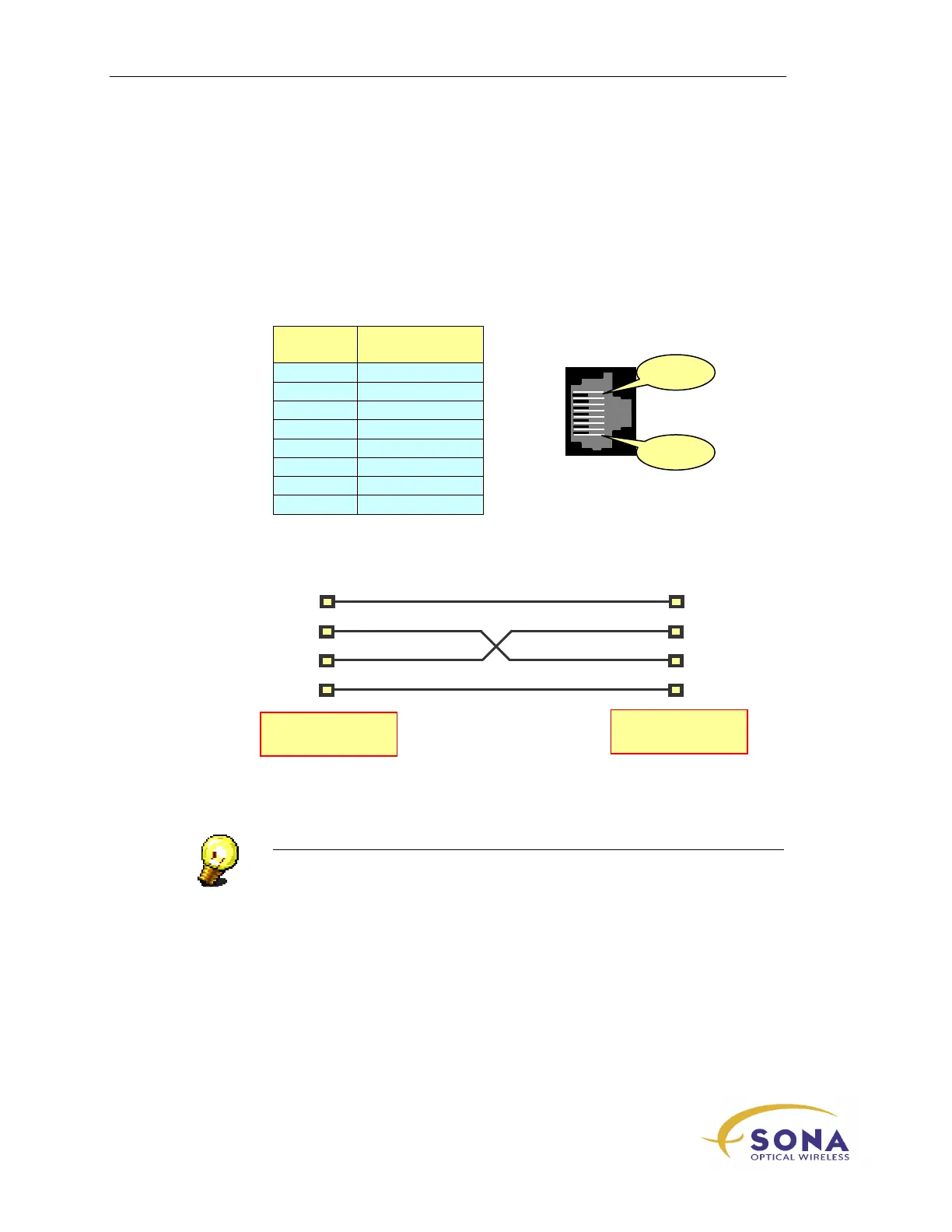
A standard 8 pin RJ45 modular connector is used with the following specification:
Position
Signal
Description
1
NC
2
NC
3
NC
4 SG
5 RD
6 TD
7 CTS
8
NC
When connecting your PC’s COM port to the SONAbeam terminal, use a null-modem
configuration (with TD crossed to RD, and RD crossed to TD), as shown in Figure 16.
Figure 16 – Typical SONAbeam – PC Interface
NOTE…
The computer’s COM port and the terminal’s serial console ports are both
configured as Data Terminal Equipment (DTE). A crossed (Null Modem) cable
connection is therefore required to successfully interface the two…
Your computer’s COM may also require looping RTS
CTS and/or
DTR
DCD in order to enable communications, depending on the
configuration of the COM port used.
TD
RD
GND
TD
RD
GND
COM Port on
Host Computer
SONAbeam Serial
Console Port
DTR
CTS
Pin 8



 To Next Page