Initial Power Up and Terminal Configuration
wireless at the speed of light …………….
53
-Series Installation Manual
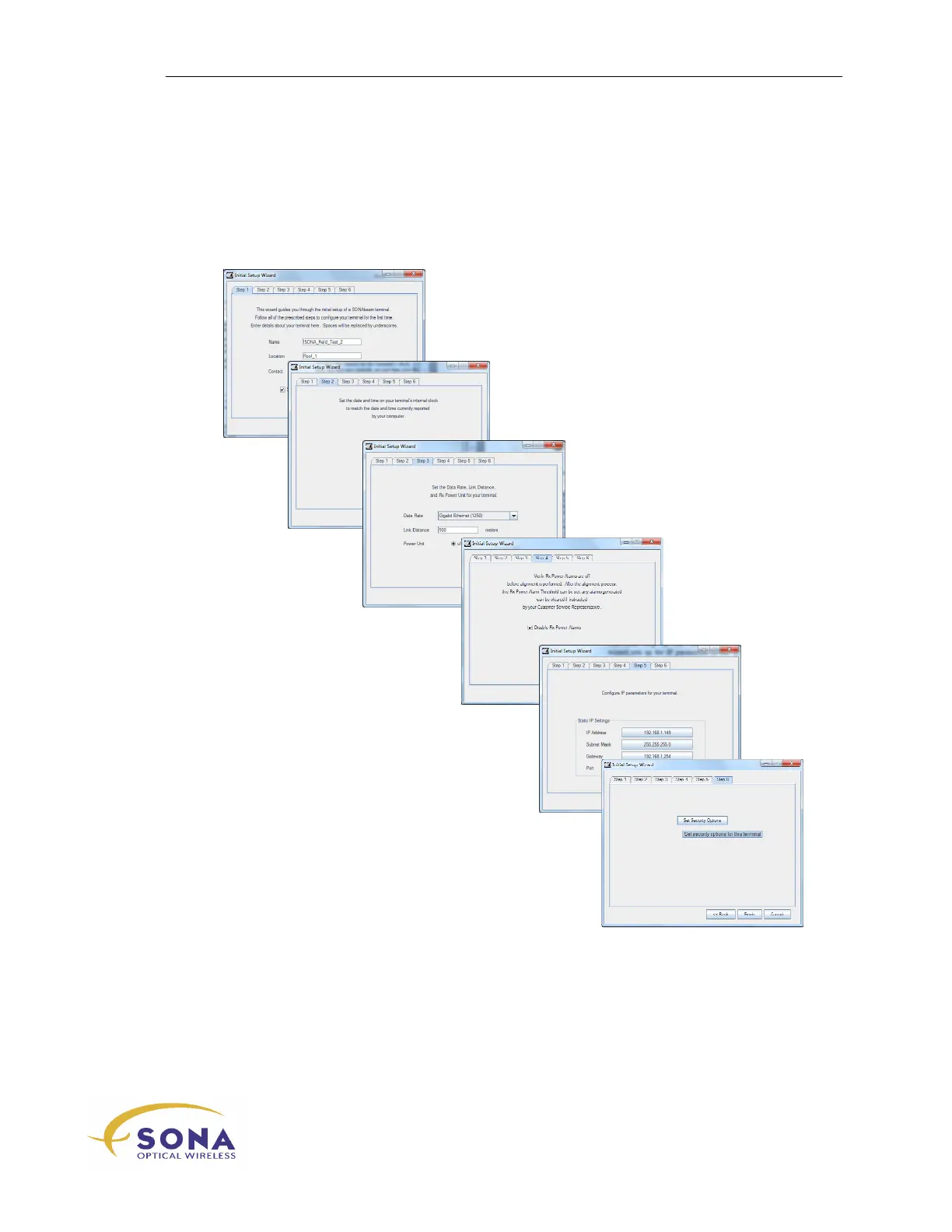
Initial Configuration Wizard
The STC software provides a self-starting
Initial Configuration Wizard
that sets up
your new terminal for immediate deployment: (See the SONAbeam Terminal Controller
Software User’s Guide for more information.)
1 – Terminal identification…
2 – Set the terminal’s real-time clock…
3 – Set data rate *…
4 – Ready the terminal for alignment…
5 – Set the terminal network properties…
6 – Set the terminal security properties…
*
See your SONAbeam Terminal Controller Software User’s Guide – Appendix A -
SONAbeam Data Rates for more information...



 To Next Page