Unpacking Your SONAbeam Terminal
wireless at the speed of light …………….
27
-Series Installation Manual
Unpacking the Optical Head
The optical head is shipped in a special, three-piece, protective box system. To unpack
the optical head:
1.
Place the box, top face up, on a stable surface…
2.
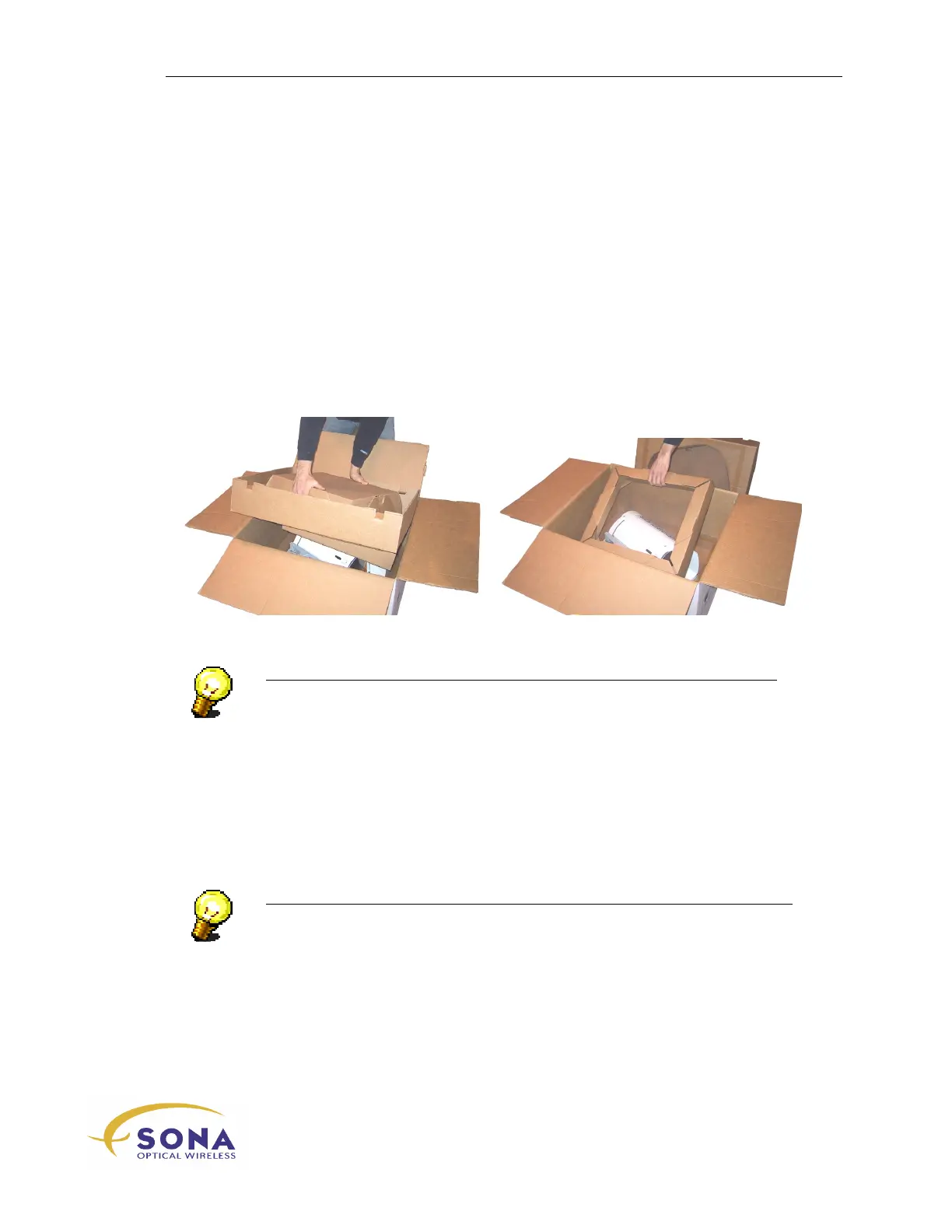
Open the box from the top and carefully pull out the upper retainer, as shown in
Figure 6…
3.
Pull out the supplementary retainer, as shown in Figure 6…
4.
Grasp the optical head firmly (preferably by its mounting plate) and carefully lift
it out of its box…
Figure 6 - Unpacking the Optical Head
NOTE…
The optical head is best left in its shipping box until you are ready to install
it…
Unpacking your Installation Kit
Your SONAbeam Installation Kit is packaged in compartmented plastic wrap. To avoid
losing items, you are advised to only break open the compartments containing the items
you need, when you need them…
NOTE…
All boxes used to ship SONAbeam products are 100% recyclable!



 To Next Page