TX100 S3 Core Edition Operating Manual 57
Starting up and operation
6.3.5 Step 5: Activate AIS Connect
I This section does not apply to the Japanese market.
AIS Connect (Auto Immune Systems) real-time remote access services allow
Fujitsu Technology Solutions support specialists to access your server using a
secure internet connection in order to analyze and resolve technical problems
quickly and efficiently.
The AIS Connect client software has been pre-installed on your PRIMERGY
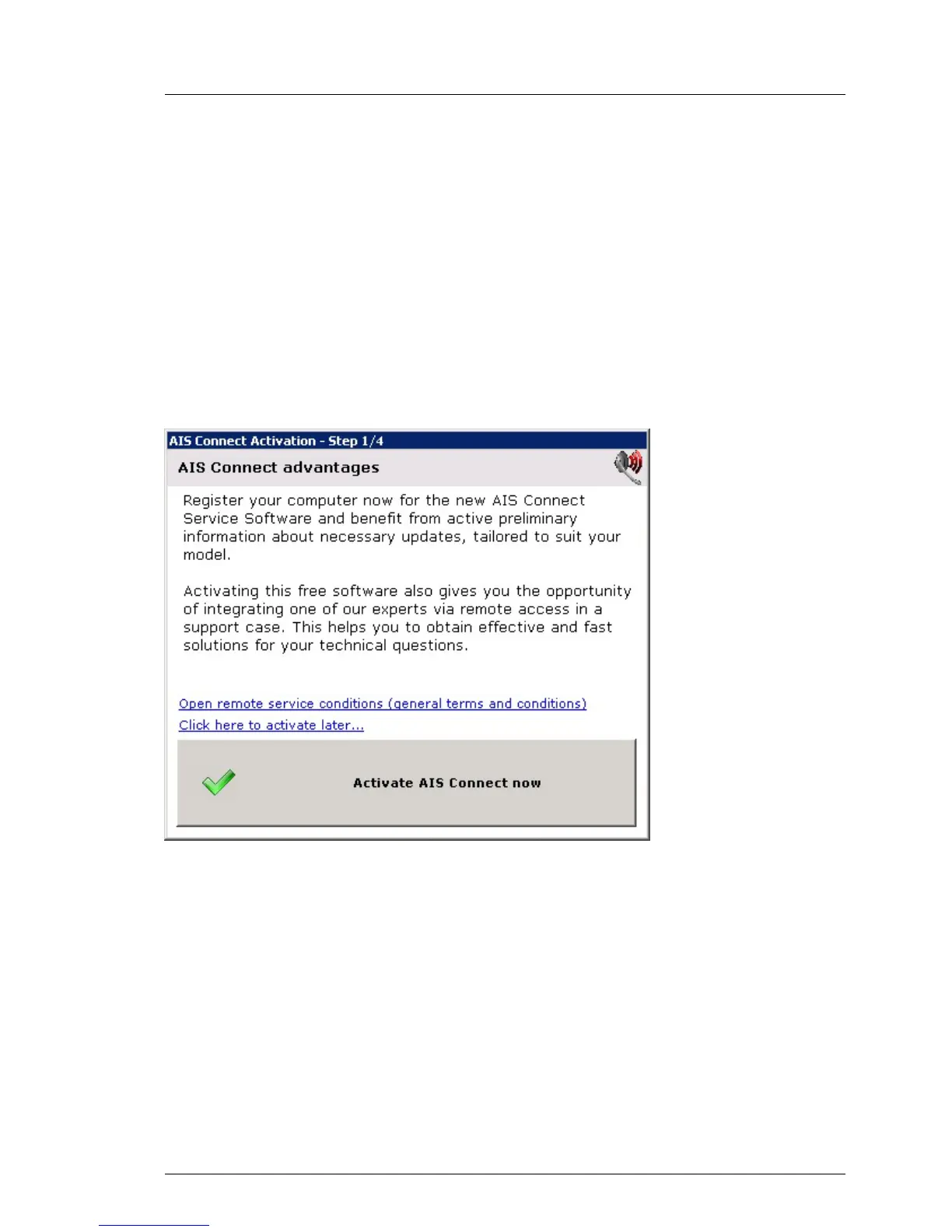
TX100 S3 Core Edition server and should be activated when first logging in.
Figure 9: AIS Connect client activation (A)
Ê Click Open remote service conditions for privacy and data protection
information.
Ê After reading the privacy and data protection information click on Activate AIS
Connect now.


 To Next Page
 Loading...