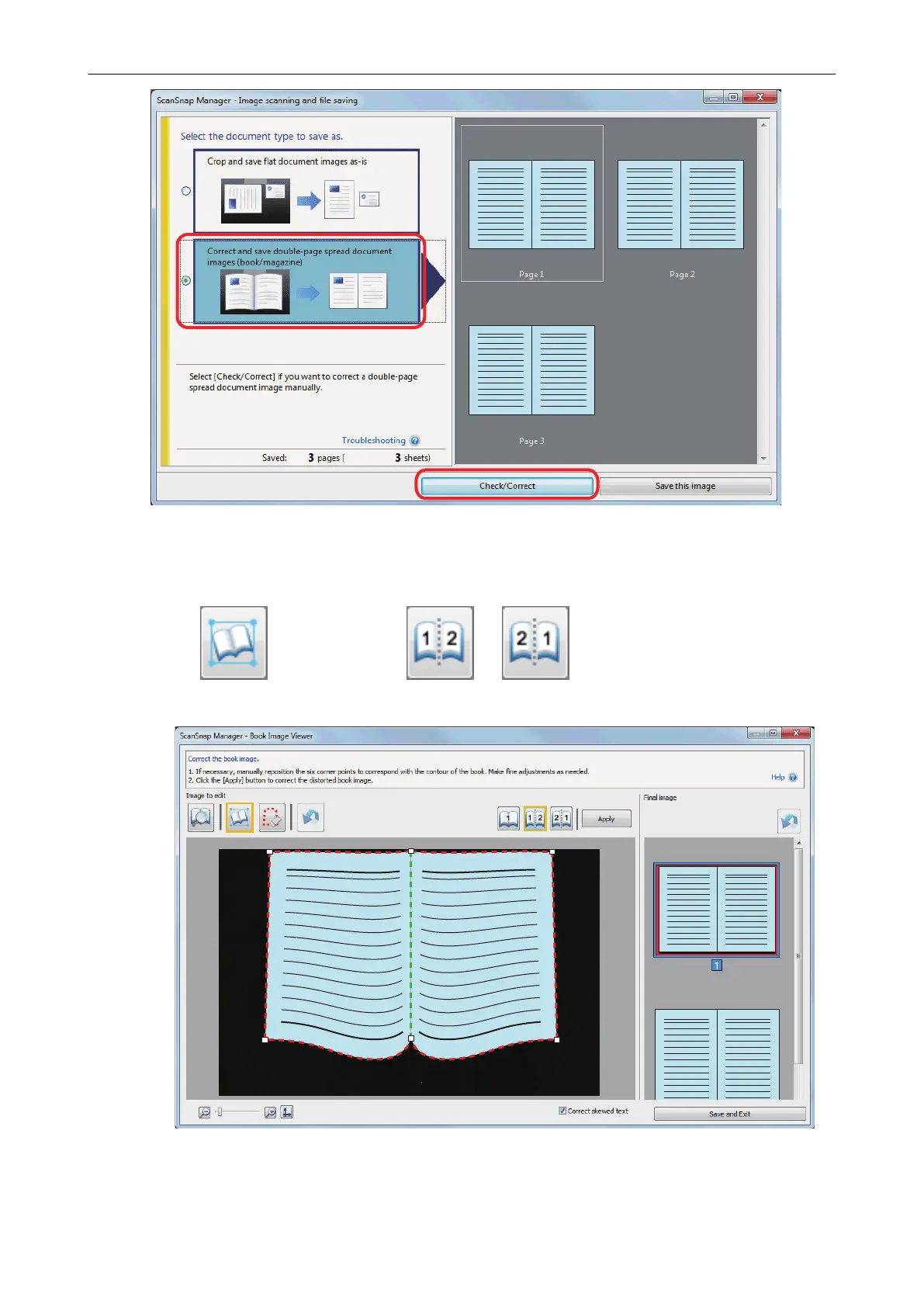
a The [ScanSnap Manager - Book Image Viewer] window appears.
2. Select the page to be split in [Final image].
3. Click , and then click or .
a The split line is indicated with a green dashed line.
If the split line is not aligned with the gutter of the book, drag the corner points to correct the
position.
When a Book Is Scanned (SV600)
396



 To Next Page
 Loading...










