Modifying the Crop Area (SV600)
The size of the crop frame that is used to crop the scanned image can be modified.
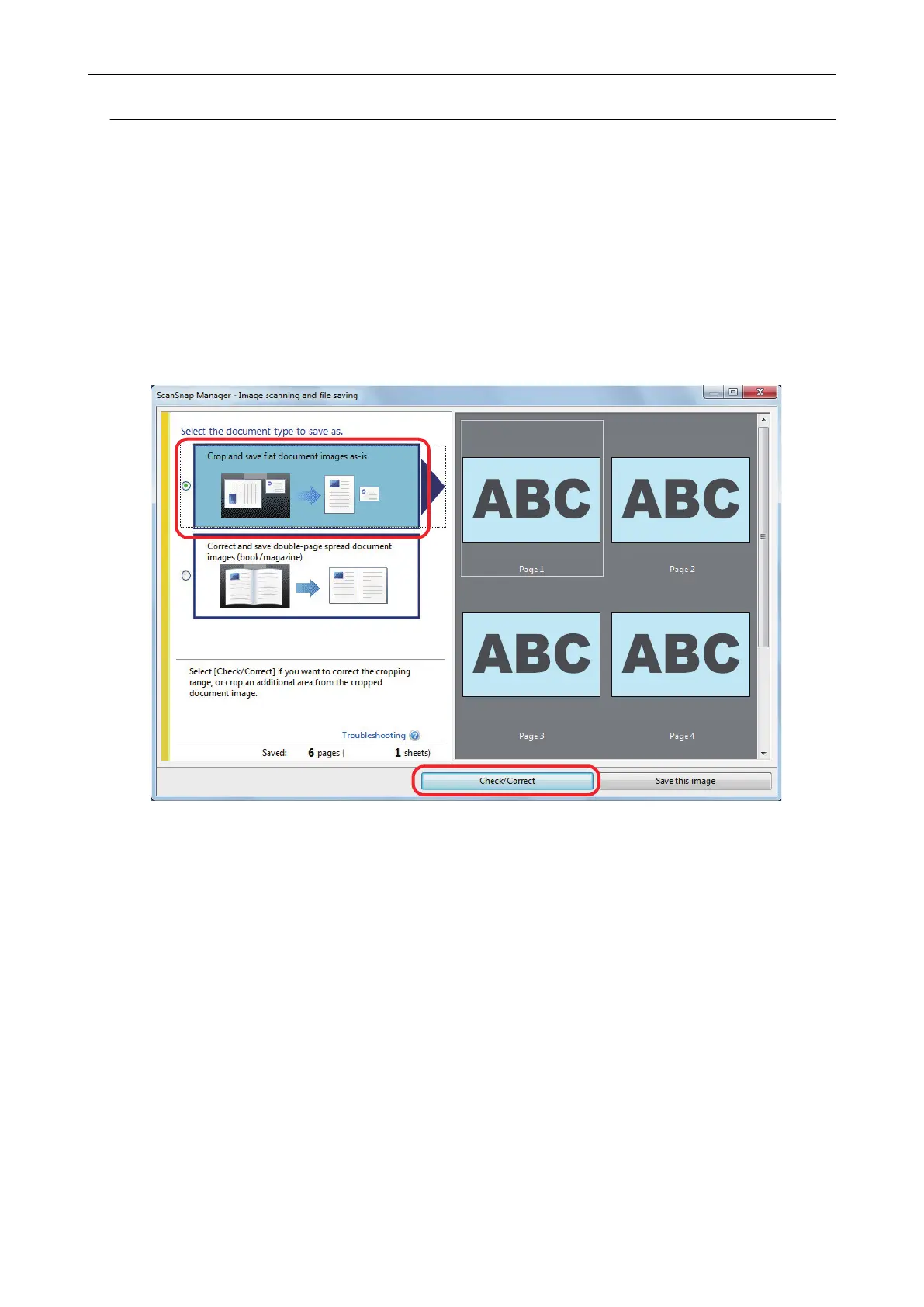
1. On the window that appears after multiple documents are scanned at once,
select [Crop and save flat document images as-is] and click the [Check/
Correct] button.
For details about how to perform a scan, refer to "Scanning Multiple Documents at Once
(SV600)" (page 285).
a The [ScanSnap Manager - View cropped images] window is displayed.
2. Select the crop area of the scanned image to change the crop area.
3. Drag the operating points of the crop frame to change the crop area.
When Multiple Documents Are Scanned at Once (SV600)
405



 To Next Page
 Loading...










