RB-RBC-IOMM-2015-1
Fulton Ltd
Page 17
OPERATION - 3
3.2.2.1 ADJUSTING STEAM PRESSURE CONTROLS
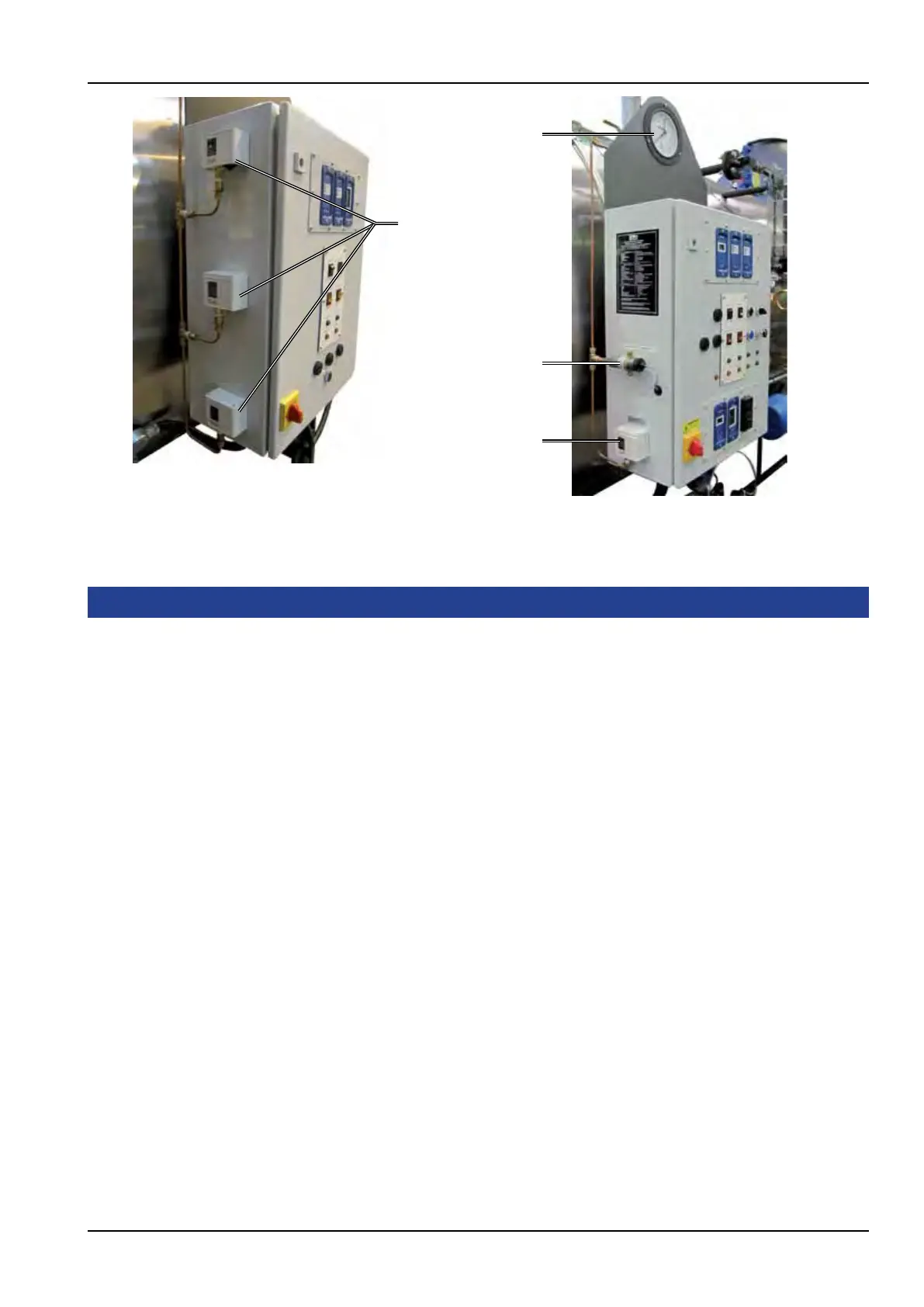
Pressure gauge
High limit pressure switch
Pressure transducer
Control pressure switch
1. Start the boiler.
2. SHUT the main steam valve.
3. Set the control pressure switch to its maximum.
4. Set the high limit pressure switch to 0.5 barg below the safety valve setting.
5. Allow the steam pressure to rise until the high limit pressure switch trips.
On the steam pressure gauge, check that the pressure is not less than 0.5 barg below the
safety valve lift pressure.
If the pressure is incorrect, repeat steps 2, 4 and 5.
6. OPEN the main steam valve to lower the steam pressure.
7. Reset the control pressure switch to the required working pressure and the high/low pressure
switch to 0.3 barg - 0.5 barg below the control pressure switch setting.
8. SHUT the main steam valve.
9. Reset the high limit pressure switch and allow the steam pressure to rise until the high/low
pressure switchreducestheburnertolowre,andthentheburnershutsdownunderthe
control pressure switch.
10. Readjust if necessary to achieve the required settings.
Note: The requirement for a difference between the control and high limit pressure switches is to prevent
unnecessary high limit steam pressure faults tripping the burner at no load conditions.
The residual heat in the furnace, the ue pipes and the door refractory is capable of raising steam pressure
slightly, causing the high limit pressure switch to trip out.
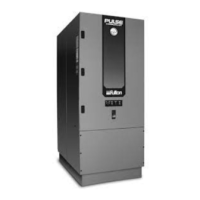
Figure. 12 - Pressure Switch Locations
- Non Modulating
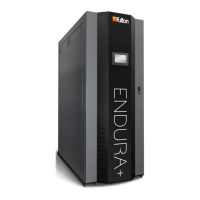
Figure. 13 - Pressure Switch Locations
- Modulating






 To Next Page