8G093X01 R5
VR Programming Guide
August 2022 Page 136 of 144
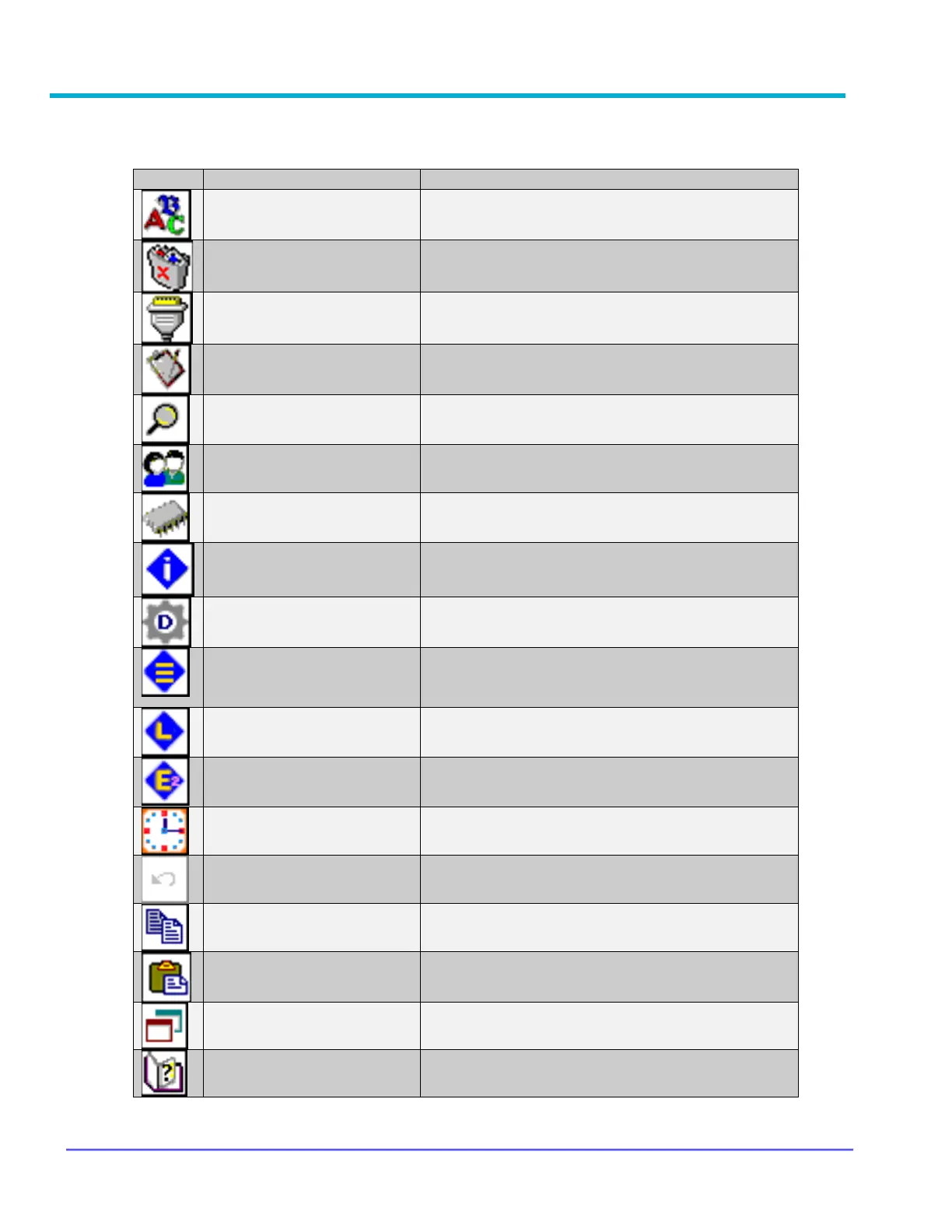
Appendix 3 – Icon Legend
Allows selecting font type, style, size, colour,
and effects
Clears all data in the application memory
Contains communication between FRC and
repeater – used for debugging
Contains details that may be required when
accessing technical support
Search function by field name and/or field values
Used to switch between default user and admin
access
Contains all technical data in an exportable
format
Allows re-ordering, copying, and clearing of
deployments
Lists the number of occurrences for errors,
warnings, and more info from the repeater
(resets on power cycle)
Lists each error, warning, and more info from the
repeater (resets on power cycle)
Displays errors, warnings, channel or
deployment changes, and system status
View or set date and time on the device



 To Next Page