8G093X01 R5
VR Programming Guide
August 2022 Page 63 of 144
FRC Window and Field Definitions
Documentation Conventions
The following table provides information on conventions used throughout the document.
Used through field descriptions to refer
to a specific FRC field on a specific FRC
window
User Info → Personality Name refers to
the Personality Name field located on the
User Info Window
Field grouping / Box title for a set of
fields logically grouped together on an
FRC window
User Info → Date of Programming is the
group name for the following fields: DAY,
MONTH, YEAR
Valid values allowed for a field with units
of measurement (where appropriate) and
default value identified where default
value exists
User Info Personality Name: Maximum
14 alphanumeric characters
Repeater Channel Setup → Tx Pwr: 20-
40 dBm
Bold Text in
Range Column
Repeater Channel Setup → Tx Pwr: 20-
40 (30) dBm
Fields displayed without a title / label
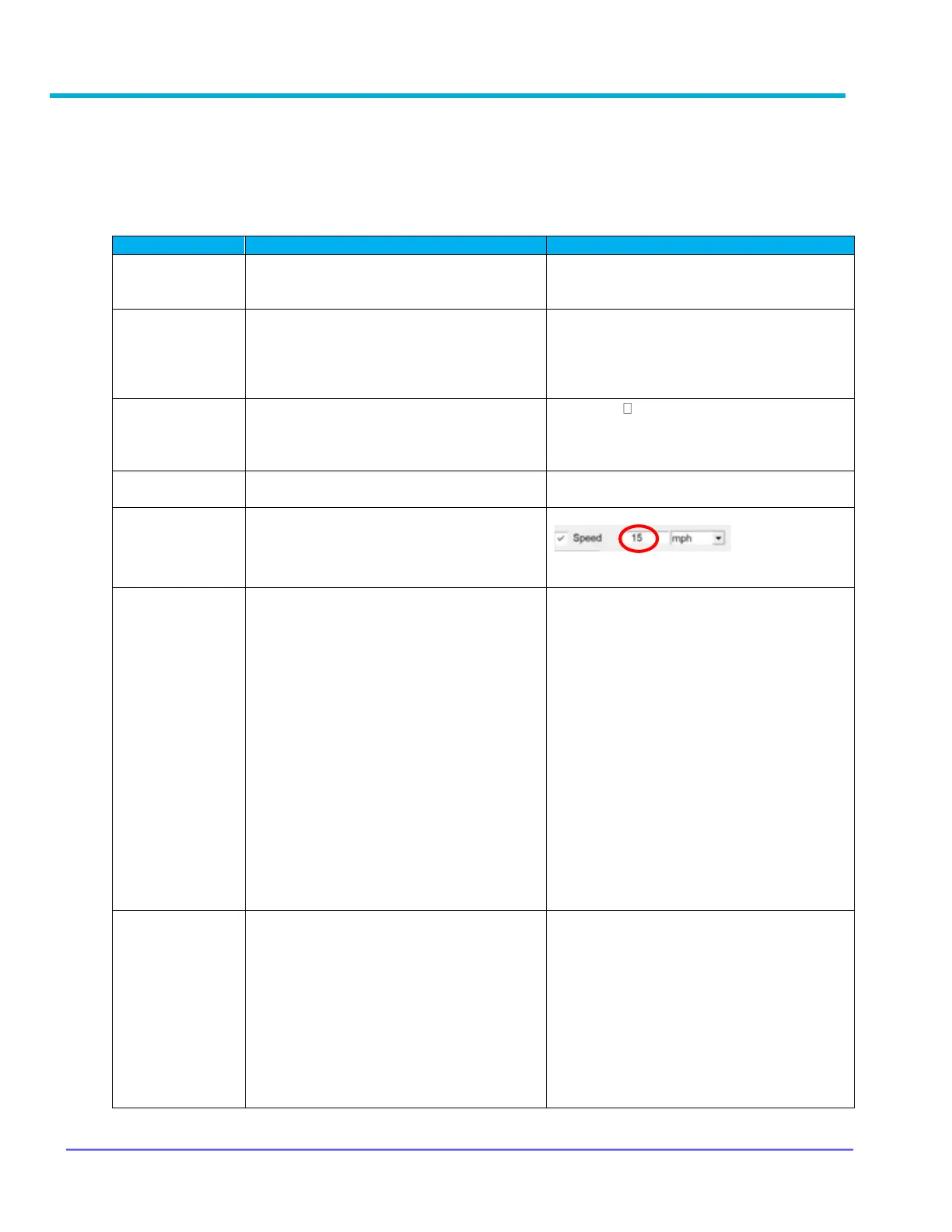
Hardware Setup → Speed Threshold
15 is the Speed Threshold value for the
Speed Field
Explains what the field represents and
provides details on each field value
where appropriate
Mobile Radio Channel Setup → TG
Mode: Enables or Disables Slaving of the
VR Mode to the selected TG.
‘None’ → this selection assumes no
specific VR Mode is linked to the TG. The
VR stays in the last mode or the Mode
associated with the VR Channel.
‘Local’ / ‘System’ → This selection
forces the VR Mode to change to either
Local or System respectively upon
selection of the TG.
‘User’ → The Last VR Mode that was
selected by the User is in effect and the
User can change it as required.
‘Disabled’ → VR is Disabled when this
TG is selected.
‘OFF’ → VR is in OFF mode when this
TG is selected.
Restrictions / limitations related to the
programming of the field; identifies
dependencies on other fields, or if a
feature license is required
Repeater Channel Setup → PSU Scan
Must be enabled on all Repeater
Channels that will be used by PSUs with
Conventional Scan option enabled.
Feature License - PSU Conventional
Scan required for this field to be editable.
Refer to VR Ordering Guides for order
code
Mobile Radio Channel Setup →
Emergency Revert



 To Next Page