8G093X01 R5
VR Programming Guide
August 2022 Page 41 of 144
Upgrading Firmware
Migration from lower to higher version
1. Follow the steps above Applying Firmware.
2. Read VR using FRC
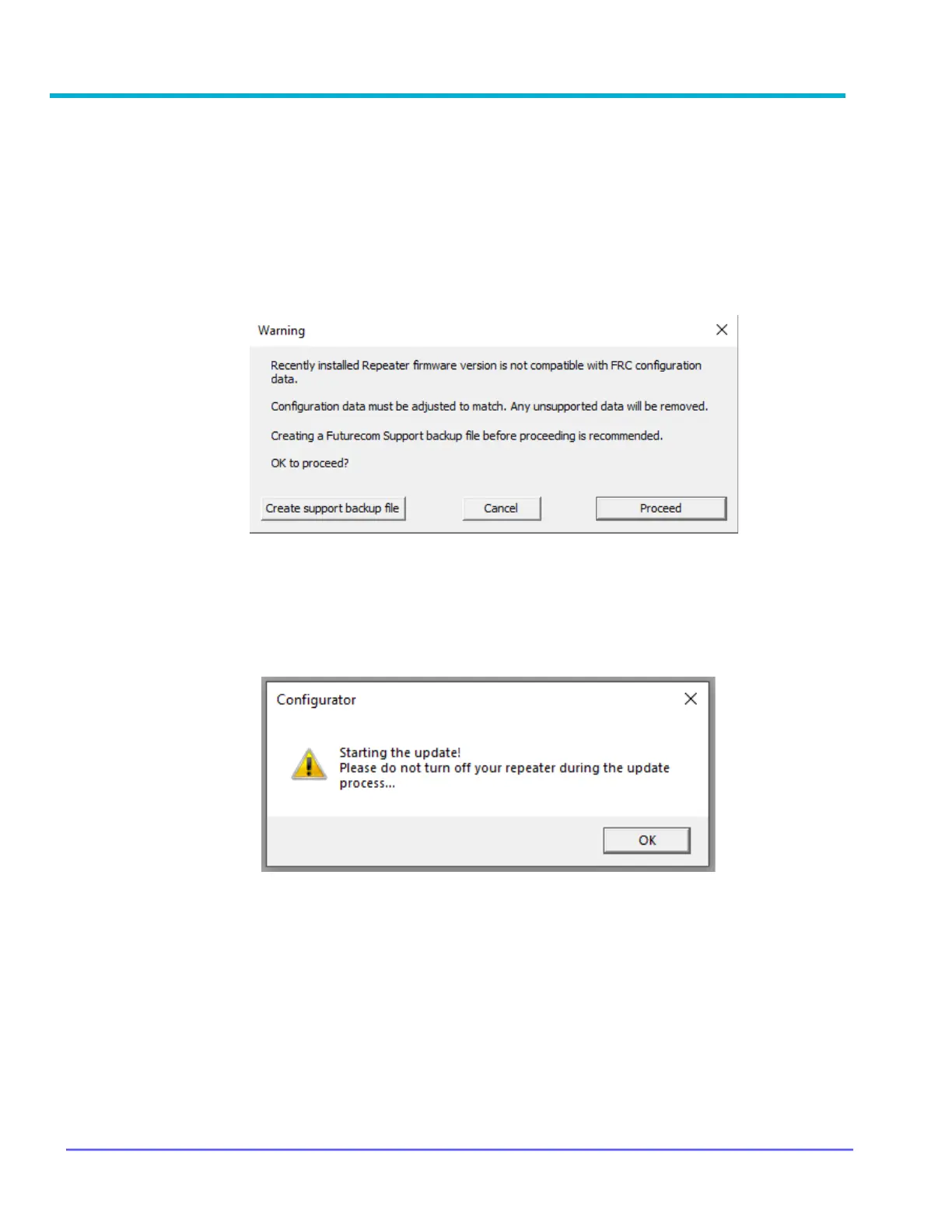
3. FRC will detect that new firmware is running and convert the EEPROM map. User sees
this prompt
4. Will cover the sequences & screenshots in different comment sections for the case of
"Create support backup file" and "Cancel"
5. Following sequences focus on when user click on "Proceed"
6. User will be prompted to ensure DVR is powered on during the conversion process
7. Click "OK" to proceed
8. FRC will start the conversion process, user will see screens opens & closes as
configuration data being converted
9. Upon completion, FRC will show the normal selection panel



 To Next Page