8G093X01 R5
VR Programming Guide
August 2022 Page 35 of 144
How To Clone a VR
Cloning a VR involves applying a common set of field values to multiple VRs enabling faster
configuration of equipment. DPD or DCD templates can be used for this purpose. The basic steps
involve:
1. Read VR
2. Open DPD / DCD file
3. Select screens to be applied
4. Write to VR
Steps for Cloning
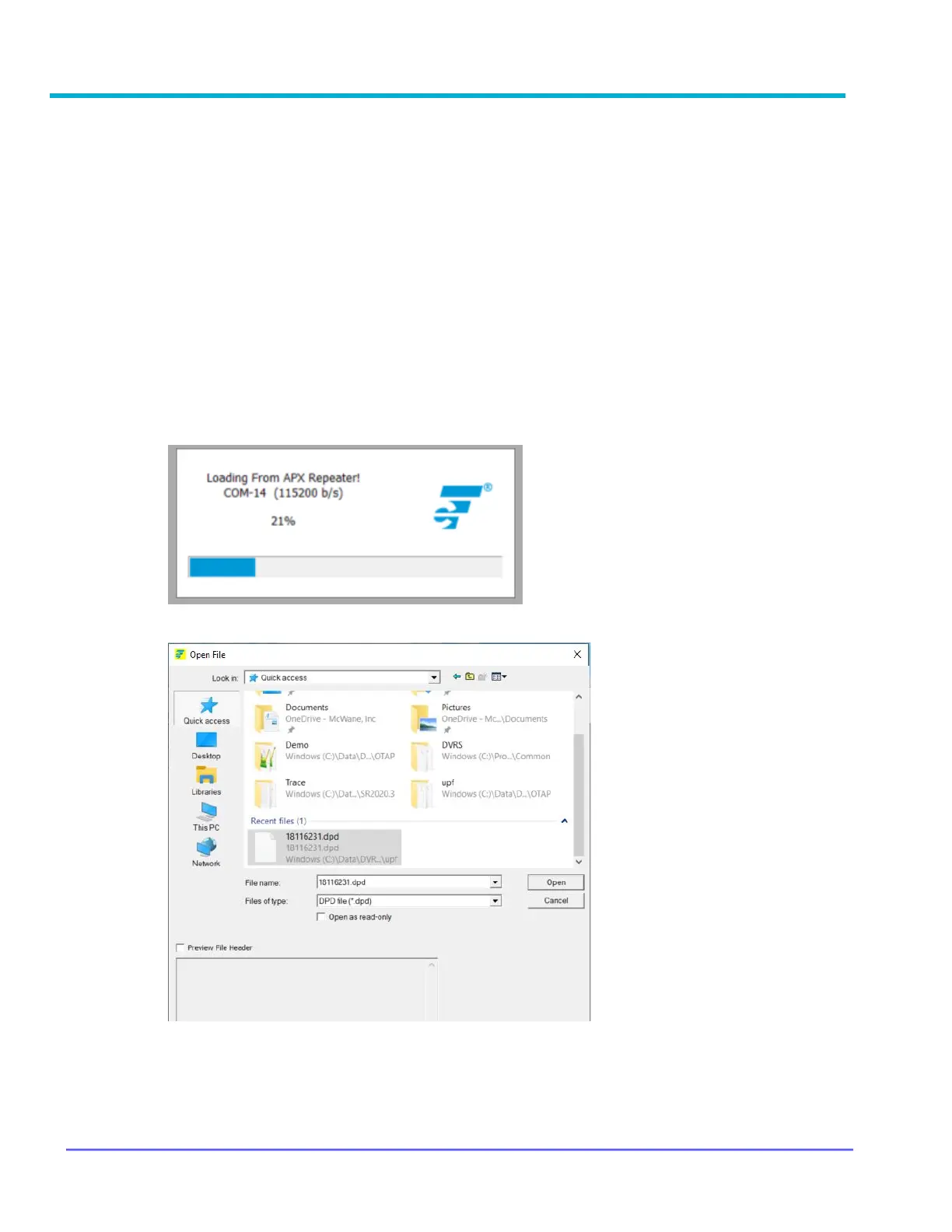
1. Read VR: Repeater → Apply DPD to APX Repeater (MSU will reset if MSU
Programming mode is enabled)
2. Open DPD / DCD file: Follow prompt to select template file to be used and click Open
3. Select screens to be applied and click OK



 To Next Page