8G093X01 R5
VR Programming Guide
August 2022 Page 29 of 144
5. Make configuration changes for this new DCD file.
6. Save the data as DCD: select File → DCD Files
→
Save DCD File
7. Enter data into Save window and click SAVE
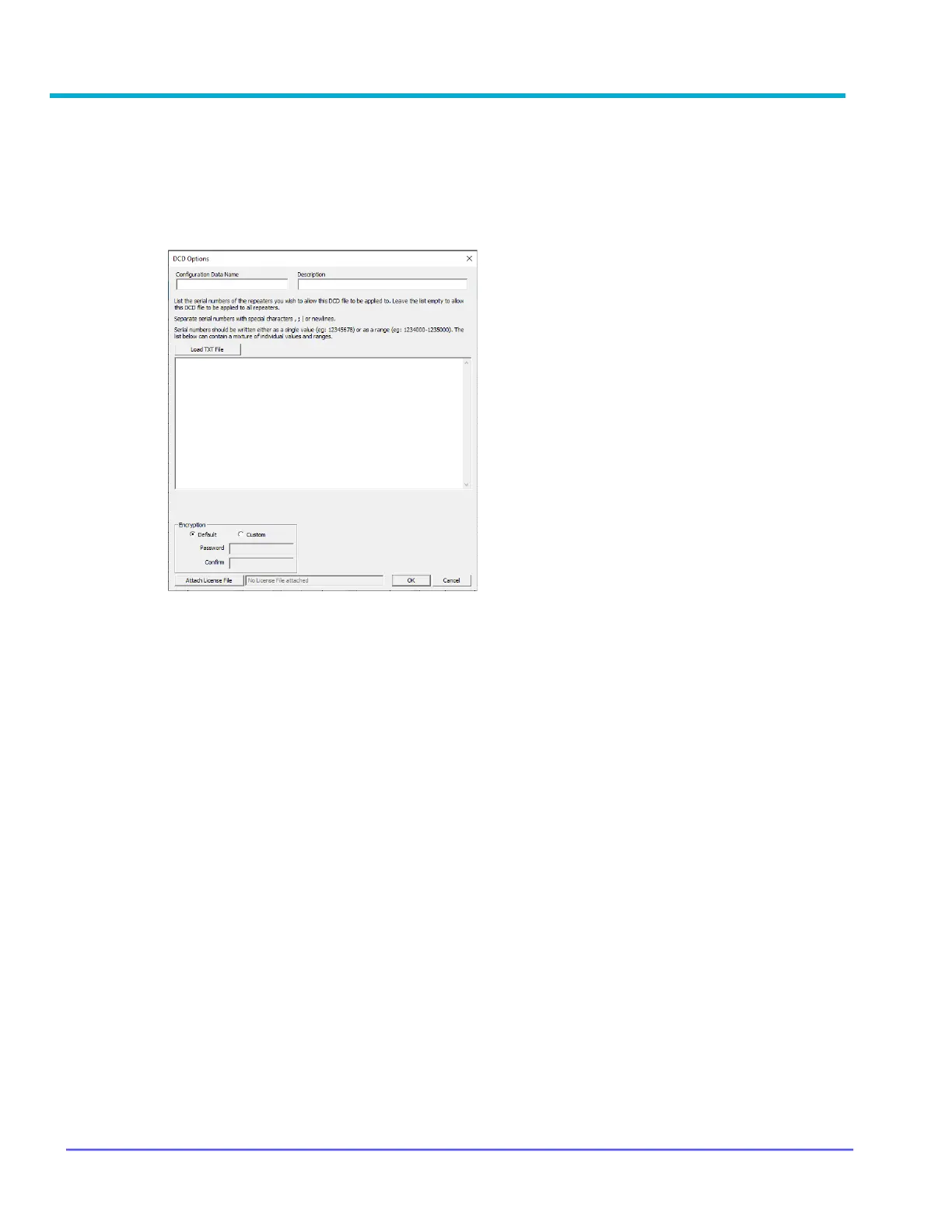
8. Enter data into DCD Options window and click OK (Serial numbers are optional)
Configuration Data Name: Filename displayed after
importing into Radio Management (max 23
alphanumeric chars)
Description: Additional text to clarify content;
displayed in Preview File Header section in Open
File window. (max 1024 alphanumeric chars)
Load TXT File: Command button that loads an
external file that contains a list of the serial numbers.
All data imported will be placed into the List of Serial
Numbers field
List of Serial Numbers: List of serial numbers of the
repeaters that this DCD file should apply to. If left
BLANK, this DCD file will be applicable to all
repeaters (max 65000 alphanumeric characters)



 To Next Page