4
GPSMAP
®
585 Plus
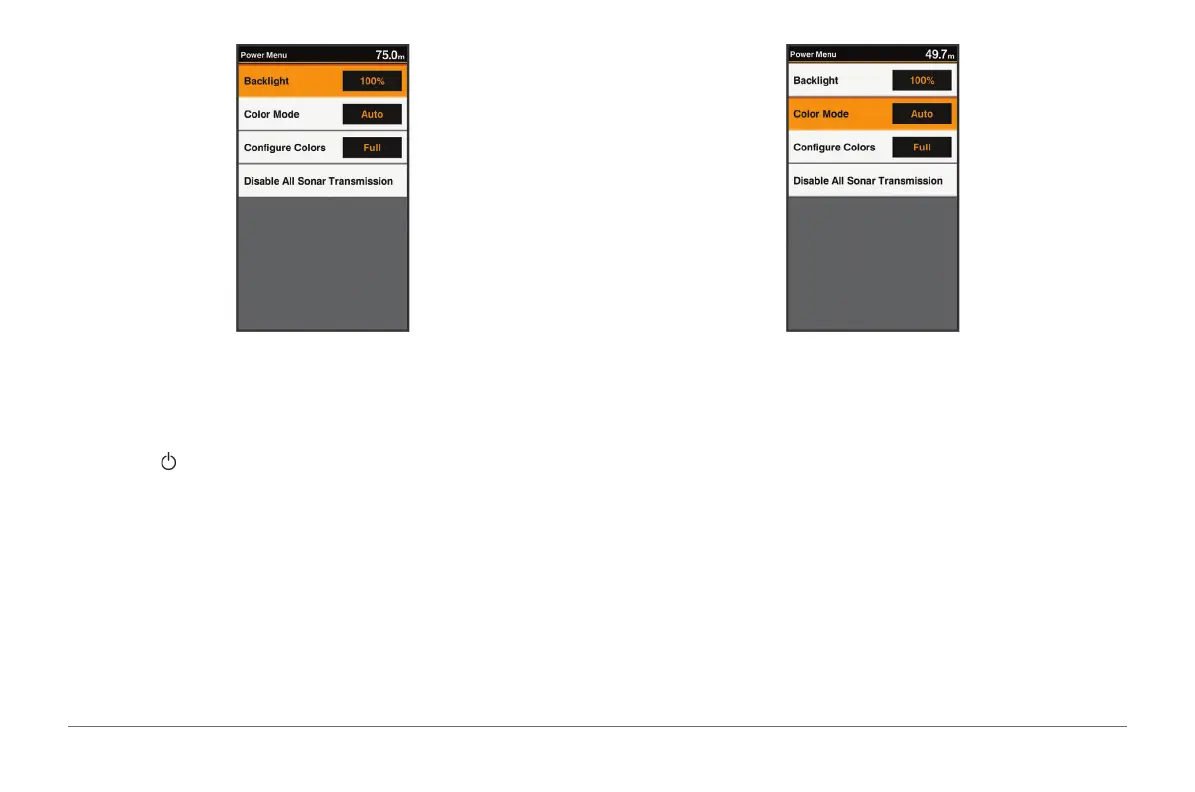
2 Adjust the backlight.
Changing the Color Mode
1 Select Settings > System > Display > Color Mode.
TIP: Press > Color Mode from any screen to access the color settings.
2 Select an option:
• To use a light background, select Day Colors.
• To use a dark background, select Night Colors.
TIP: You can congure the night color mode. Select Congure Colors,
and select an option.
• To allow the device to display day or night colors automatically, based
on the time of day, select Auto.
Conguring the Display Colors
Before you can congure night colors, you must have the color mode set to
night colors (page 4).
Select Settings > System > Display > Congure Colors.



 To Next Page