12
GPSMAP
®
585 Plus
Adjusting the Zoom
You can adjust the zoom manually by specifying the span and a xed starting
depth. For example, when the depth is 15 m and the starting depth is 5 m, the
device displays a magnied area from 5 to 20 m deep.
You also can allow the device to adjust the zoom automatically by specifying
a span. The device calculates the zoom area from the bottom of the water.
For example, if you select a span of 10 m, the device displays a magnied
area from the bottom of the water to 10 m above the bottom.
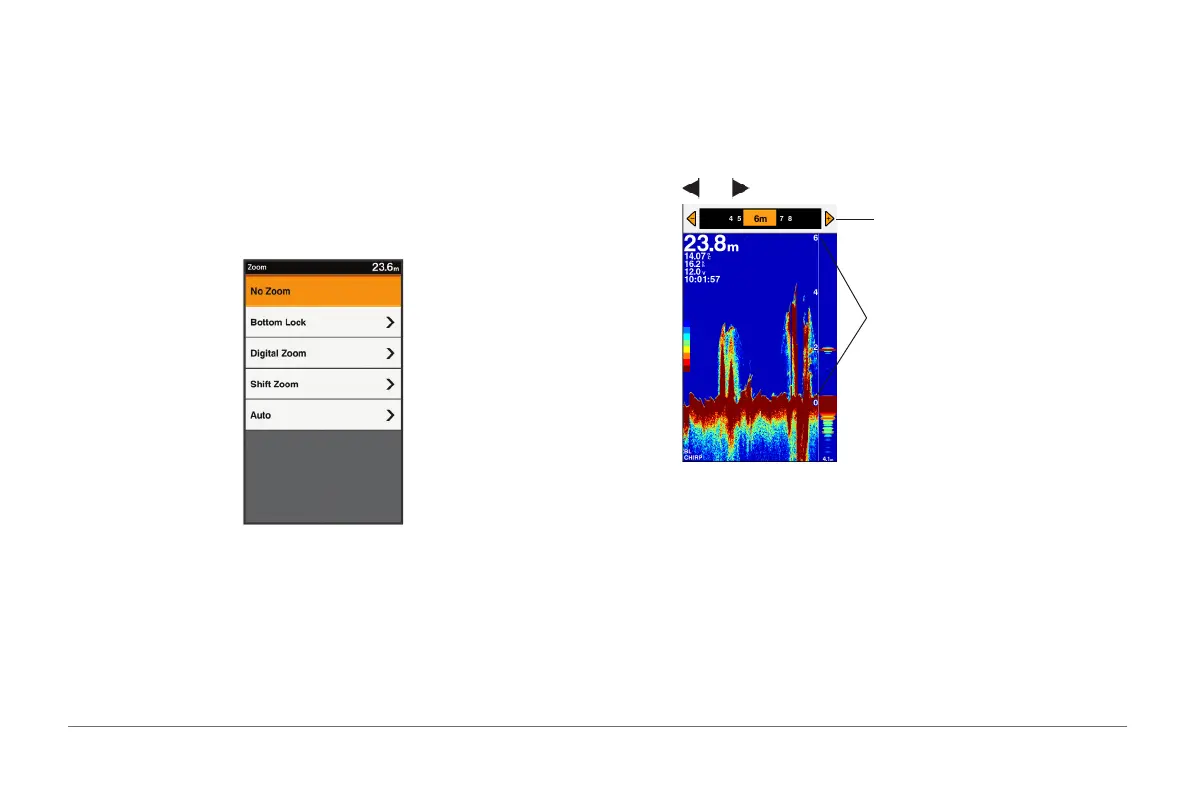
1 From a sonar screen, select RANGE/ZOOM.
2 Select an option:
• Select No Zoom to not use the zoom feature.
• Select Bottom Lock to lock the screen to the water bottom.
• Select Manual or Digital Zoom to manually set the zoom.
• Select Shift Zoom to manually adjust the zoom.
• Select Auto to automatically set the zoom.
Bottom Lock
You can lock the screen to the water bottom. For example, if you select a
span of 20 meters, the device shows an area from the water bottom to 20
meters above the bottom. It is useful for detecting sh close to the bottom.
The span appears on the right side.
1 From a sonar view, select MENU > ZOOM > Bottom Lock.
2 Select and to adjust the depth range above the bottom.
Adjust the display depth range
The depth range above the bottom



 To Next Page