GPSMAP
®
585 Plus
49
。 Route Start
• Other Vessels
� AIS
。 DSC
。 AIS Alarm
。 AIS Alarm
。 Time To
。 Range
。 AIS-EPIRB Test
。 AIS-MOB Test
。 AIS-SART Test
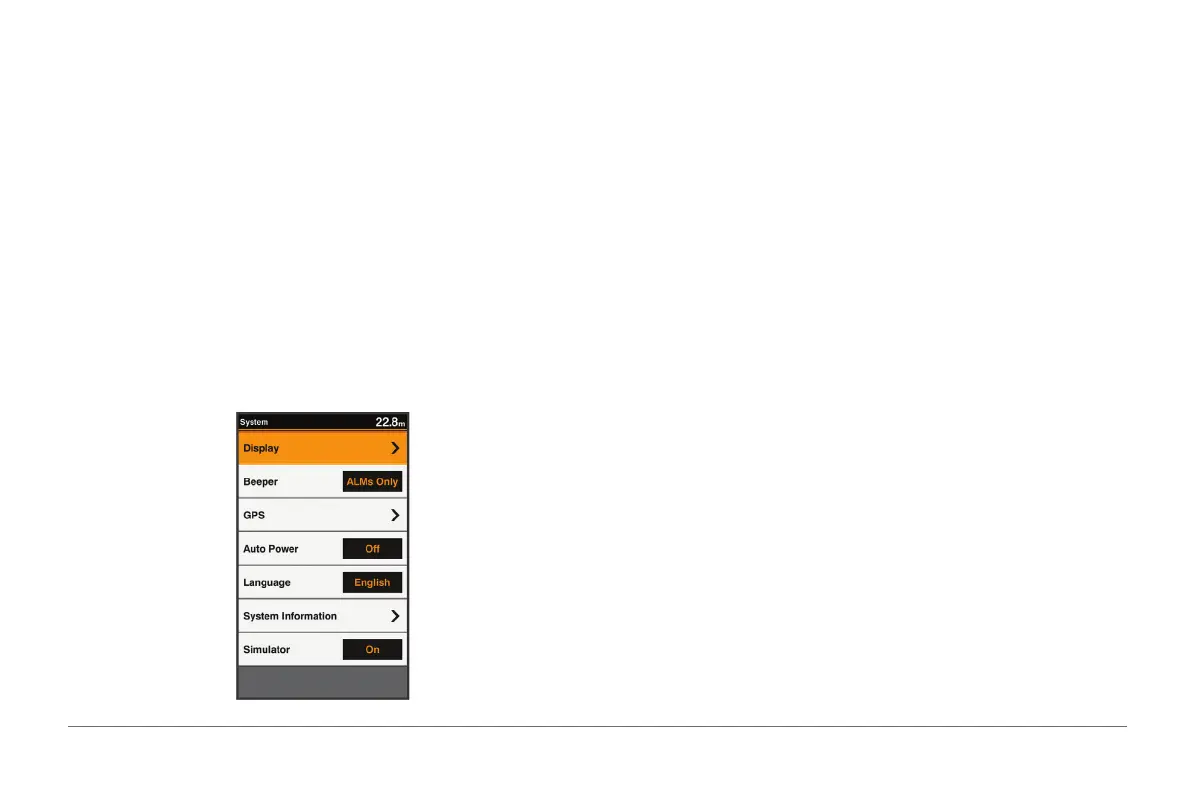
System Settings
Select Settings > System.
Display: Adjusts the backlight brightness (page 3) and color scheme (page
4).
Beeper: Turns on and off the tone that sounds for alarms and selections
(page 4).
GPS: Provides information about the GPS satellite settings and x, and allows
you to select a GPS system.
Auto Power: Turns on the device automatically when power is applied.
Language: Sets the on-screen language.
System Information: Provides information about the device and the software
version.
Simulator: Turns on the simulator and allows you to set the speed and
simulated location.
System Information
Select Settings > Settings > System Information. Event Log: Allows you to
view a log of system events.
Software Information: Provides information about the device and the
software version.
Garmin Devices: Provides information about connected Garmin devices.
Factory Settings: Restores the device to factory settings.
NOTE: This deletes any setting information you have entered.
My Vessel Settings
NOTE: Some settings and options require additional hardware. Select
Settings > My Vessel.



 To Next Page