GPSMAP
®
585 Plus
51
Setting the Water Temperature Offset
You can set the temperature offset to compensate for the temperature
reading from a temperature-capable sensor.
1 Measure the water temperature using the temperature-capable transducer
that is connected to the device.
2 Measure the water temperature using a different thermometer or
temperature sensor that is known to be accurate.
3 Subtract the water temperature measured in step 1 from the water
temperature measured in step 2.
This is the temperature offset. Enter this value in step 5 as a positive
number if the sensor connected to the device measures the water
temperature as being colder than it actually is. Enter this value in step 5
as a negative number if the sensor connected to the device measures the
water temperature as being warmer than it actually is.
4 Select Settings > My Vessel > Temp. Offset.
5 Use the arrow keys to enter water temperature offset measured in step 3.
Calibrating a Water Speed Device
If you have a speed-sensing transducer connected to the chartplotter, you can
calibrate that speed-sensing device to improve the accuracy of water-speed
data displayed by the chartplotter.
1 Select Settings > My Vessel > Calibrate Water Speed.
2 Follow the on-screen instructions.
If the boat is not moving fast enough or the speed sensor is not registering
a speed, a message appears.
3 Select OK, and safely increase the boat speed.
4 If the message appears again, stop the boat, and ensure the speed-sensor
wheel is not stuck.
5 If the wheel turns freely, check the cable connections.
6 If you continue to get the message, contact Garmin product support.
Alarms Settings
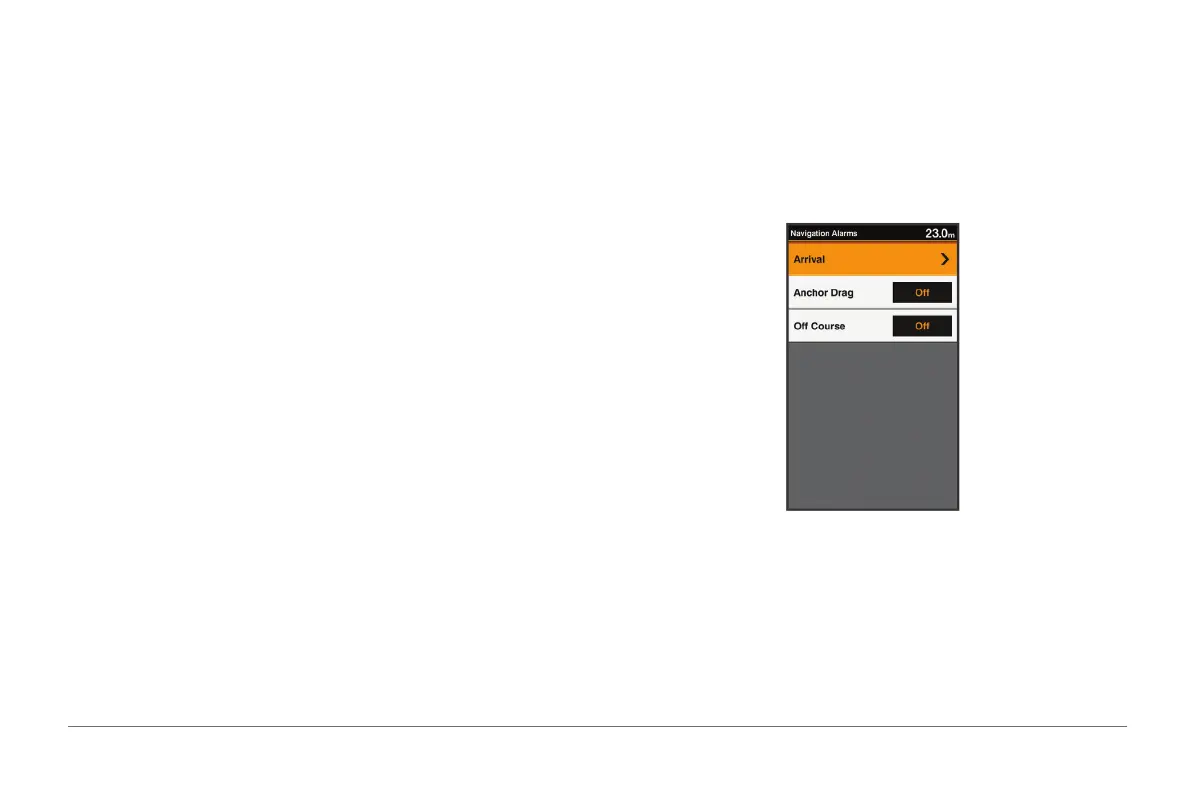
Navigation Alarms
Select Settings > Alarms > Navigation.
Arrival: Sets an alarm to sound when you are within a specied distance or
time from a turn or a destination.
Anchor Drag: Sets an alarm to sound when you exceed a specied drift
distance while anchored.
Off Course: Sets an alarm to sound when you are off course by a specied
distance.



 To Next Page