Notifications and Alerts Settings 13
Viewing Data Totals
You can view the accumulated distance and time data
saved to your watch.
1 From the watch face, hold MENU.
2 Select History > Totals.
3 Select an activity.
4 Select an option to view weekly or monthly totals.
Using the Odometer
The odometer automatically records the total distance
traveled, elevation gained, and time in activities.
1 From the watch face, hold MENU.
2 Select History > Totals > Odometer.
3 Press UP or DOWN to view odometer totals.
Notifications and Alerts Settings
From the watch face, hold MENU, and select
Notifications & Alerts.
Smart Notifications: Customizes the smart
notifications that appear on your watch (Enabling
Bluetooth Notifications, page24).
System Alerts: Sets time (Setting Time Alerts,
page12), barometer (Setting a Storm Alert,
page21), phone connection (Turning On and Off
Phone Connection Alerts, page25), health and
wellness (Health and Wellness Settings, page30),
abnormal heart rate (Setting an Abnormal
Heart Rate Alert, page18), and battery alerts
(Customizing the Battery Saver Feature, page34).
Appearance
You can customize the appearance of the watch face
and the quick access features in the glance loop and
controls menu.
Watch Face Settings
You can customize the appearance of the watch face
by selecting the layout, colors, and additional data.
You can also download custom watch faces from the
Connect IQ store.
Customizing the Watch Face
You can customize the watch face information and
appearance.
1 From the watch face, hold MENU.
2 Select Watch Face.
3 Press UP or DOWN to preview the watch face
options.
4 Select Add New to create a custom watch face.
5 Scroll to a watch face, and press GPS.
6 Select an option:
• To activate the watch face, select Apply.
• To customize the data that appears on the watch
face, select Data.
• To customize the background color of the watch
face, press Color.
Glances
Your watch comes preloaded with glances that
provide quick information (Viewing the Glance Loop,
page14). Some glances require a Bluetooth
connection to a compatible phone.
Some glances are not visible by default. You can add
them to the glances list manually (Customizing the
Glance Loop, page15).
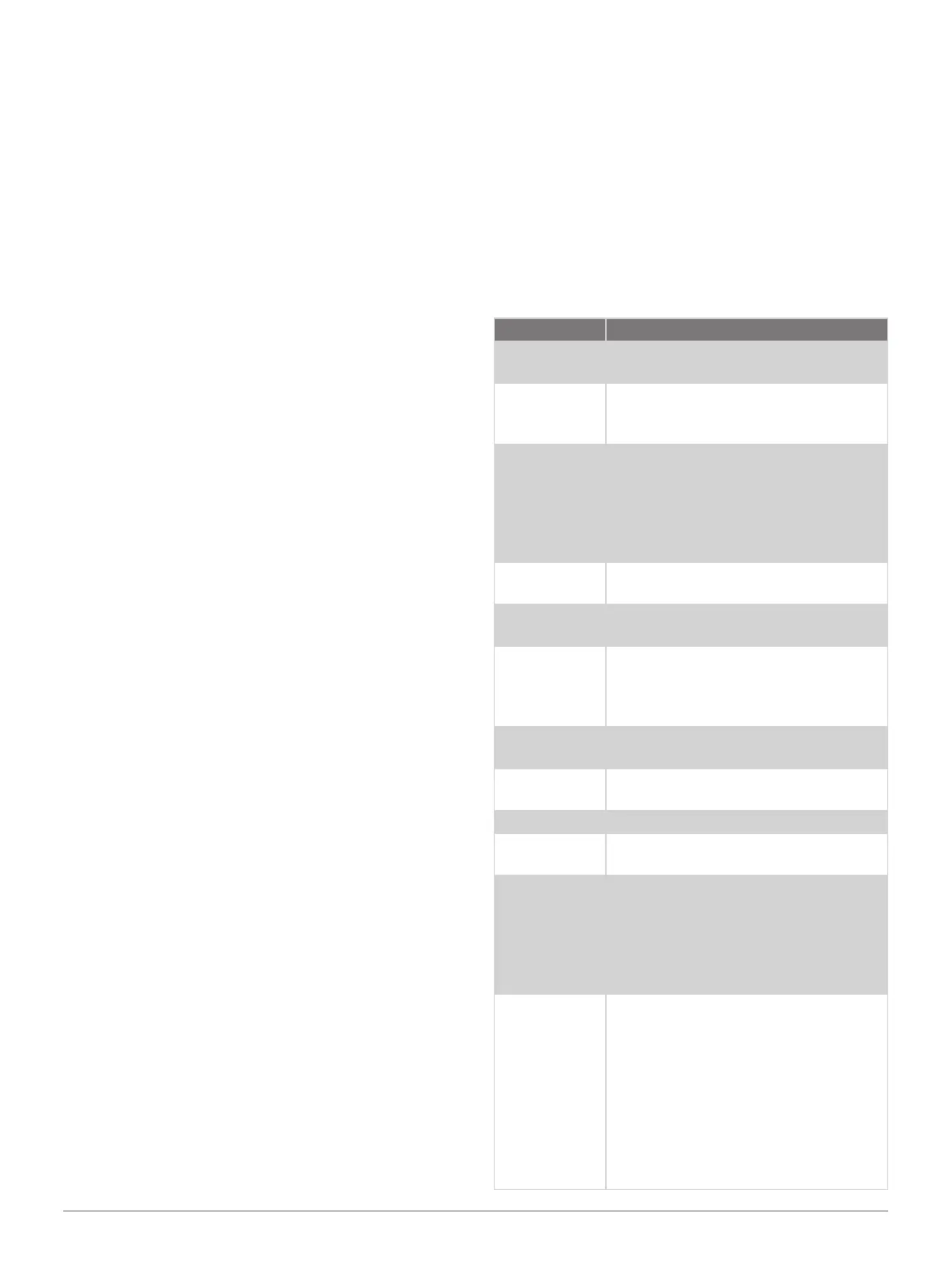
Name Description
ABC
Displays combined altimeter,
barometer, and compass information.
Alternate time
zones
Displays the current time of day
in additional time zones (Adding
Alternate Time Zones, page12).
Altitude
acclimation
At altitudes above 800 m (2625 ft.),
displays graphs showing altitude-
corrected values for your average
pulse oximeter reading, respiration
rate, and resting heart rate for the last
seven days.
Altimeter
Displays the approximate elevation
based on pressure changes.
Barometer
Displays the environmental pressure
data based on elevation.
Body Battery
With all-day wear, displays your
current Body Battery level and a graph
of your level for the last several hours
(Body Battery, page15).
Calendar
Displays upcoming meetings from
your phone calendar.
Calories
Displays your calorie information for
the current day.
Compass Displays an electronic compass.
Floors
climbed
Tracks your floors climbed and
progress toward your goal.
Garmin coach
Displays scheduled workouts when
you select a Garmin coach adaptive
training plan in your Garmin Connect
account. The plan adjusts to your
current level of fitness, coaching and
schedule preferences, and race date.
Health
Snapshot
Starts a Health Snapshot session on
your watch that records several key
health metrics while you hold still for
two minutes. It provides a glimpse of
your overall cardiovascular status. The
watch records metrics such as your
average heart rate, stress level, and
respiration rate.
Displays summaries of your saved
Health Snapshot sessions.













 To Next Page