14 Appearance
Name Description
Heart rate
Displays your current heart rate in
beats per minute (bpm) and a graph of
your average resting heart rate (RHR).
HRV Status
Displays your seven-day average of
your overnight heart rate variability
(Heart Rate Variability Status,
page16).
Intensity
minutes
Tracks your time spent participating in
moderate to vigorous activities, your
weekly intensity minutes goal, and
progress toward your goal.
inReach
controls
Allows you to send messages on
your paired inReach device (Using the
inReach Remote, page22).
Last activity
Displays a brief summary of your last
recorded activity.
Last ride
Last run
Last swim
Displays a brief summary of your last
recorded activity and history of the
specified sport.
Messenger
Displays your Garmin Messenger app
conversations and allows you to reply
to messages from your watch (Garmin
Messenger App, page27).
Moon phase
Displays the moonrise and moonset
times, along with the moon phase,
based on your GPS position.
Music
Provides music player controls for
your phone.
Naps
Displays total nap time and Body
Battery level gains. You can start the
nap timer and set an alarm to wake
you up (Customizing Sleep Mode,
page35).
Notifications
Alerts you to incoming calls, texts,
social network updates, and more,
based on your phone notification
settings (Enabling Bluetooth
Notifications, page24).
Performance
Displays performance measurements
that help you track and understand
your training activities and race
performances (Performance
Measurements, page15).
Pulse
oximeter
Allows you to take a manual pulse
oximeter reading (Getting Pulse
Oximeter Readings, page19). If
you are too active for the watch
to determine your pulse oximeter
reading, the measurements are not
recorded.
Respiration
Your current respiration rate in breaths
per minute and seven-day average.
You can do a breathing activity to help
you relax.
Name Description
Sleep score
Displays total sleep time, a sleep
score, and sleep stage information for
the previous night.
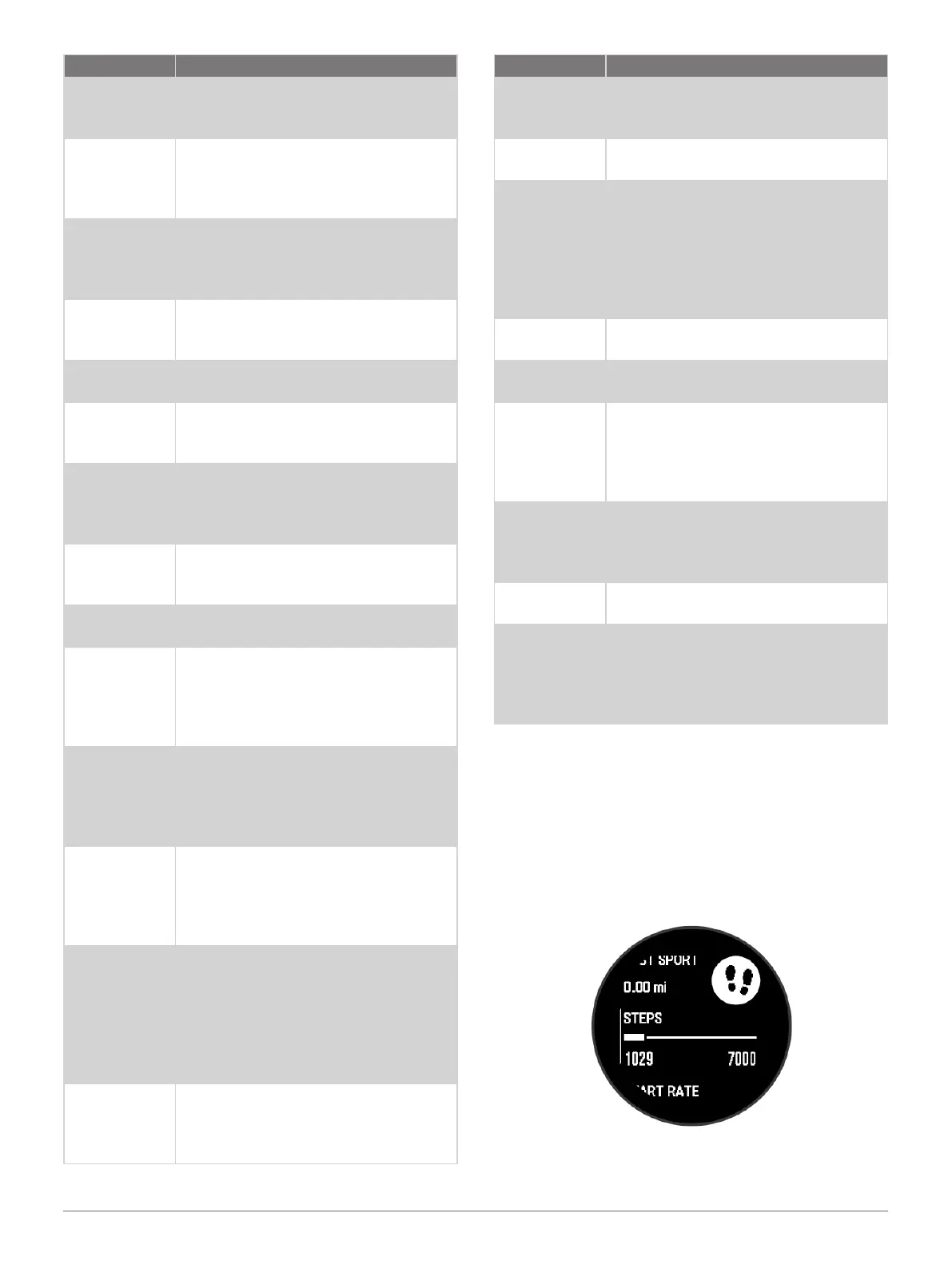
Steps
Tracks your daily step count, step
goal, and data for previous days.
Stress
Displays your current stress level
and a graph of your stress level. You
can do a breathing activity to help
you relax. If you are too active for
the watch to determine your stress
level, stress measurements are not
recorded.
Sunrise and
sunset
Displays sunrise, sunset, and civil
twilight times.
Temperature
Displays temperature data from the
internal temperature sensor.
Tides
Displays information about a tide
station, such as the tide height and
when the next high and low tides
will occur (Viewing Tide Information,
page7).
VIRB controls
Provides camera controls when
you have a VIRB device paired with
your Instinct E watch (VIRB Remote,
page23).
Weather
Displays the current temperature and
weather forecast.
Xero device
Displays laser location information
when you have a compatible Xero
device paired with your Instinct E
watch (Xero Laser Location Settings,
page23).
Viewing the Glance Loop
Glances provide quick access to health data, activity
information, built-in sensors, and more. When you pair
your watch, you can view data from your phone, such as
notifications, weather, and calendar events.
1 Press UP or DOWN.
The watch scrolls through the glance loop and
displays summary data for each glance.
2 Press GPS to view more information.
3 Select an option:













 To Next Page