

 To Next Page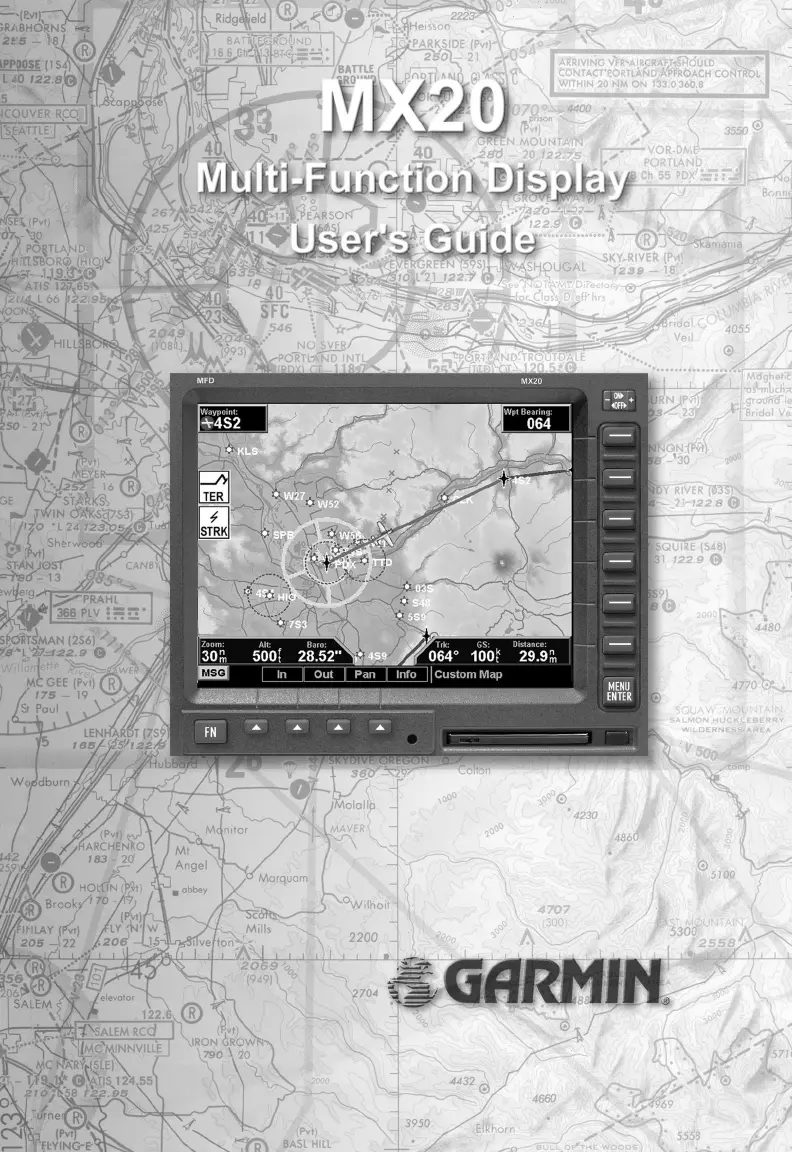


J
Joel LuceroSep 12, 2025
What does the IDENT (green) flag mean on my Garmin GPS?
- Mmelissa68Sep 12, 2025
The IDENT (green) flag on your Garmin GPS requires no action.

What does the IDENT (green) flag mean on my Garmin GPS?
The IDENT (green) flag on your Garmin GPS requires no action.
Why Garmin Avionics Display unit does not power up and shows a blank screen?
A blank screen on your Garmin Avionics Display can occur due to several reasons: * The unit may not be properly wired, or the circuit breaker might be open. Ensure that the power is correctly wired and the circuit breaker is closed. * The unit intensity might be turned down. Check that the unit is not in manual intensity control mode with the intensity set too low. * The unit may be too cold. If the ambient temperature is below 10°C, allow the unit to preheat for up to 60 seconds. * The data card may not be correctly installed. Make sure the data card is fully inserted in the front bezel, flush with the ejector button.
Records changes made to the manual through its revision history.
Details on how to obtain additional copies of the MX20 User's Guide.
Legal terms and conditions for using the MX20 software and operating system.
Lists and describes the major functions available on the MX20 display interface.
Explains power, brightness, and key controls for operating the MX20 unit.
Details the display screen layout, annunciations, and data flags for system status.
Covers power-up, brightness, initial checks, and basic operational procedures.
Enables customized map display by overlaying various information for situational awareness.
Covers Skywatch/TCAD, ADS-B, TIS-A traffic display, symbology, and alerts.
Details topographic features display, including sectional and terrain awareness views.
Describes graphical/text weather data (FIS) and lightning strike information from WX500.
Explains interface with weather radars (ART2000/2100), including modes and display options.
Covers setting navigation preferences, obtaining version info, and performing diagnostic tests.
Provides recommended methods for cleaning and maintaining the MX20 display screen.
Lists common problems, causes, and recommended actions for resolving MX20 operational issues.
 General
| Display Type | Color LCD |
|---|---|
| Water Resistance | IPX7 |
| GPS Receiver | 12-channel |
| Routes | 50 |
| Category | Aviation GPS |
| Track Log | 10, 000 points |
| Map Storage | Internal |
| Operating Temperature | -15°C to 55°C (5°F to 131°F) |









