61
Frame Number Reset
Reset the frame number.
Default reset: Folder number is 100 and file number is 0001.
1. Set the mode dial to [SET-UP] and power on the camera.
2. Use the c or d button to select Fr. No. Reset.
3. Press the SET button.
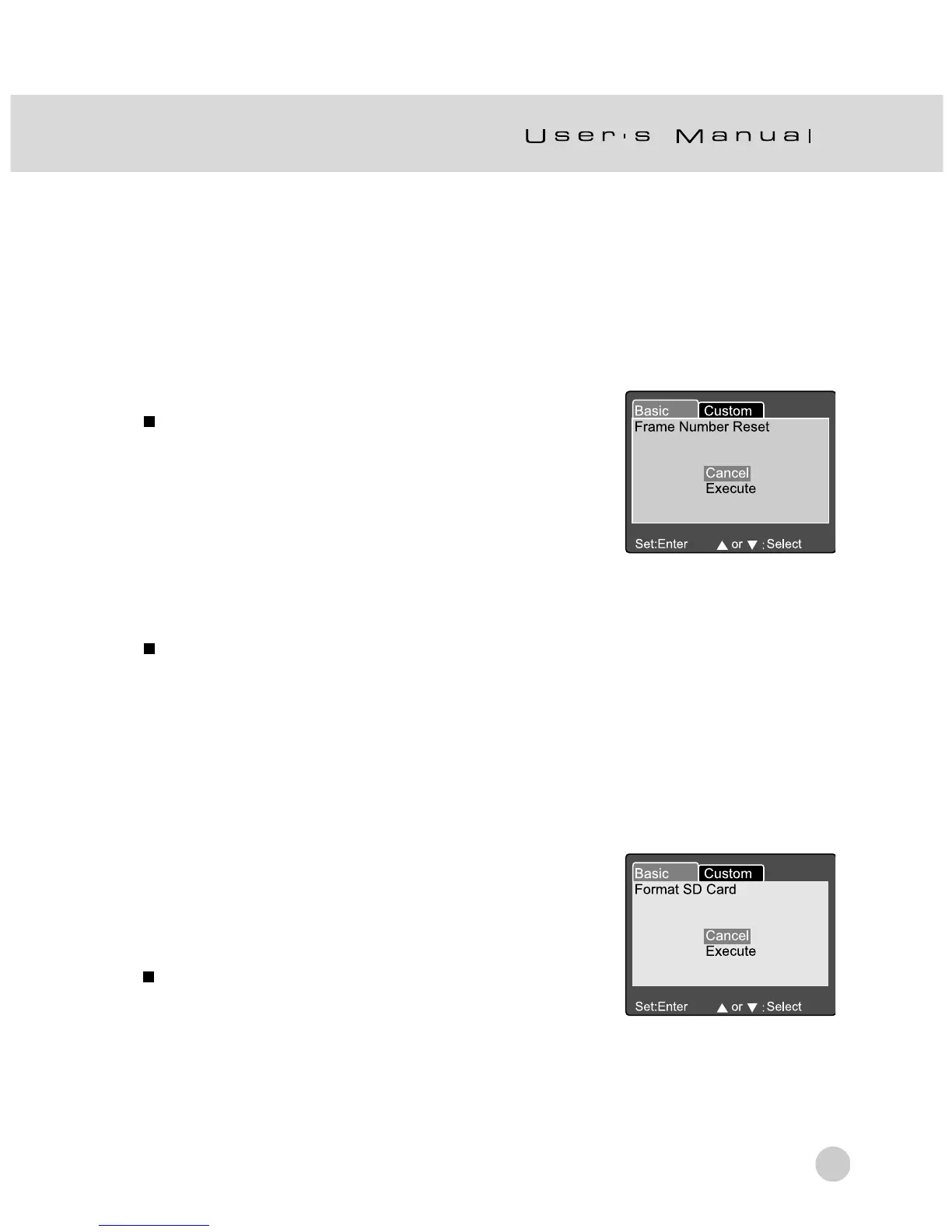
Frame Number Reset menu is displayed on
the LCD monitor.
4. Use the c or d button to select Execute or
Cancel.
[Execute]: Reset the frame number.
[Cancel]: Does not reset the frame number.
5. Press the SET button to confirm the setting.
Note:
If a folder already exists on SD Memory Card, the camera assigns a larger number than the
existing folder.
Format
Formatting erases all images and reformats the SD Memory Card loaded in your
camera. Protected images are also erased. The SD Memory Card cannot be
formatted if it is write-protected.
1. Set the mode dial to [SET-UP] and power on the
camera.
2. Use the c or d button to select Format.
3. Press the SET button.
The “Format SD card” menu is displayed on
the LCD monitor.
4. Use the c or d button to select Execute or Cancel.
[Execute]: Format the memory card.
[Cancel]: Does not format the memory card.
5. Press the SET button to confirm the setting.



 To Next Page