JF-240UV User Manual
118
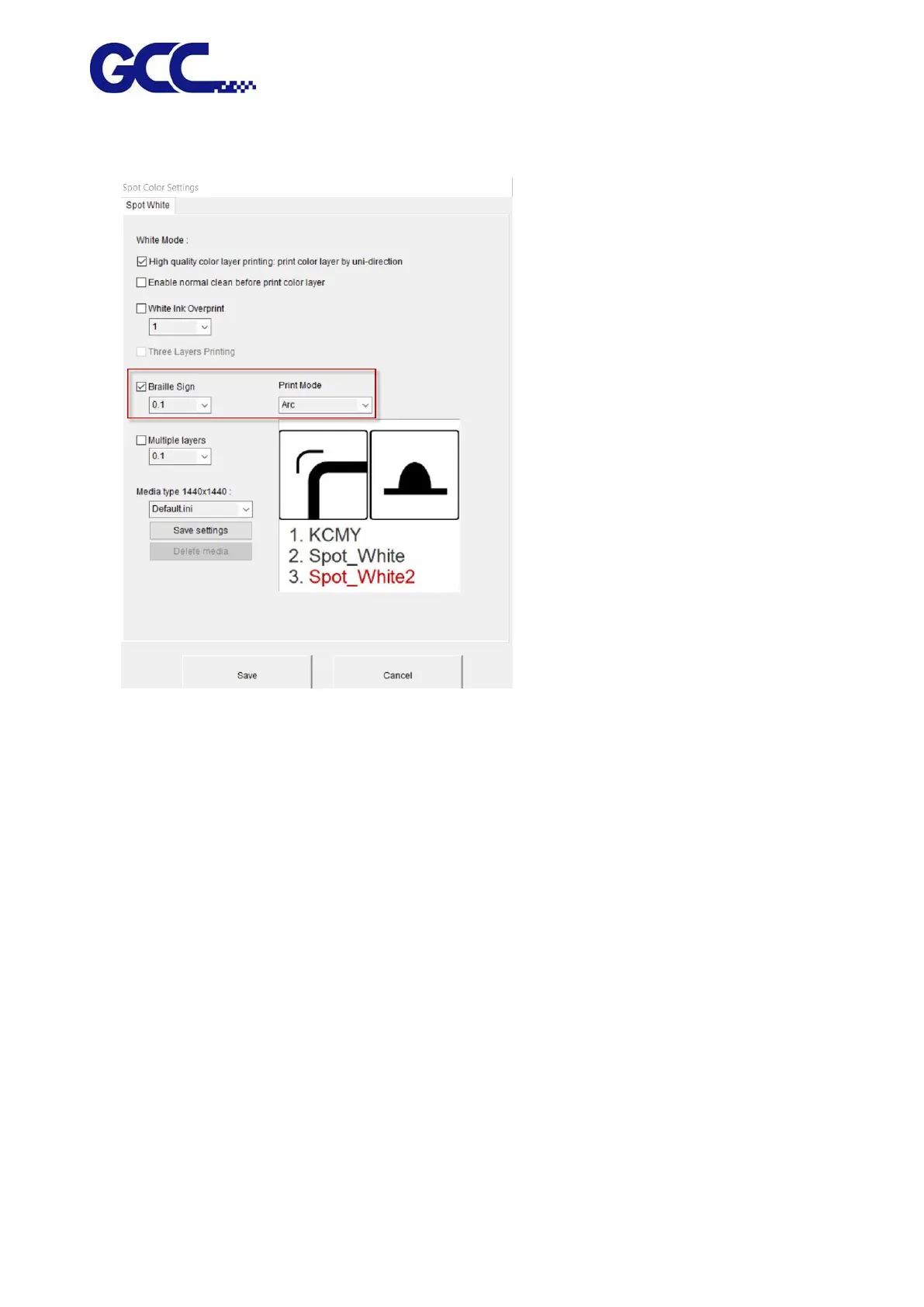
15. Open Spot Color Settings dialog box→tick Braille Sign and set the print height→Print Mode:
ARC
16. The setting is complete
Note: Printing process and throughput would be affected if using Multiple layers mode. Choose a
proper printing mode that is appropriate.
Note:When the outermost layer of the Braille sign is printed in white (using white color but not
any other colors as a cover to print on Braille sign), it is suggested to set the Spot_White shrink
inward by 0.4mm (Spot_White : -0.2) and set Spot_White as standard (Spot_White2: 0), then
select Print Mode: ARC and tick Full coverage white base printing.






 To Next Page