JF-240UV User Manual
42
5.1.3 How To Print On Rigid Material
When the setting of PH Gap Auto Adjustment mode is “OFF”, refer to the following two
exsamples for the instructions of rigid material printing:
Example 1: Set parameter settings of full table print size
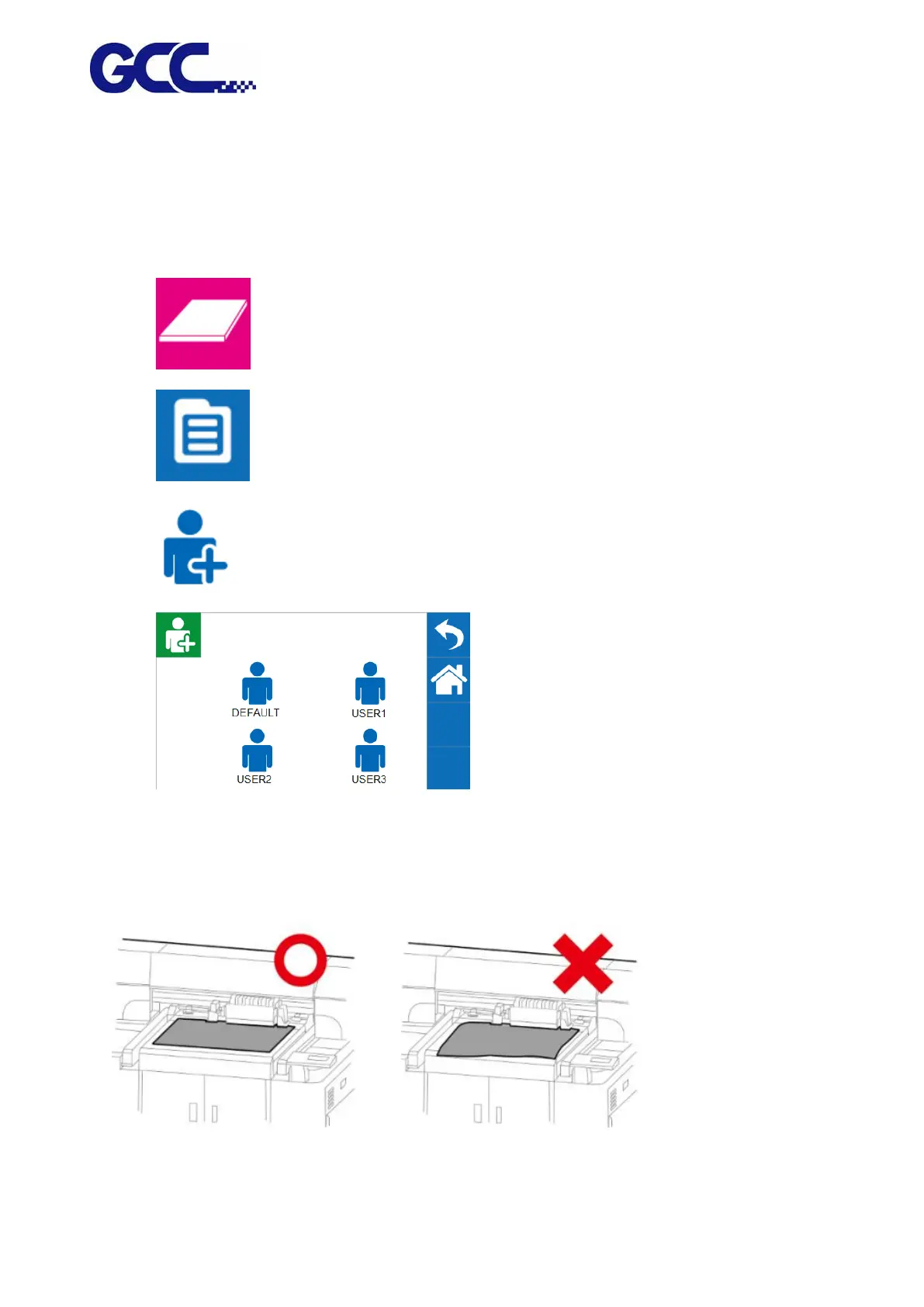
Please load the rigid material correctly according to following steps.
Step 1. Entre FLATBED mode.
Step 2. Select MENU.
Step 3. Select USER SET.
Step 4. Select DEFAULT and select BACK icon .
Step 5. Place print media on the lower right corner of the platen of JF-240UV.
(CAUTION)






 To Next Page