JF-240UV User Manual
46
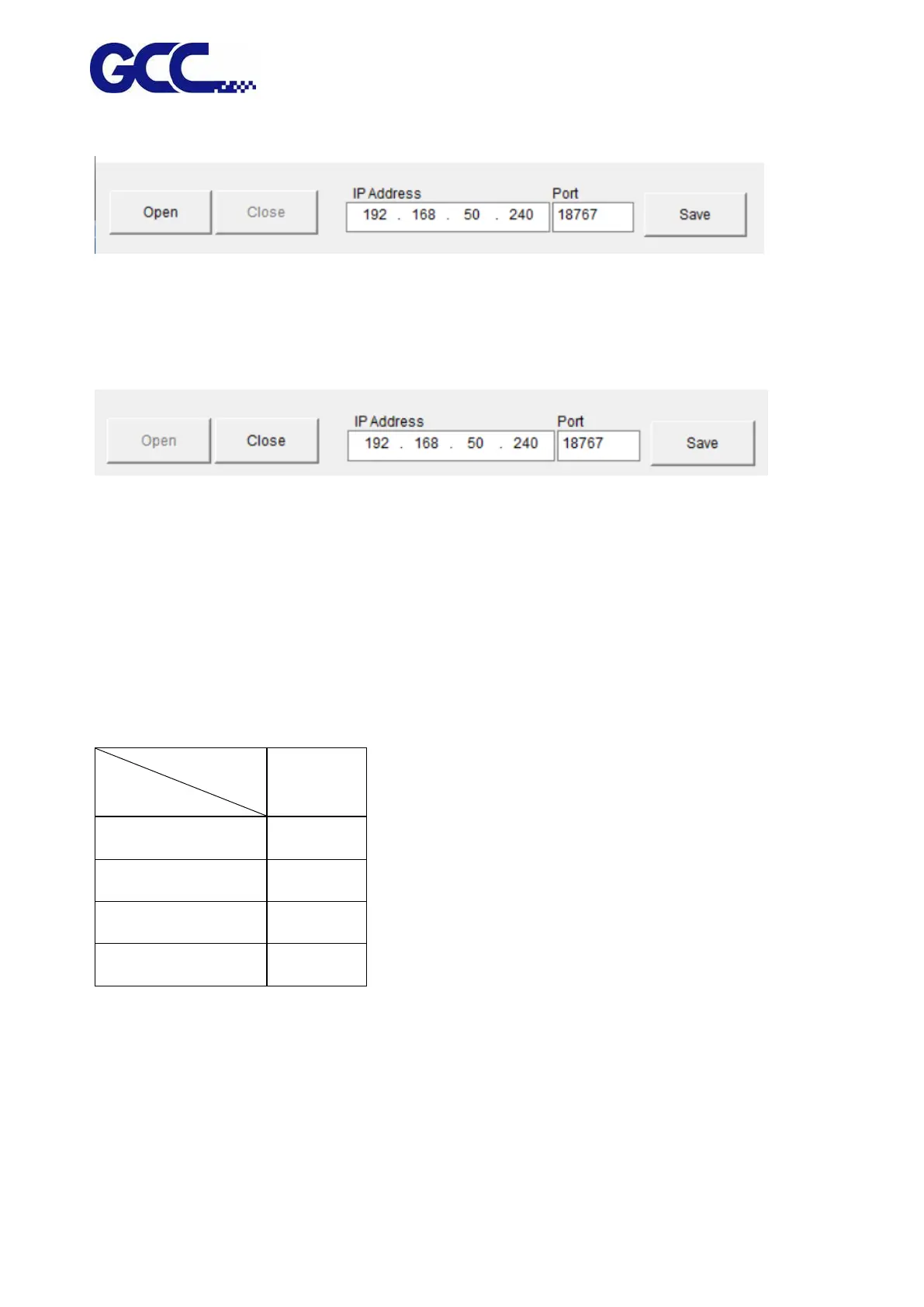
Step 4. Start JF-240UV (VLCD) and click Open.
Step 5. Enter the IP address acquired from the control panel in the “IP Address” column and click
Save.
5.1.5 Simplified Output Procedure
Basic Output Message
Please make sure test tuning / printing / quality / LED lamp are ok.
Note: The tuning setting confirmation prior machine printing is very important; please double
check to ensure they are correct.






 To Next Page