JF-240UV User Manual
150
Step 8 Close left cover and fasten it with thumbscrews.
Step 9 Complete
6.3.3 Automatic Basic Cleaning Up Maintenance
For the daily cleaning up and maintenance, if the print head is clogged, it is recommended to apply
basic cleaning up instruction procedure to clean up print head prior the print job.
Step 1 Perform NOZZLE CHECK
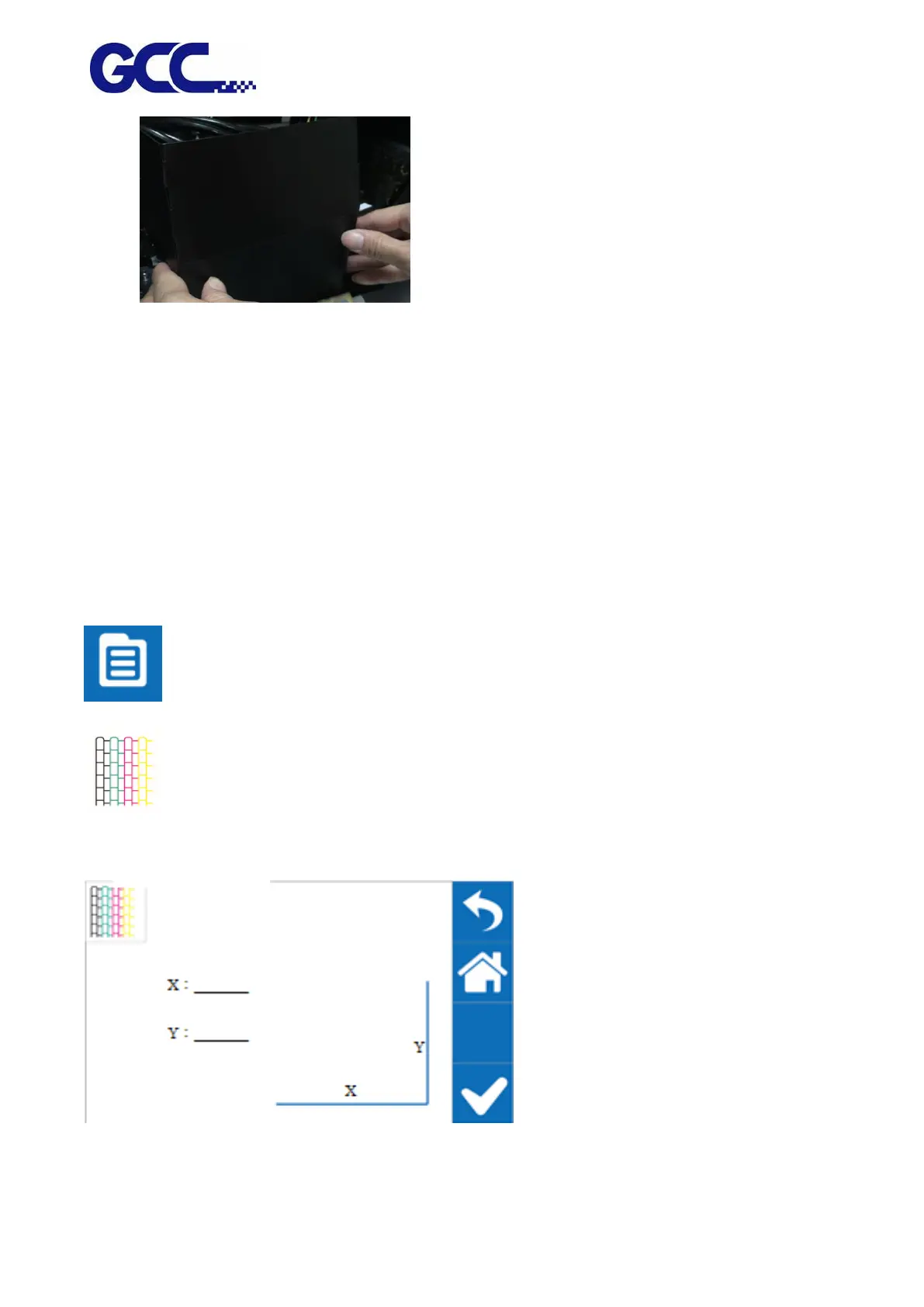
1. Select MENU on the control panel
2. Select NOZZLE CHECK
3. Enter X, Y value and press ENTER
Step 2 JF-240UV will print out Nozzle Check test pattern, if the printing quality is similar to the






 To Next Page