JF-240UV User Manual
113
5.3.6 How To Set Arc mode for Dome Shaped Braille Characters/Patterns
Printing
Braille is a coded system of tactile raised dots organized into cells consisting of one to six dots, which
must have a domed or rounded surface. To produce a smooth and rounded surface on Braille dots
or raised patterns, please use ACR mode to achieve the desired effect. The following paragraph
illustrates a step by step instruction of how to set the ARC mode and produce dome shaped Braille
dots/patterns. The instruction will use Illustrator as an example.
1. Add Sopt_White swatch and Spot_White2 swatch; refer to 5.3.1 for the detailed instruction to
add new color swatch. The setting is used for vector graphics.
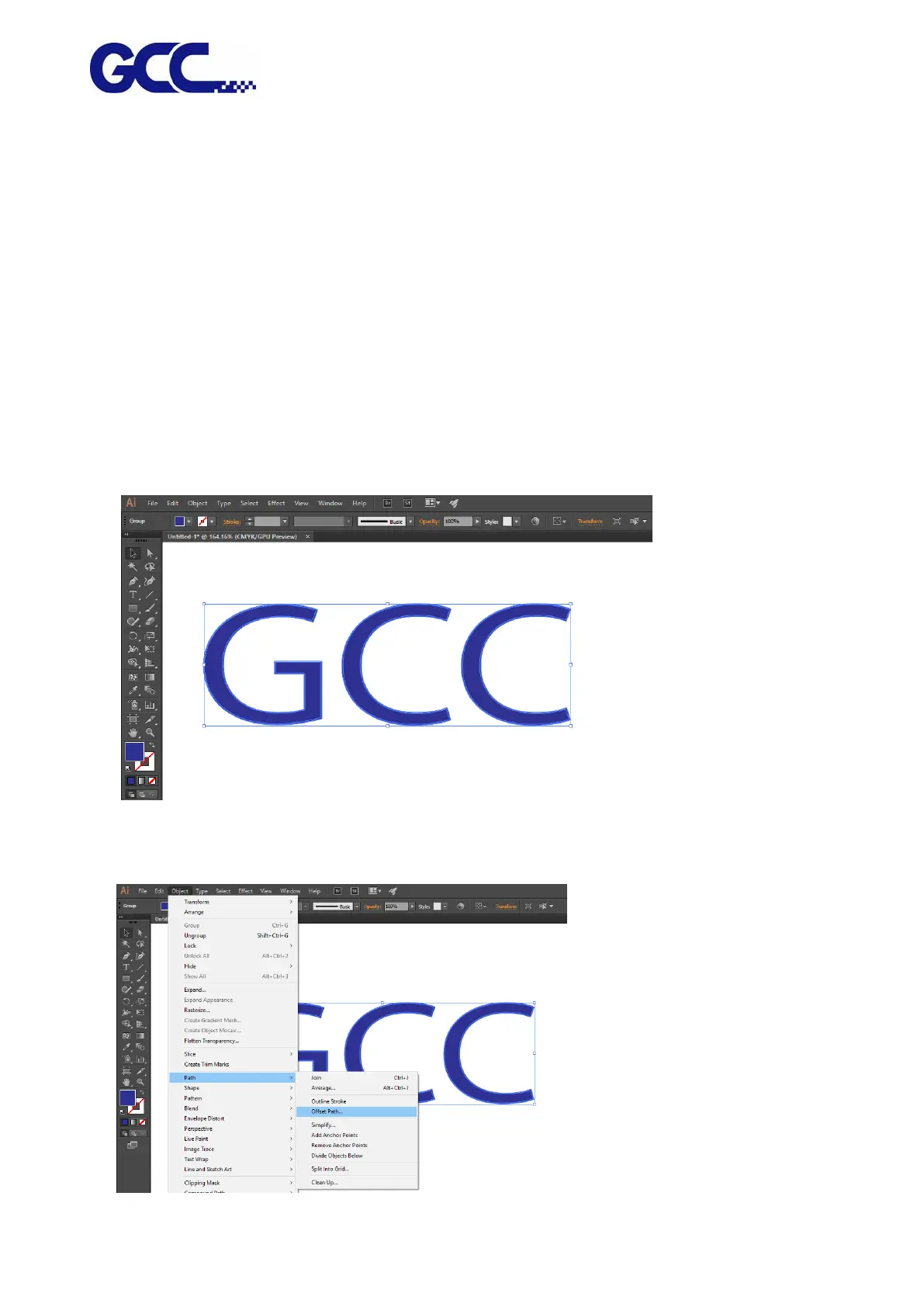
2. Select the characters/Patterns and create contour lines. Move the contour lines to a new layer.
3. Step 2 Select Object→Path→Offset Path…..






 To Next Page