JF-240UV User Manual
64
Deleting Setups
To delete jobs, please execute the following steps :
˙ Select the Delete or Backspace key in the keyboard.
˙ Select the job, and select the delete from the Edit menu.
˙ Select the job, and click the delete button in the toolbar.
˙ Right click on the job, and select the delete from the pop up menu.
5.2.4 Editor
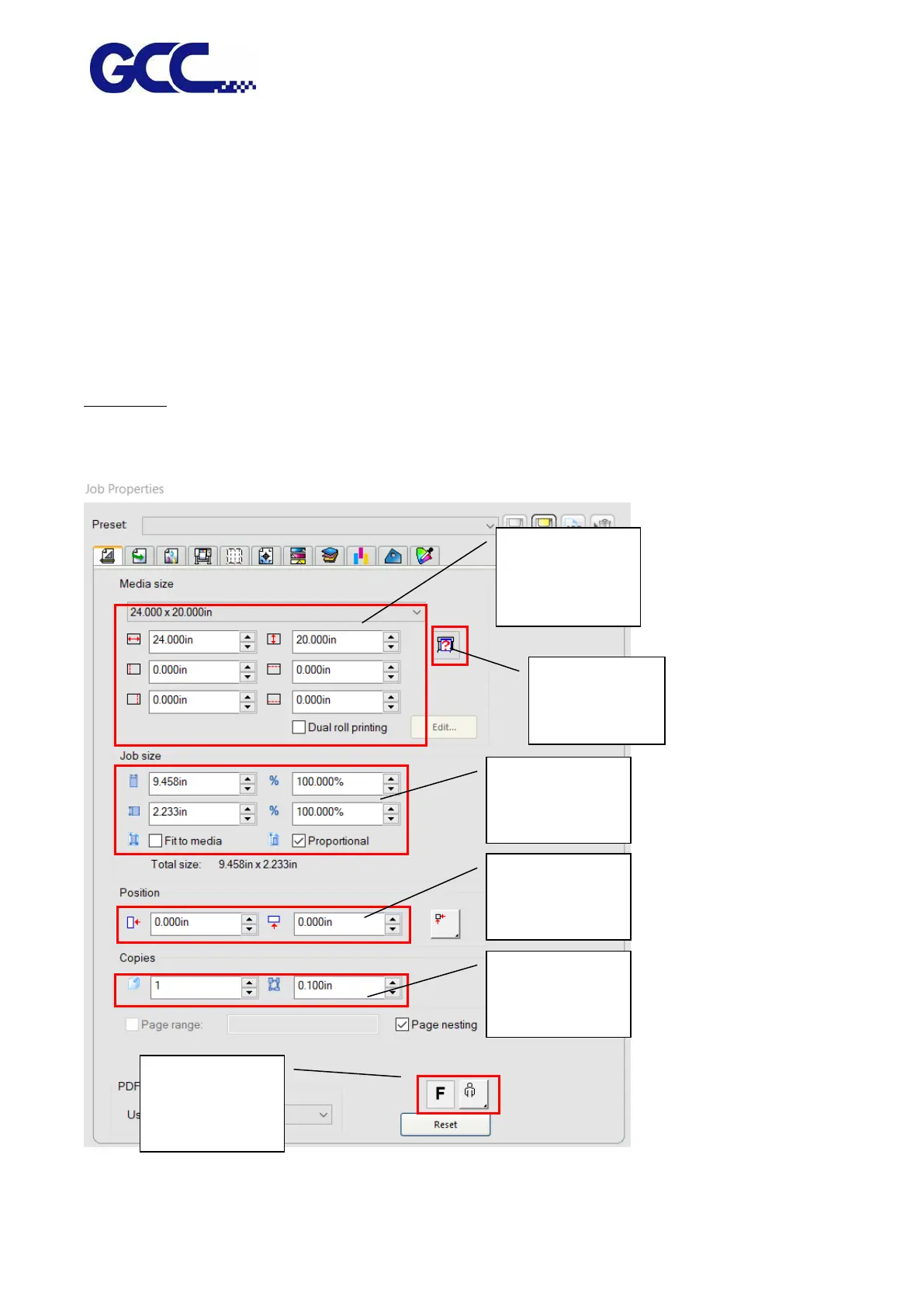
Layout Tab
The Layout tab controls how the job is positioned on the output media, what size it is and the layout
of the output.
Media Size
adjustment
area
Image setting
for rotate and
mirror






 To Next Page