EasyManua.ls Logo

GCC Technologies JF-240UV - Control Panel Layout Description

GCC Technologies JF-240UV
178 pages
Print Icon
To Next Page IconTo Next Page
To Previous Page IconTo Previous Page
Loading...
JF-240UV User Manual
30
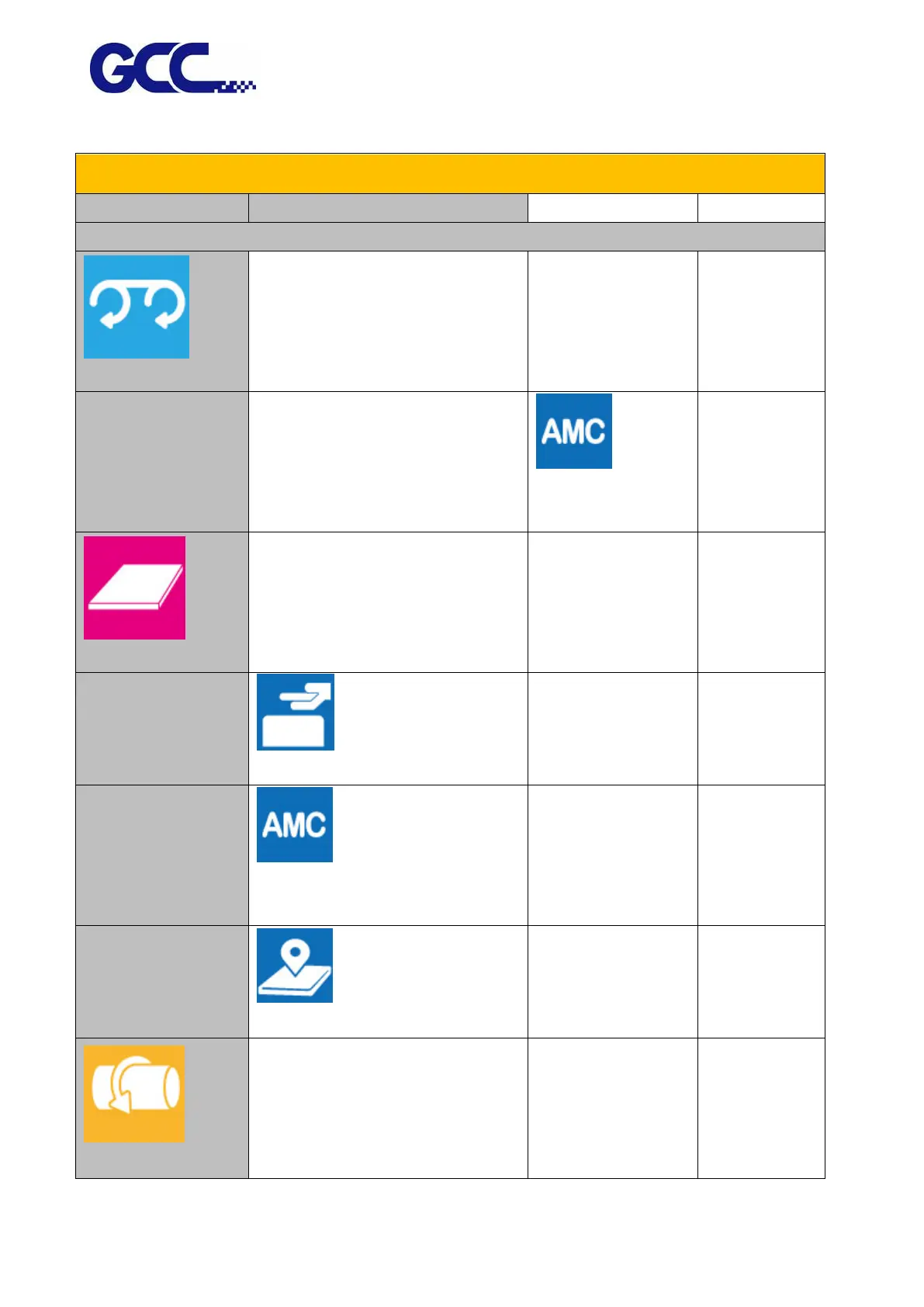
4.2 Control Panel Layout Description
Control Panel Layout Description
Function
Description
Setting
Default
Media sizing
ROLL (Media Roll)
Adjustment menu setup key for roll
media printing settings (work with
roll to roll system)
Optional
(AMC)
Automatically detect
the media height
FLATBED
Adjustment menu setup key for rigid
media printing settings
(LOAD MADIA)
Set/Place media height
(AMC)
Automatically detect the media
height
(SmartPOSITION)
Set printing area
ROTARY
Adjustment menu setup key for
rotary attachment printing settings
(work with rotary attachment)
Optional

Table of Contents

Related product manuals