JF-240UV User Manual
138
Chapter 6 Maintenance And Basic Service
This chapter provides the basic maintenance information for the JF-240UV flatbed printer (i.e. clean
up operations for the flatbed printer). Other than the operations described here, the rest of the
service must be carried out by trained maintenance professionals.
To keep the flatbed printer in the best performance and the best printing quality, it is necessary to
periodically clean / maintain this equipment with appropriate procedures.
6.1 Check Remaining Ink and Refill Ink
6.1.1 Check Remaining Ink
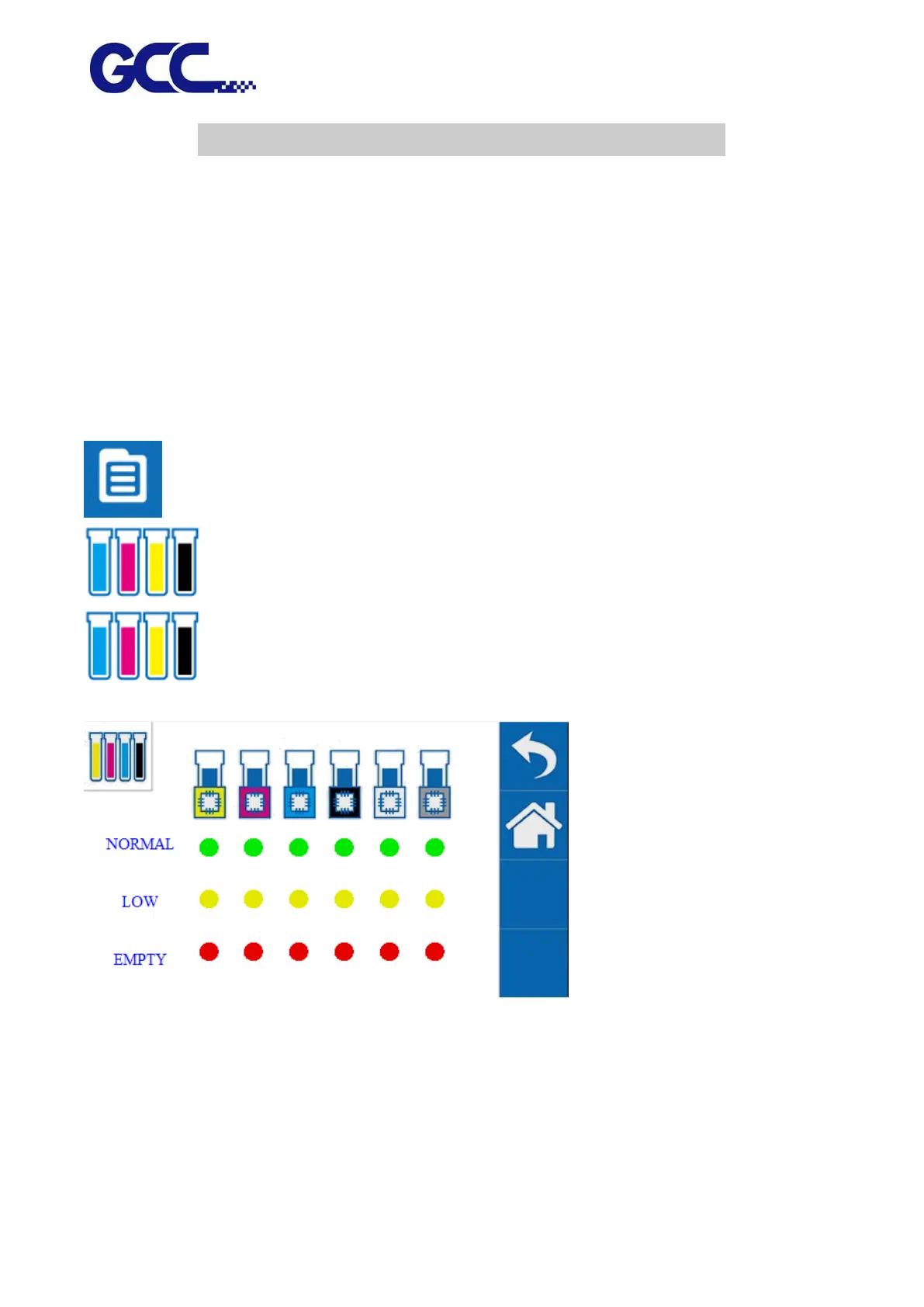
1. Select MENU on the control panel.
2. Select INK REMAININNG
3. Check remaining ink
Description:
*Green light indicates high ink level.
* Yellow light indicates medium ink level.
* Red light indicates low ink level, ink should be refilled immediately.






 To Next Page