JF-240UV User Manual
128
Step 1 Insert the installation disc and go to :\Program Files (x86)\FlexiPRINT 10.5.1 GCC Edition
E14-29 Usb\Program\GCCJF240UV
5.4 Tuning And Testing Procedure
Note: When the buzzer sounds, please check the message on control panel to see how to settle
the problem.
Note: if there is an emergency situation that you push the emergency stop button to shut off the
machine, make sure the problem is eliminated and restart the machine.
5.4.1 Read Factory Settings
Please obey the following steps to read the parameter settings for first-time use.
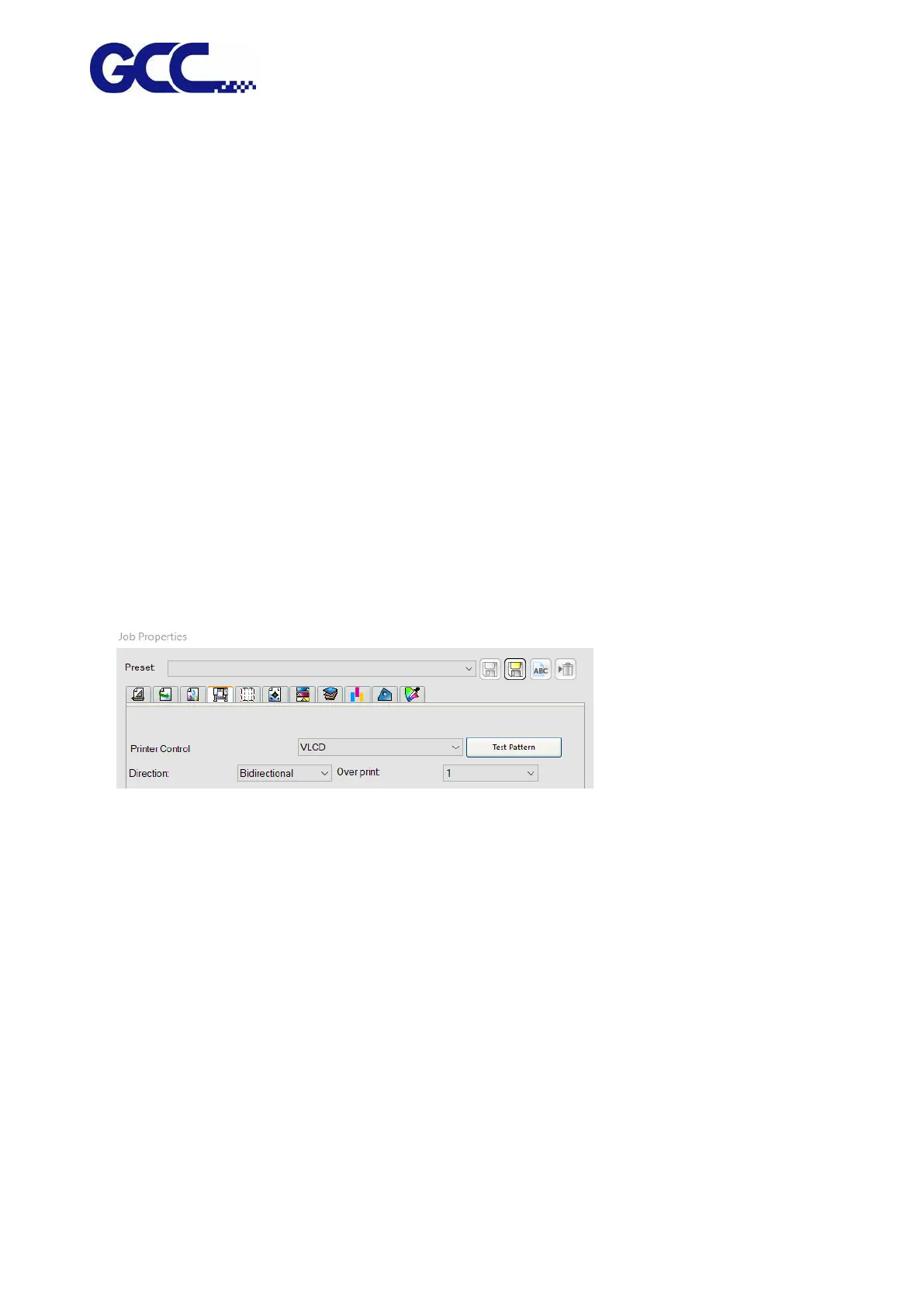
1. Open FlexiPRINT GCC Edition, select Printer Control→VLCD and click Test Pattern
2. Activate JF-240UV (VLCD) and click Open, select Parameters backup from machine, then
JF-240UV (VLCD) will automatically read the parameter backup saved in the machine, including
the parameter of Band Offset, Uni-Bi-Offset-PH Parameters and so on.






 To Next Page