JF-240UV User Manual
131
Ink jet head drop speed adjustment
Ink jet head voltage adjustment
Write Parameters to
machine
Send the parameter settings to machine
Parameters backup
from machine
Retrieve parameters backup from
machine
Read M/B version info.:
Motion Firmware Version
Motion FPGA Version
Ink ID Board Version
Engine Board Version
5.4.3 Preliminary Calibration Parameters
Set the printing direction. When Uni-Directional is selected, the image will be printed only from
right to the left; when Bi-directional is selected, the image will first printed from right to left, then
from left to right. This calibration is primarily used to ensure the uni-directional / bi-directional
printing precision.
Uni-Directional Calibration:
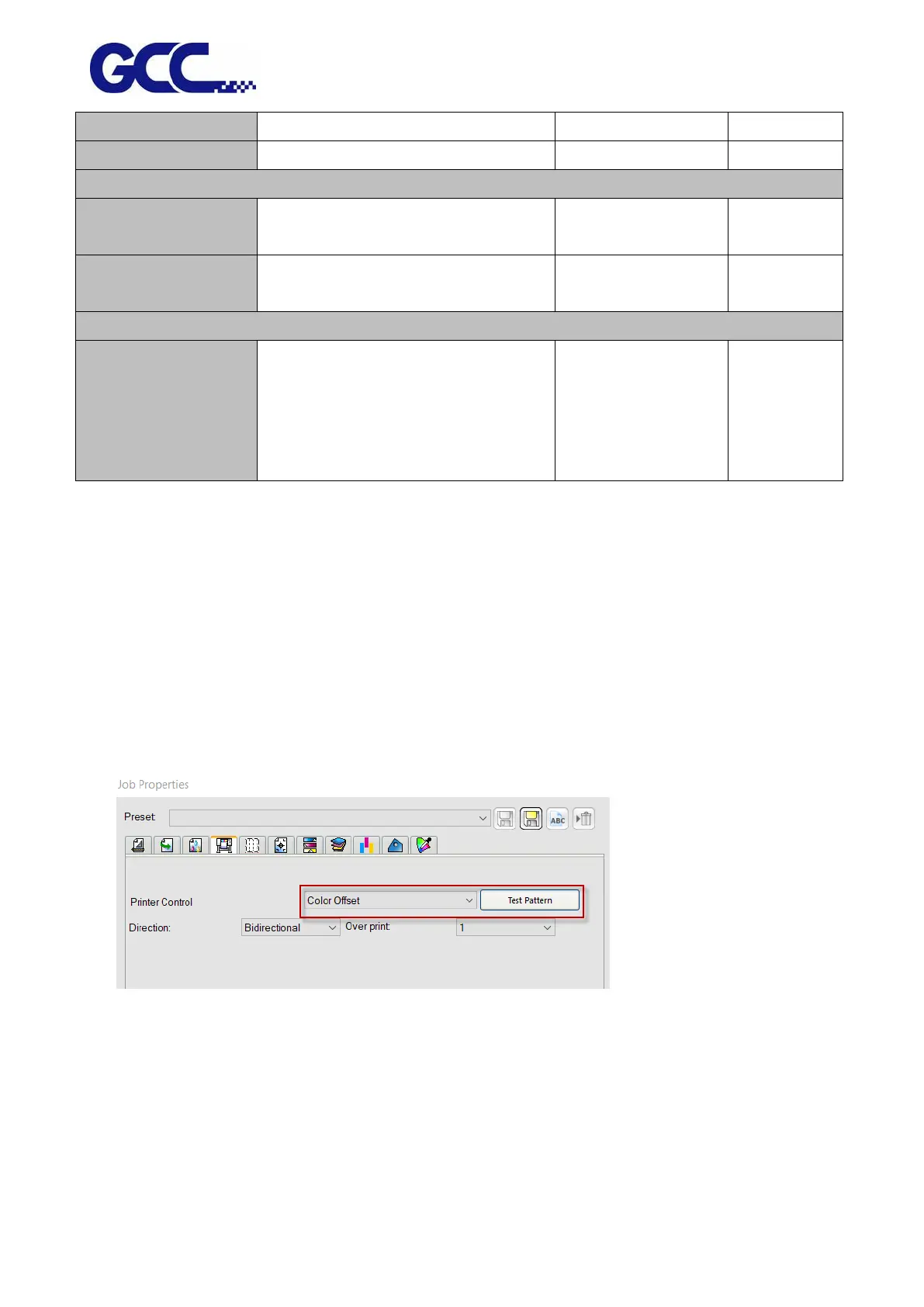
1. Start FlexiPRINT GCC Edition, select Color Offset in Printer Control and click Test Pattern.
2. JF-240UV will automatically start Color Offset Test Pattern






 To Next Page