JF-240UV User Manual
156
6.4 How To Replace The Filter and Glass Surface Of LED Lamp
Note: It is suggested to change the filter of LED lamp every six months.
Step 1
1. Select MENU on the control panel
2. Select MAINTENANCE
3. Select REPLACE LED LAMP.
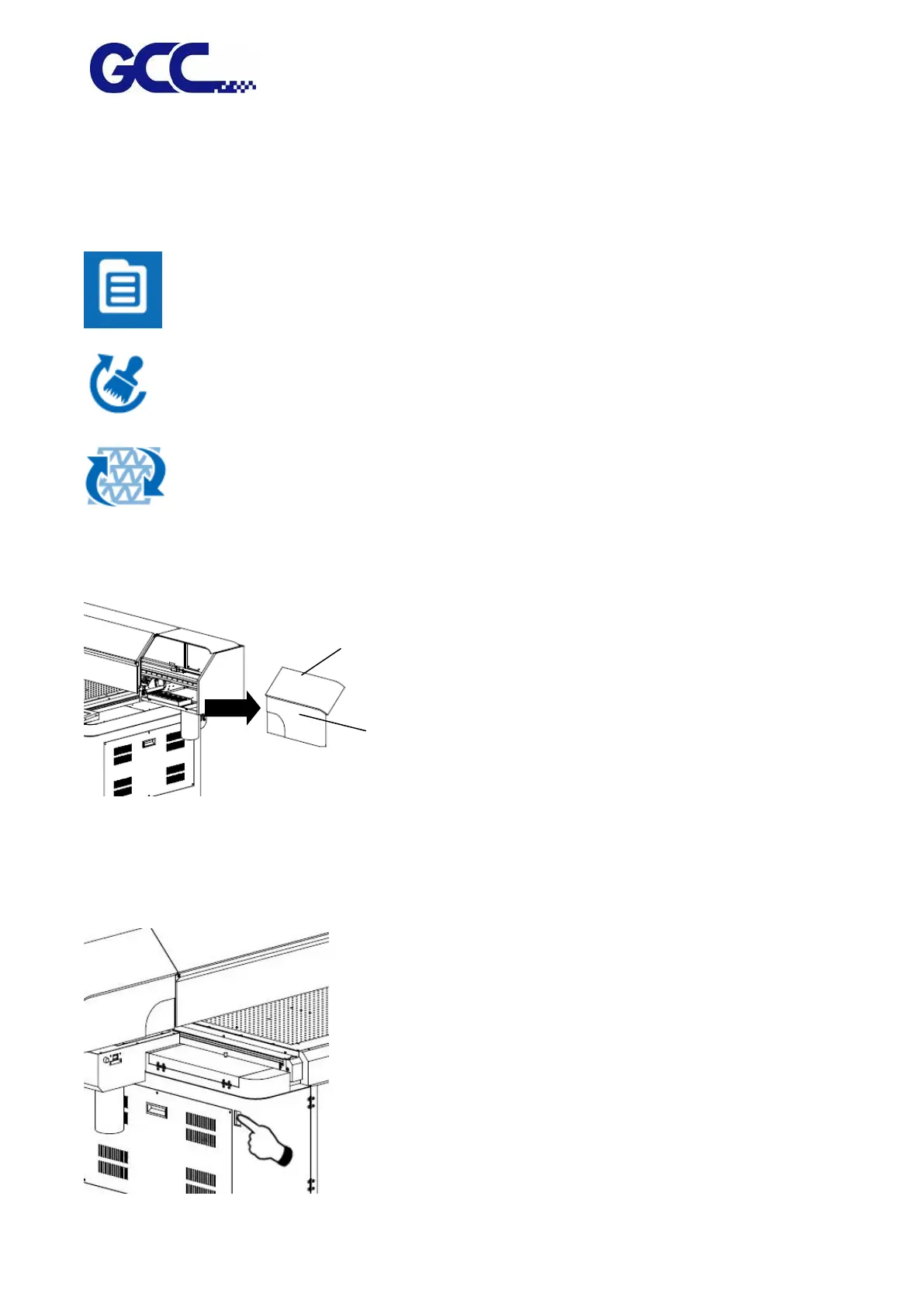
Step 2 Remove the thumbscrews and open the right cover.
Step 2 Turn off all ink valves.
Step 3 Turn off the power and unplug the power cord.






 To Next Page