JF-240UV User Manual
155
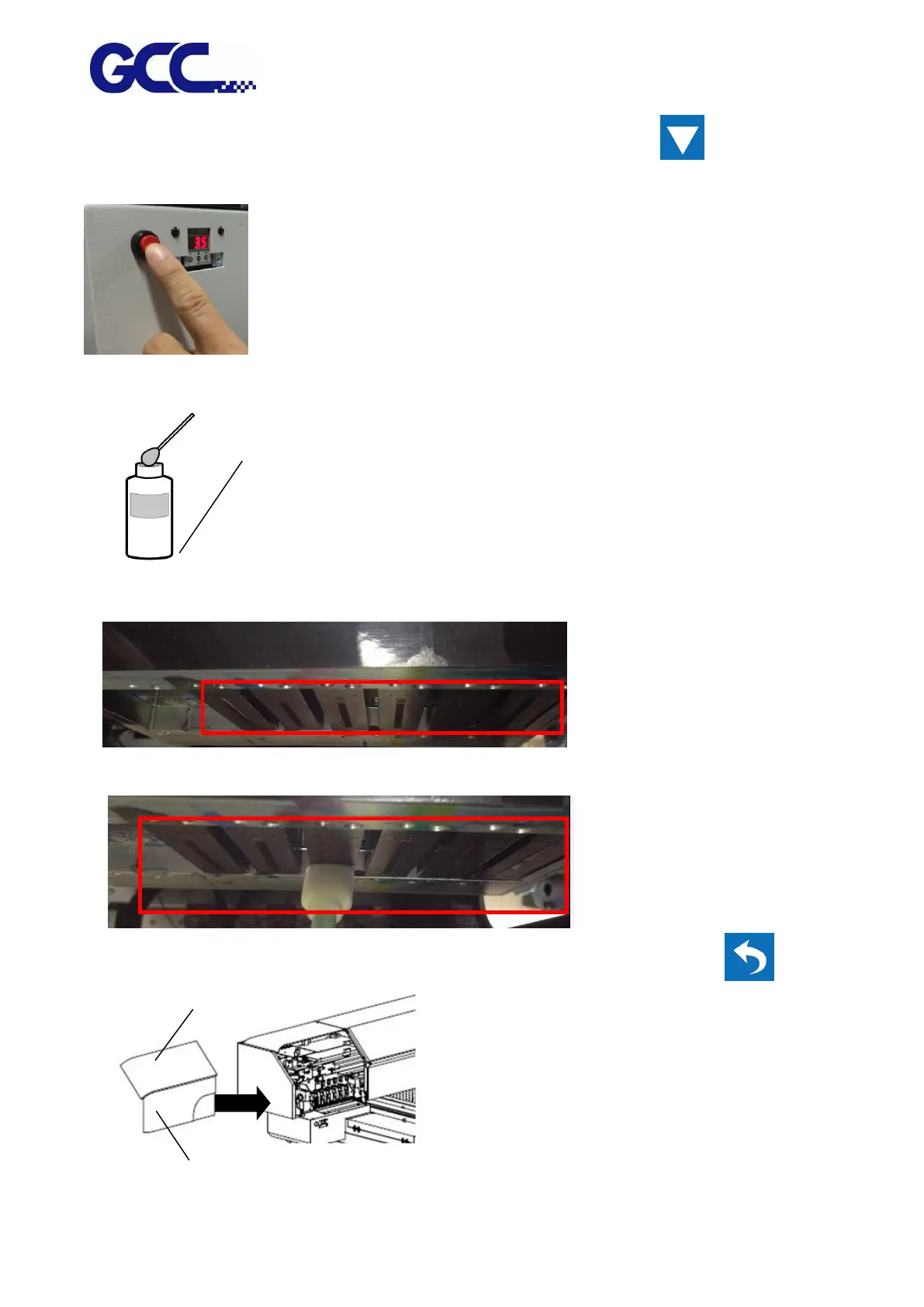
Step 4 Press Purge switch for 3 seconds and wait for 20 seconds, then press and close ink
valve.
Step 5 Dip the cleaning swab into the cleaning solution bottle to moisten it.
Step 6 Check carefully if there are any residues of ink left on the area underneath the print heads.
Step 7 Use sponge swabs to clean the area and wipe residues from back to front.
Step 8 Open ink valve, close up the left cover and fix it with thumbscrews and select .
Be sure to clean using
One of the included
Cleaning sticks.






 To Next Page