JF-240UV User Manual
147
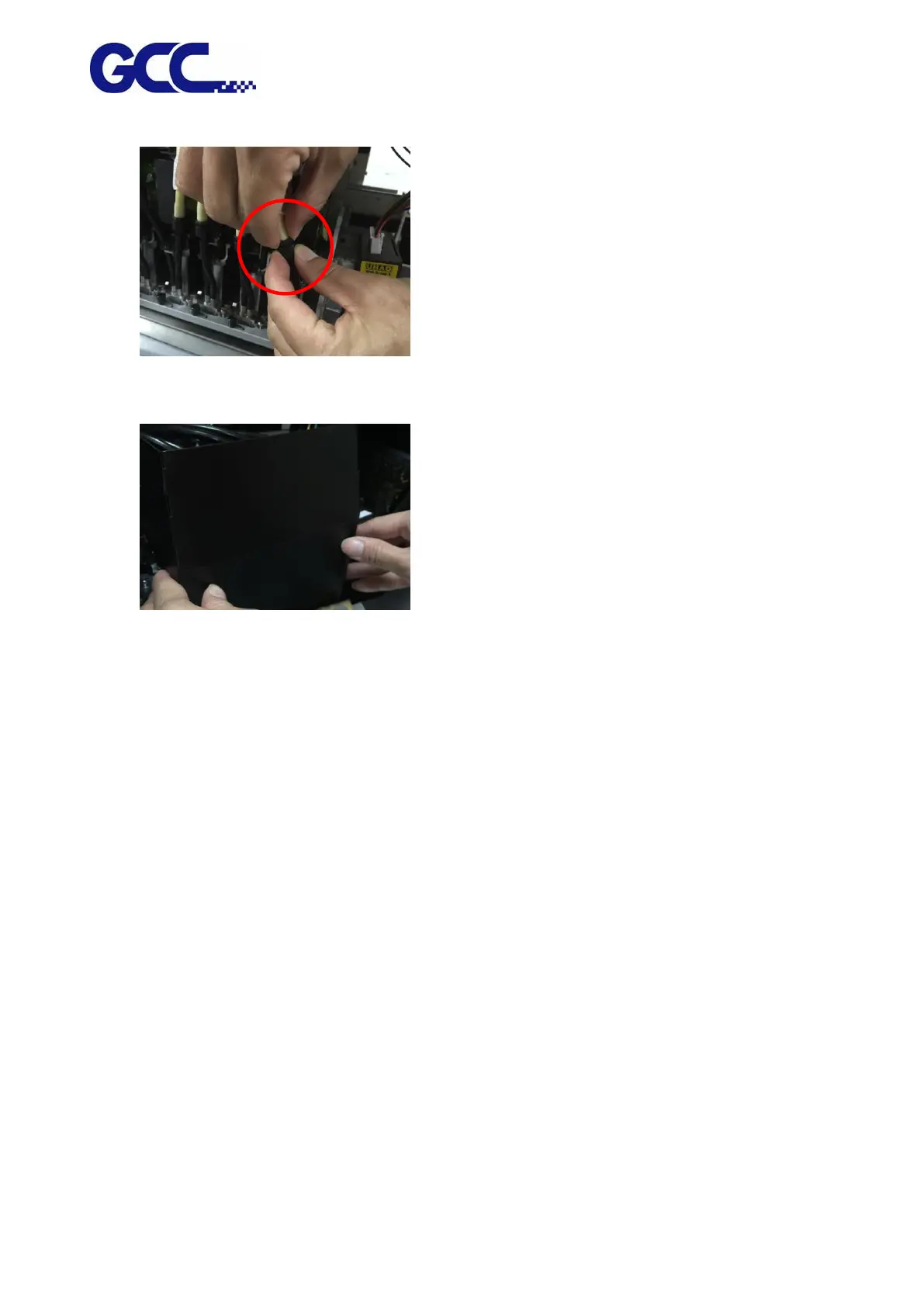
Step 7 Switch off the ink tube
Step 8 Close the tool carriage cover.
Step 9 Complete
6.3.2 Maintenance And Clean Up For Print Head of White Ink
When the machine is power-down longer than 7 days or print head nozzle of white ink clogged,
conduct the following steps before printing.
Step 1 Turn on the power.






 To Next Page